Step 1
Upload the episode recording
Add the full episode file — MP4 video recording or audio file. Long recordings upload via cloud. One upload serves all clips from that episode.
Editly AI
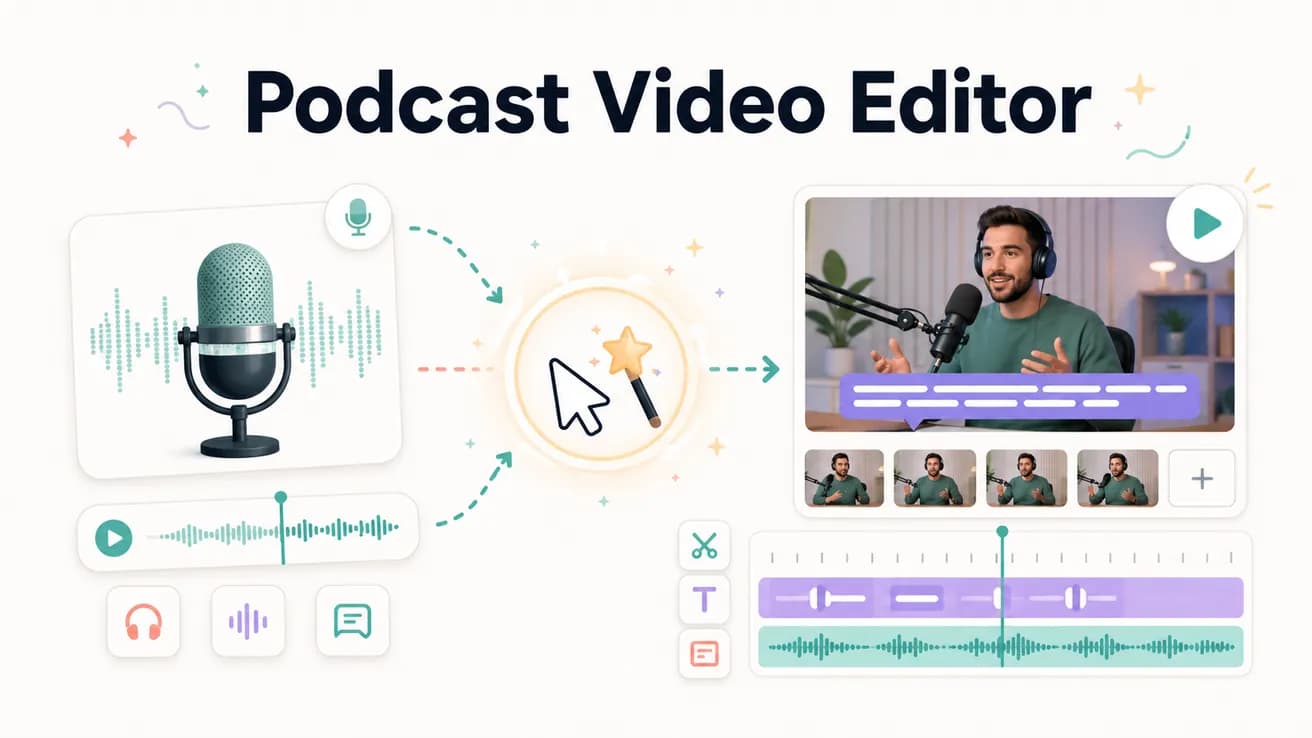
Yes — upload your podcast video recording (MP4, MOV, MKV) and write a prompt describing the clip you want. Editly analyzes the footage, finds the segment, removes silences, adds captions, and exports. It works on both video and audio recordings.
The real difference between clipping podcasts by hand and using AI automation.
| Decision | Other Apps | Editly |
|---|---|---|
| Time per clip | Manual: 30-60 minutes per clip — scrubbing, trimming, captioning, exporting each one | Editly: 5-10 minutes per clip — write a prompt, wait for processing, download |
| Captions | Manual: separate captioning tool or manual SRT per clip — easily an hour of work | Editly: captions in the prompt — generated from spoken content, burned in automatically |
| Clips per episode | Manual: 1-2 clips per episode because time cost is too high for more | Editly: 5-10 clips per episode — each is a prompt, not a separate editing project |
| Silence and filler removal | Manual: frame-by-frame or dedicated tool (Descript, Premiere plugin) for each clip | Editly: 'remove silences and filler words' in the prompt — applied to every clip |
Step 1
Add the full episode file — MP4 video recording or audio file. Long recordings upload via cloud. One upload serves all clips from that episode.
Step 2
'From the section starting around minute 14 where we discuss [topic], create a 60-second vertical clip for TikTok. Start with the most quotable line. Add white bold captions. Remove pauses.'
Step 3
Same upload, different prompts: a 5-minute YouTube video from the best 5 minutes, a 45-second Reel from a different segment, a teaser trailer from the intro. Each is a new prompt, not a new project.
Step 4
Download finished clips and schedule them across YouTube Shorts, Instagram Reels, TikTok, and your main YouTube channel. One episode, a week of content.
Upload your most recent episode. Run 3 clip prompts targeting your strongest moments. See how much content was hiding in one recording.