Step 1
Upload a recording you want to turn into multiple Reels
Add a webinar, podcast episode, interview, or tutorial. Editly handles the long format.
Editly AI
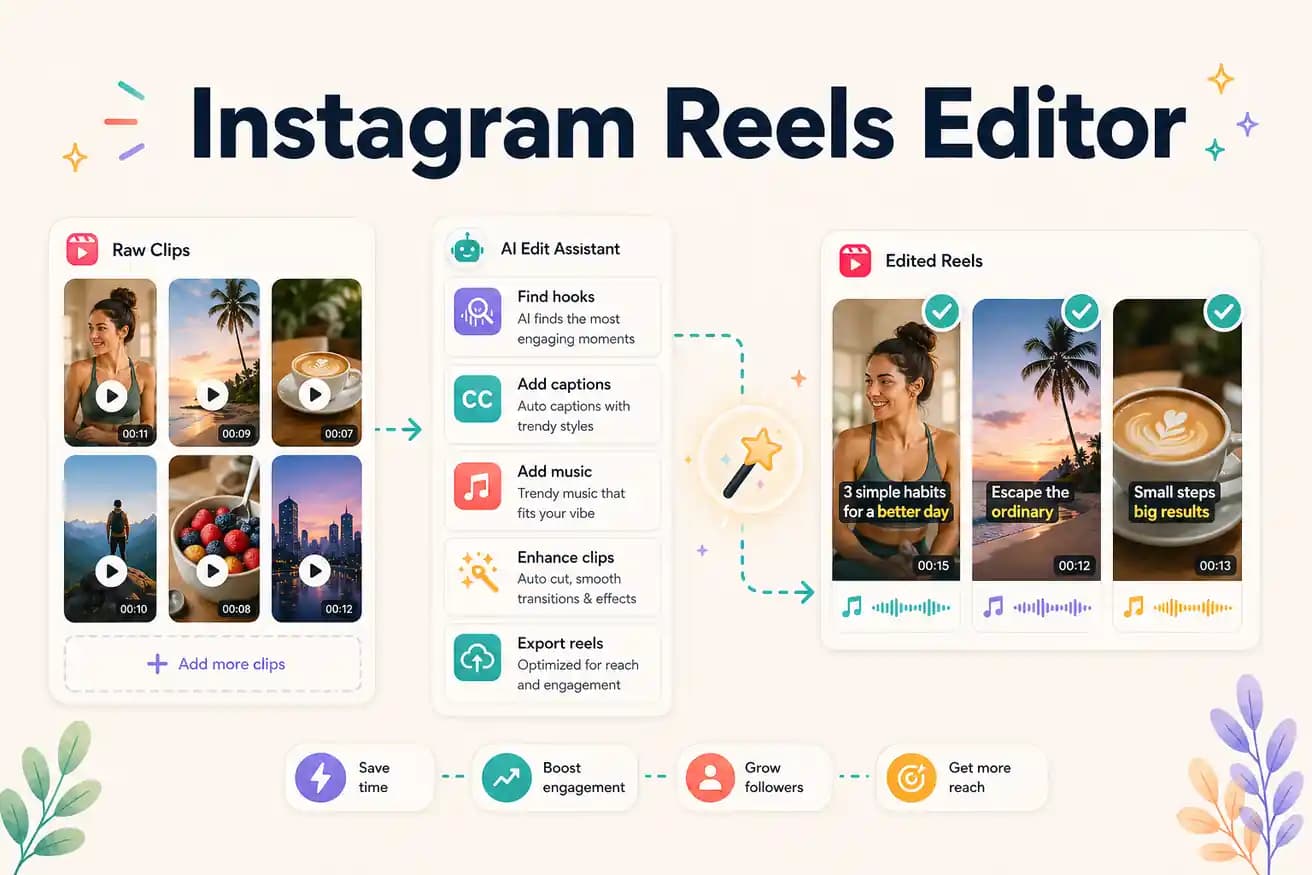
Upload your long recording to Editly. Write a prompt specifying the target segment, length (up to 90 seconds), 9:16 format, and caption style. Editly extracts the segment, applies vertical framing, and generates captions automatically.
Different tools for different Reels workflows. Match the tool to how you create content.
| Decision | Other Apps | Editly |
|---|---|---|
| Phone-filmed Reels | CapCut / InShot: purpose-built for mobile Reels from phone footage — best for this use case | Editly: not the right tool for phone-native Reels — use CapCut for that |
| Reels from long recordings | Mobile apps: tedious for long footage — manual scrubbing on small screen, per-clip projects | Editly: efficient for long footage — AI segment selection, prompt per Reel, same upload |
| Batch Reels production | Mobile apps: each Reel is a full manual project — time scales linearly with volume | Editly: each Reel is a prompt — time scales sublinearly with volume |
| Captions | Mobile apps: auto-caption requires per-Reel mobile review and styling | Editly: caption style in prompt — consistent across all Reels, no per-Reel review |
Step 1
Add a webinar, podcast episode, interview, or tutorial. Editly handles the long format.
Step 2
'Extract the section about [topic] (around minute 5-8). Create a 60-second Instagram Reel. Start with the strongest statement. 9:16. White bold captions. Remove pauses.'
Step 3
'Extract the section about [different topic] (around minute 20-25). Same format.' Editly produces a separate Reel from the same upload.
Step 4
Schedule your Reels across the week. One recording session provides content for multiple days of consistent Reels posting.
Upload one long recording. Write 3 prompts targeting 3 different valuable segments. Receive 3 Reels-ready vertical captioned clips from your free credits.
Related editing pages