Editly in Action
Watch how a single prompt turns raw footage into a polished edit.
Think of us like
ChatGPT__, but for Video Editing.
How It Works
Three steps. No timeline. No learning curve.
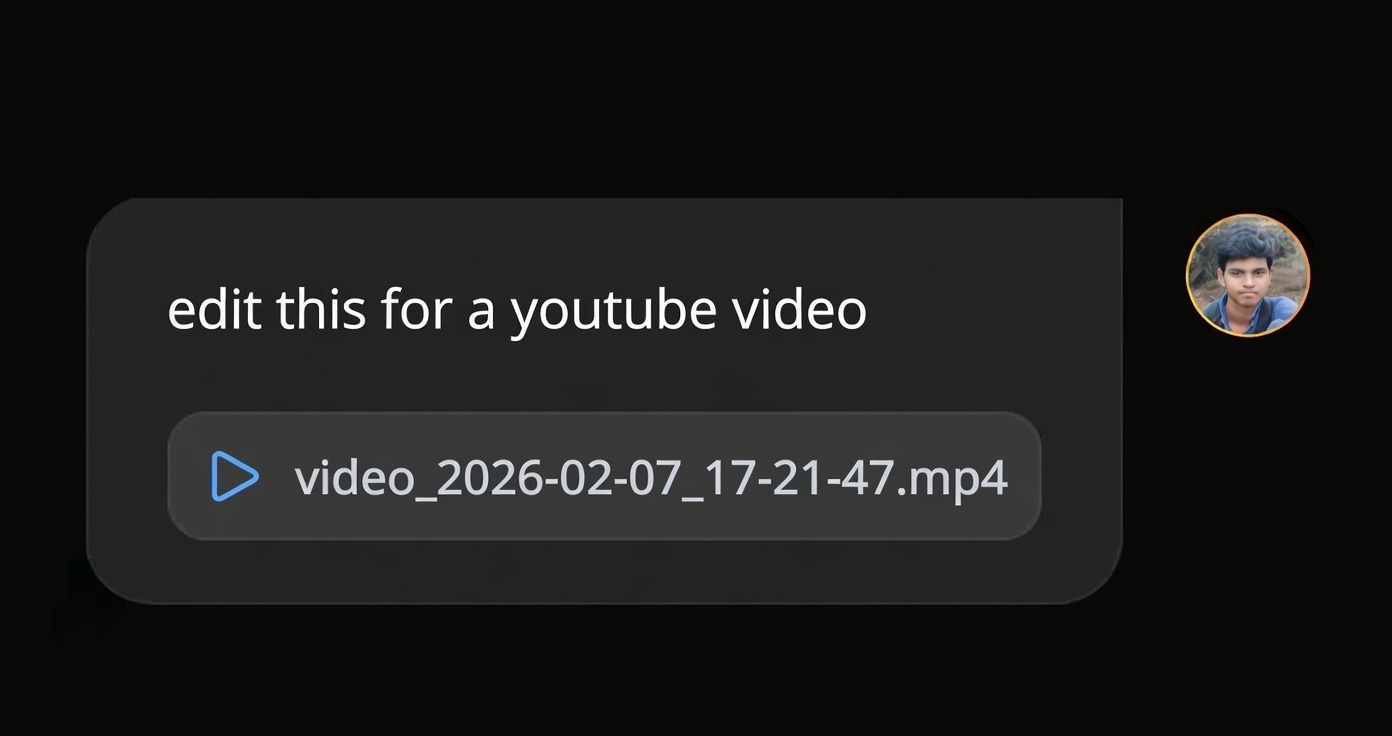
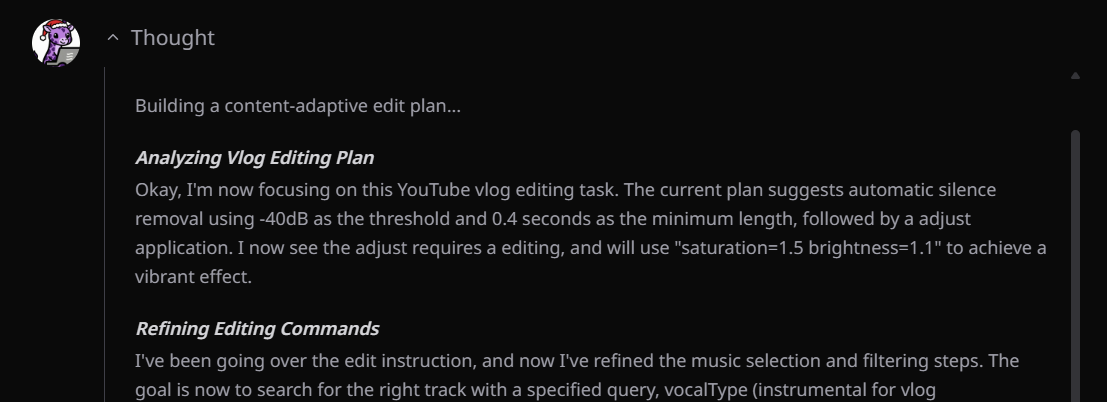
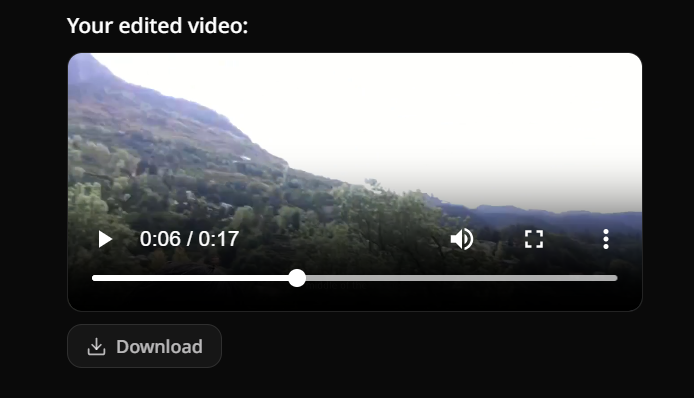
1. Prompt
Upload your video and tell Editly what to do.
Why Editly?
Stop compromising. Get the best of all worlds.
| Comparison | Editly AI AGENT | Human Editor | CapCut / Premiere Pro | ChatGPT / Gemini / Grok |
|---|---|---|---|---|
| Editing Mode | Automated Agent | Manual & Delegated | Manual Timeline | Text Only (No Video) |
| Turnaround Time | Minutes | Days / Weeks | Hours | N/A |
| Cost Efficiency | $28/mo | $50 - $100 / hour | Free / Subscription | $20/mo |
| Context Understanding | ||||
| Revisions | Instant (via Text) | Slow (Back & Forth) | Do it yourself | N/A |
Trusted by Content Creators Worldwide
Join 350+ TikTok, YouTube, and Instagram creators saving hours every day.



Calculate Your Video Editing Savings
See exactly how much time and money AI video editing can save you.
10videos / month
1100+
Your Estimated Savings
Monthly breakdown
Estimated Monthly Savings
$410
Suggested Plan
Pro($28/mo)
Manual Editing Cost$450
View Full Details
Get a detailed breakdown of your potential ROI
AI Video Editor FAQ
Everything you need to know about automatic video editing with AI.
Yes, Editly is specifically trained on high-performing social media content. It understands pacing, trends, and formats for TikTok, Instagram Reels, and YouTube Shorts. You can ask it to make it viral or cut for TikTok, and it will apply fast cuts, dynamic captions, and trending styles automatically.
Unlike traditional editors where you move clips on a timeline, Editly works with natural language prompts. You upload your raw footage and type instructions like remove silences, add B-roll, or highlight the funny parts. Our agentic AI analyzes the video content, audio, and context to execute these edits autonomously.
Absolutely. Editly can process long recordings, podcasts, or vlogs. You can use it to trim fluff, remove dead air, add chapter markers, or even repurpose a long video into multiple short viral clips for social media.
Editly is designed to replace the manual work you do in tools like CapCut or Adobe Premiere Pro. However, you can export your final video and add finishing touches elsewhere if you prefer. Most users find Editly's built-in AI capabilities sufficient for their entire workflow.
Editly offers a flexible pricing model. You can start with a Free Trial to test the waters. For serious creators, we have Pro and Max plans starting at $28/month billed yearly, which offer more credits and features. Check our Pricing page for full details.
No. Editly is entirely cloud-based. All the heavy lifting for video analysis, processing, and rendering happens on our powerful servers. You can use Editly on any device with a web browser, including laptops, tablets, and even smartphones.
AI Video Editor Pricing
Start free, upgrade for more credits and features.
MonthlyYearly (Save 30%)
Free Trial
$0/mo
Perfect for testing the waters.
- 3 lifetime credits
- Community support
- Report bugs
- Low upload limits
- Basic rendering
Most Popular
Pro
$28/mo
For new creators and freelancers.
- ALL FREE +
- 100 credits/month
- Founder support
- High upload limit
- Priority rendering
- Exclusive Media Library
- Personalise Editly for you
Max
$70/mo
For serious creators and agencies.
- ALL PRO +
- 500 credits/month
- Highest upload limit
- API (Coming Soon)
- Request features
- Teams mode (Coming Soon)
Enterprise
Custom
For large organizations globally.
- ALL MAX +
- Unlimited credits
- SSO & SAML
- Dedicated Success Manager
- Custom AI Models
- SLA & Priority Support
Supported By
Microsoft for Startups
 for Startups
Find Us On
