Step 1
Record your YouTube content
Use your existing recording setup. Editly improves the editing of any footage — no special recording requirements.
Editly AI
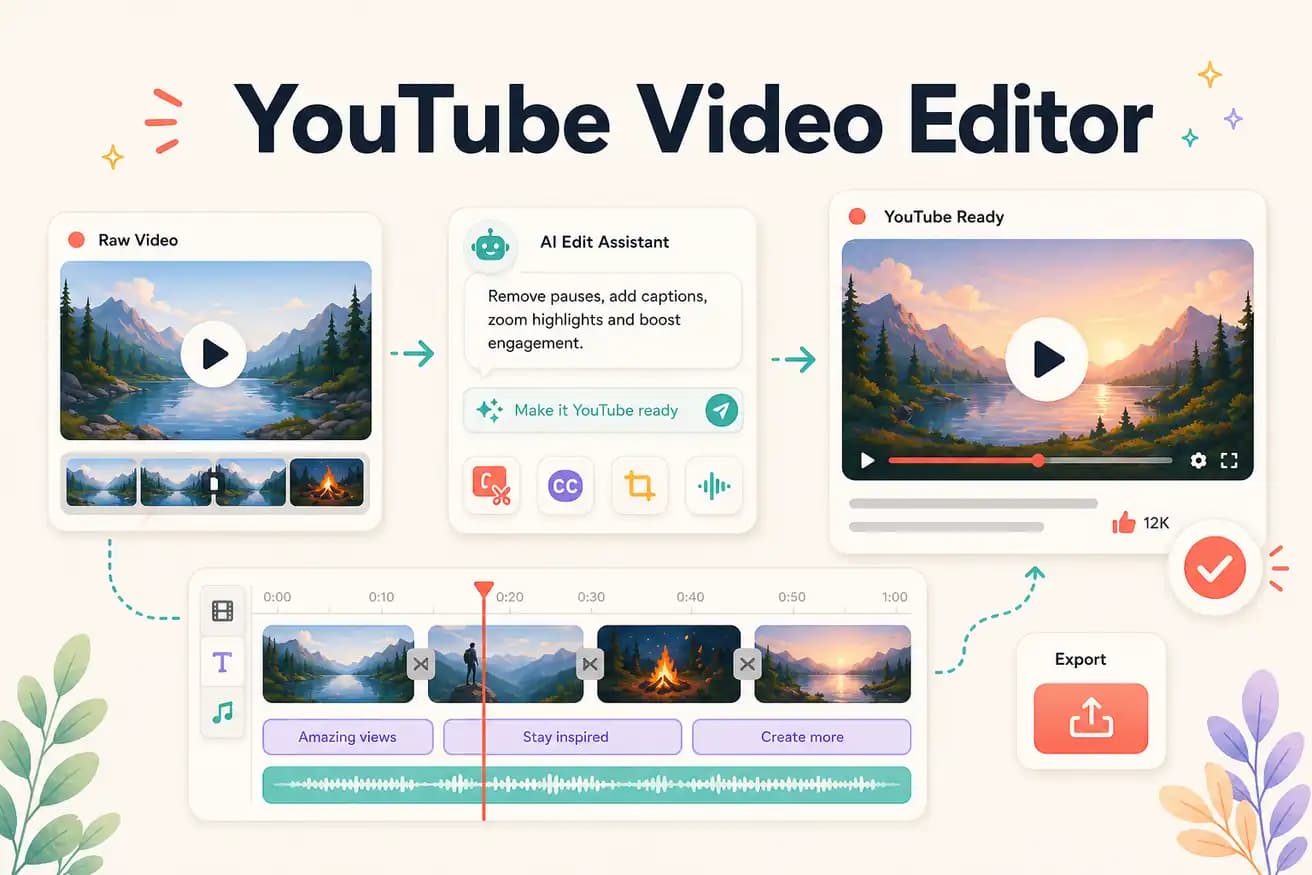
For professional YouTube production: DaVinci Resolve (free) or Premiere Pro. For AI-automated YouTube editing: Editly. For beginners: Filmora or Clipchamp. The best YouTube editor is the one that balances quality, speed, and cost for your specific content type and publishing goals.
Comparing YouTube video editors on the criteria that matter for growing channels.
| Decision | Other Apps | Editly |
|---|---|---|
| Time from footage to published video | DaVinci Resolve / Premiere: 2-4 hours from import to YouTube upload | Editly: 15-20 minutes from upload to YouTube-ready export |
| YouTube captions | Traditional YouTube editors: 30-60 minutes additional for captioning per video | Editly: captions in the prompt — included in the 15-20 minute total time |
| Silence removal | Traditional YouTube editors: manual or plugin-based — 20-40 additional minutes per video | Editly: 'remove silences' in the prompt — automated, no additional time |
| Required skills | Traditional YouTube editors: weeks of learning before producing acceptable output | Editly: ability to write an email — zero specialized knowledge required |
Step 1
Use your existing recording setup. Editly improves the editing of any footage — no special recording requirements.
Step 2
'Create a 10-minute YouTube tutorial from this 40-minute recording. Remove silences. Add white captions. Start with a hook in the first 30 seconds. Export 1080p 16:9.'
Step 3
Editly returns a finished cut. Check the structure, hook, pacing, and captions.
Step 4
Download the 1080p MP4. Upload to YouTube, add thumbnail and description. Done — in under 30 minutes total.
Upload your next YouTube recording. Write a YouTube brief. See a finished video in 15-20 minutes. Compare to your current editing time. 3 free exports.