Step 1
Upload your footage
Add your video with spoken content — interview, tutorial, demo, vlog, webinar clip.
Editly AI
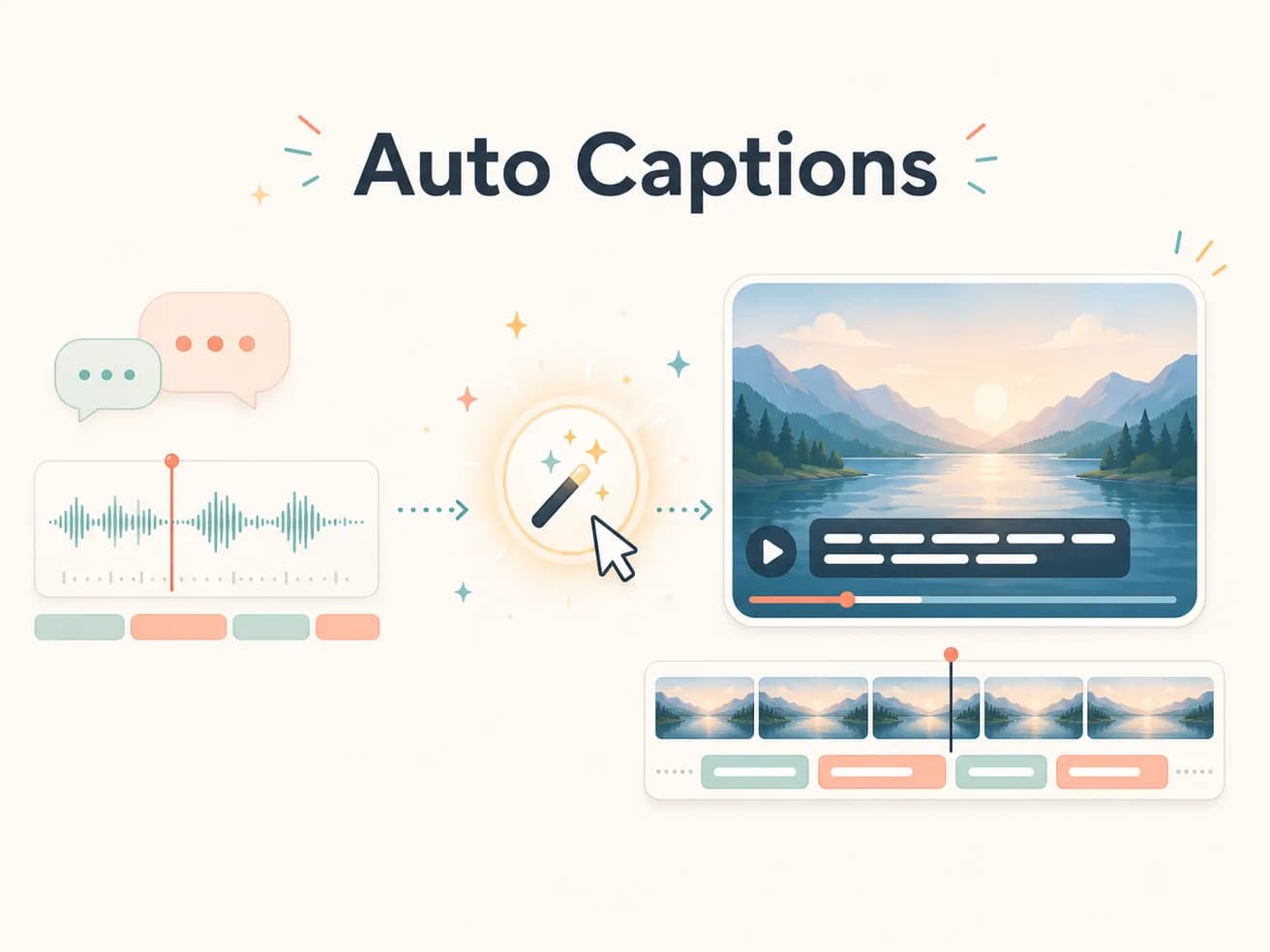
Editly uses Gemini AI for caption generation, which is accurate for most standard speech including accented speakers and domain-specific vocabulary. For highly technical content or unusual accents, first-pass accuracy may be 90-95%. For standard talking-head content, accuracy is typically very high.
Comparing auto captions as part of the edit versus as a separate workflow.
| Decision | Other Apps | Editly |
|---|---|---|
| When captions are applied | Separate workflow: after editing, in a separate captioning step — additional 30-60 minutes | Editly: during editing, as part of the same AI pass — zero additional time |
| Style setup | Separate workflow: manual styling in captioning tool or video editor per project | Editly: caption style in the prompt — consistent style across all videos automatically |
| Caption visibility | TikTok/YouTube post-upload captions: viewer opt-in required — many viewers never see them | Editly burned-in: always visible to all viewers regardless of settings |
| Review requirement | Separate captioning tools: manual review of every line required for quality | Editly: first-pass review sufficient for most content — spot check rather than line-by-line |
Step 1
Add your video with spoken content — interview, tutorial, demo, vlog, webinar clip.
Step 2
'Add bold white captions at the bottom' or 'Add captions in the lower third with black text on white background.' The style specification is part of the same edit prompt.
Step 3
Editly returns a video with captions burned in — styled and positioned according to your prompt. No separate captioning step.
Step 4
Review the captions in key sections, particularly for proper nouns, technical terms, or any sections where accuracy is critical. Follow-up prompts can address specific caption issues.
Upload footage with spoken content. Write a prompt including 'add captions.' Receive a finished video with captions burned in. 3 free exports to test.
Related editing pages