Step 1
Upload the raw recording
Add the full session file — video or audio. One upload covers the full episode and all clips.
Editly AI
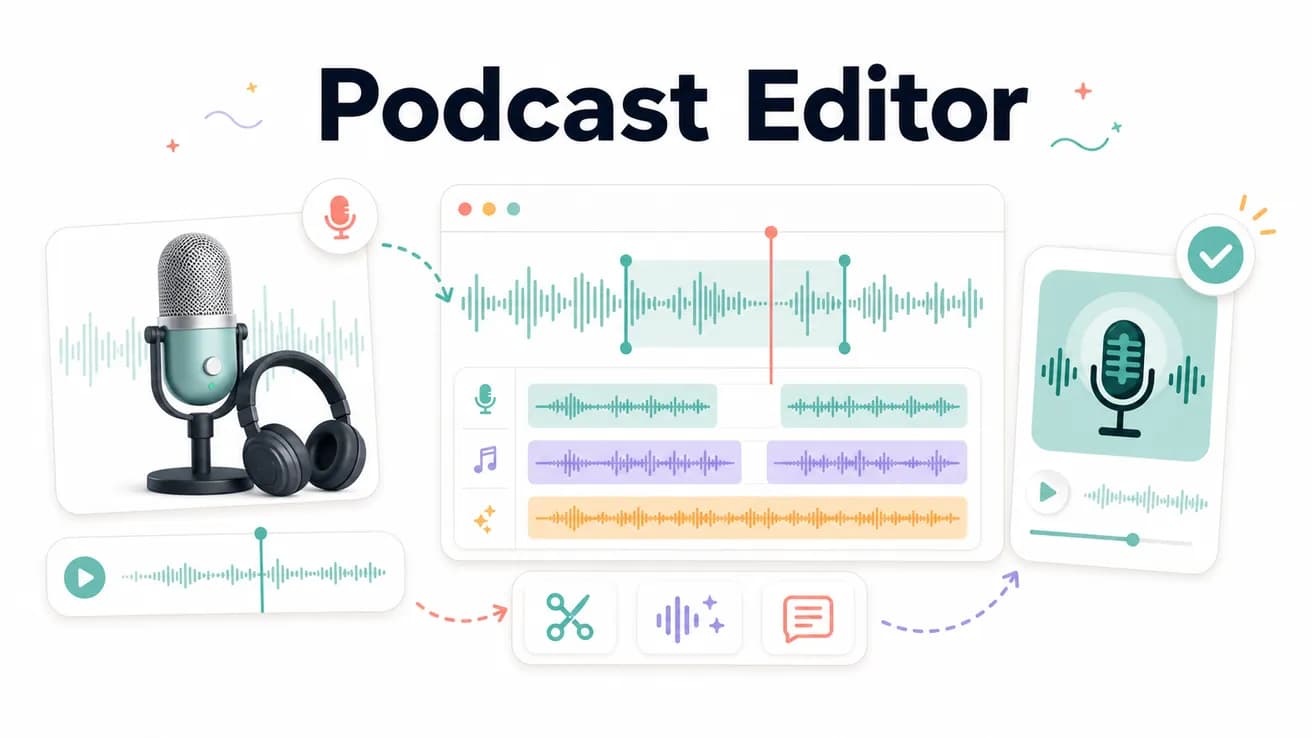
Yes — upload your podcast recording (video or audio) and write a prompt describing the edit. Editly removes silences, cleans filler words, and exports a tight cut without manual waveform editing.
What changes when you replace the waveform with a prompt.
| Decision | Other Apps | Editly |
|---|---|---|
| Silence removal | Manual: scrub the waveform, cut each silence by hand — 1–2 hrs per episode | Editly: 'remove silences over 0.5 seconds' — applied in one pass |
| Clip creation | Manual: each social clip is a separate project — 30–60 min per clip | Editly: each clip is a prompt on the same upload — 5–10 min per clip |
| Captions | Manual: separate transcription tool, SRT import, timing review per clip | Editly: 'add captions' in the prompt — burned in automatically |
| Weekly time cost | Manual: 4–8 hrs per episode including edits and clips | Editly: 1–2 hrs total — prompts, review, and download |
Step 1
Add the full session file — video or audio. One upload covers the full episode and all clips.
Step 2
'Clean up this 50-minute episode. Remove silences over 0.4 seconds. Remove filler words. Export as a tight 42-minute cut.'
Step 3
'From minute 12–15 where we discuss [topic], create a 60-second Reel. 9:16. Add captions. Start with the most quotable line.'
Step 4
Download the cleaned episode and each clip. Publish the episode, schedule the clips. One session done.
Upload a recording. Try one episode clean-up and two clips. See how much editing time you get back.
Related editing pages