Step 1
Upload your long-form YouTube recording
Add the full recording you just uploaded (or plan to upload) as a long-form YouTube video.
Editly AI
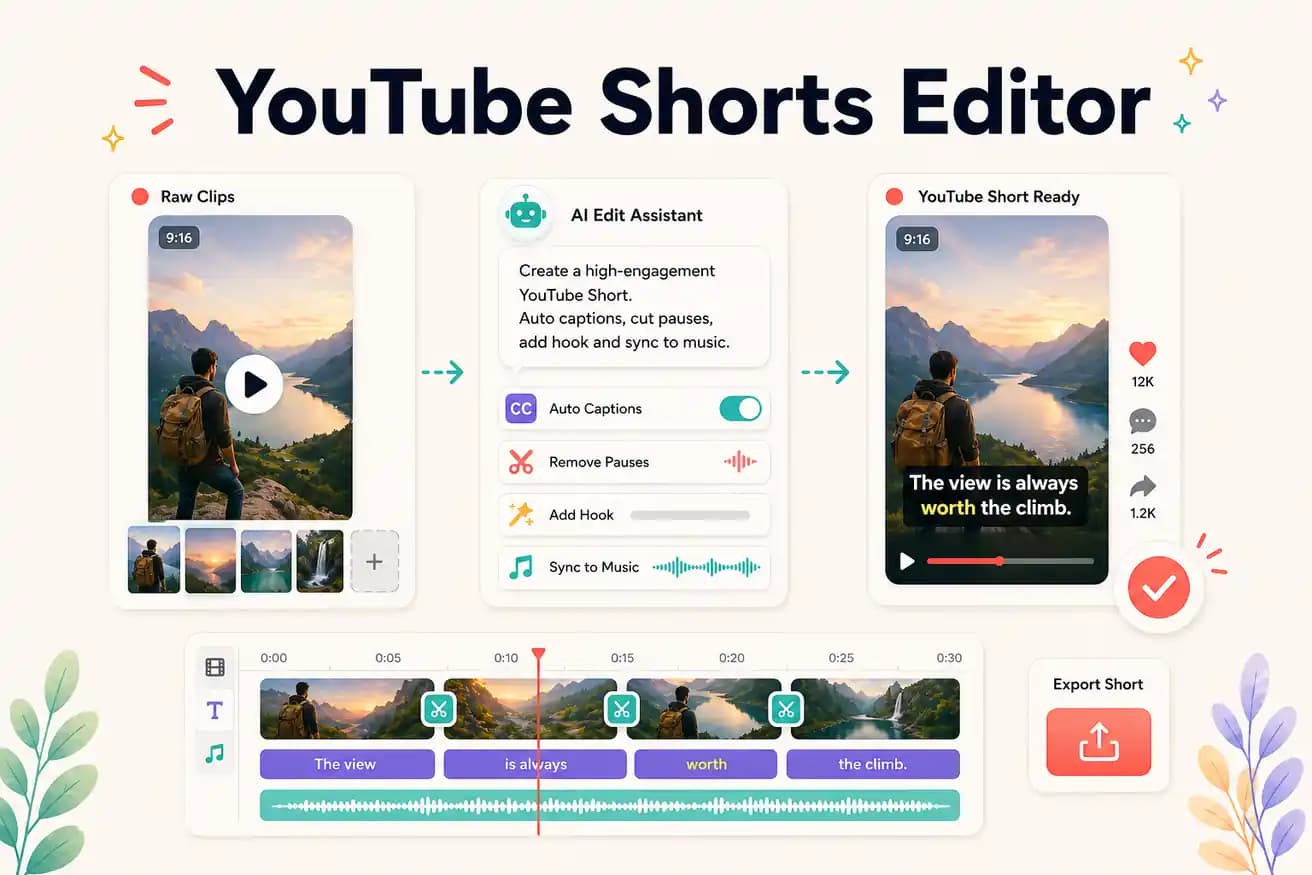
A YouTube Shorts editor creates short-form vertical video (9:16, under 60 seconds) from footage. Editly is an AI-powered Shorts editor that extracts the strongest segment from your long-form recordings, applies vertical framing, and generates captions — all from a text prompt.
Comparing manual Shorts editing against AI-powered Shorts extraction with Editly.
| Decision | Other Apps | Editly |
|---|---|---|
| Segment selection | Manual: scrub through long-form footage to find the best 30-60 second segment for a Short | Editly: AI identifies the strongest segment based on your prompt guidance |
| 9:16 vertical framing | Manual: separate export/crop for vertical framing from horizontal footage | Editly: '9:16 for YouTube Shorts' in the prompt — applied automatically |
| Captions | Manual: separate captioning step for each Short | Editly: captions from the prompt — generated and burned in as part of the edit |
| Shorts from one long-form video | Manual: each Short is a separate project — linear time per Short | Editly: each Short is a prompt on the same upload — efficient at volume |
Step 1
Add the full recording you just uploaded (or plan to upload) as a long-form YouTube video.
Step 2
'Create a 45-second YouTube Short from the section around minute 8-11 where I explain [key insight]. 9:16 format. Start with the most surprising statement. Add captions.'
Step 3
Write separate prompts targeting different topics from the same recording. Each Short comes from the same upload but covers different insights.
Step 4
Upload each Short separately on YouTube. They'll be auto-detected as Shorts and appear in the Shorts feed.
Upload your long-form recording. Write 3 prompts for 3 different Shorts. Test how many strong Shorts are hiding in your existing content.
Related editing pages