Step 1
Upload your video with spoken content
Add your footage — interviews, tutorials, product demos, webinars, or any video with people speaking.
Editly AI
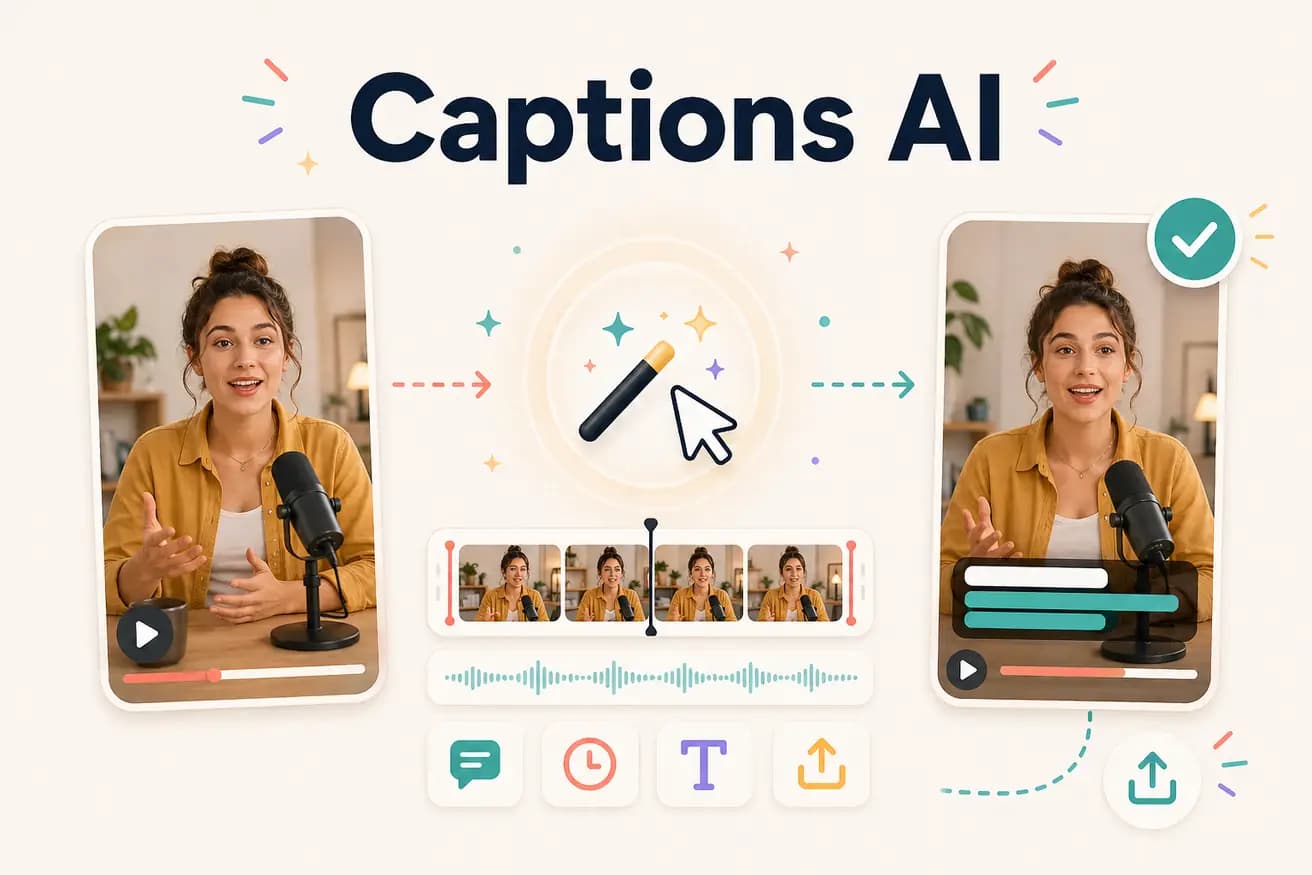
Editly uses Gemini AI to transcribe the spoken content in your footage, generate caption text with accurate timing, apply the style you specified in your prompt, and burn the captions into the video — all as part of the same AI editing pass.
Comparing AI captions as part of the edit against dedicated external caption tools.
| Decision | Other Apps | Editly |
|---|---|---|
| Workflow integration | Separate caption tools (Kapwing, VEED subtitles): additional step after editing — upload, generate, review, style, export again | Editly: captions in the edit prompt — generated and applied in the same pass as all edits |
| Style control | Separate caption tools: style options in the captioning interface — separate from edit | Editly: style specified in the prompt — integrated with all other edit instructions |
| Visibility | Platform auto-captions (TikTok, YouTube): viewer opt-in — not always shown | Editly burned-in: always visible to all viewers |
| Time cost | Separate caption tools: 30-60 minutes additional per video for captioning workflow | Editly: zero additional time — captions are part of the same 15-20 minute edit |
Step 1
Add your footage — interviews, tutorials, product demos, webinars, or any video with people speaking.
Step 2
Example: 'Create a 5-minute YouTube video from this interview. Remove silences. Add bold white captions at the bottom third. Export 16:9 1080p.' Caption instructions are part of the same prompt.
Step 3
Editly returns a finished video with Gemini-generated captions burned in, styled according to your prompt.
Step 4
Review the captions in key sections. For social content, a quick review is sufficient. For accessibility-critical content, a more thorough review may be needed.
Upload footage with spoken content. Write a prompt including caption style instructions. See AI-generated burned-in captions in the output. 3 free exports.
Related editing pages