Step 1
Upload your raw footage
Add your video files — interviews, tutorials, demos, vlogs. Editly handles MP4, MOV, and MKV. Long recordings work through cloud upload.
Editly AI
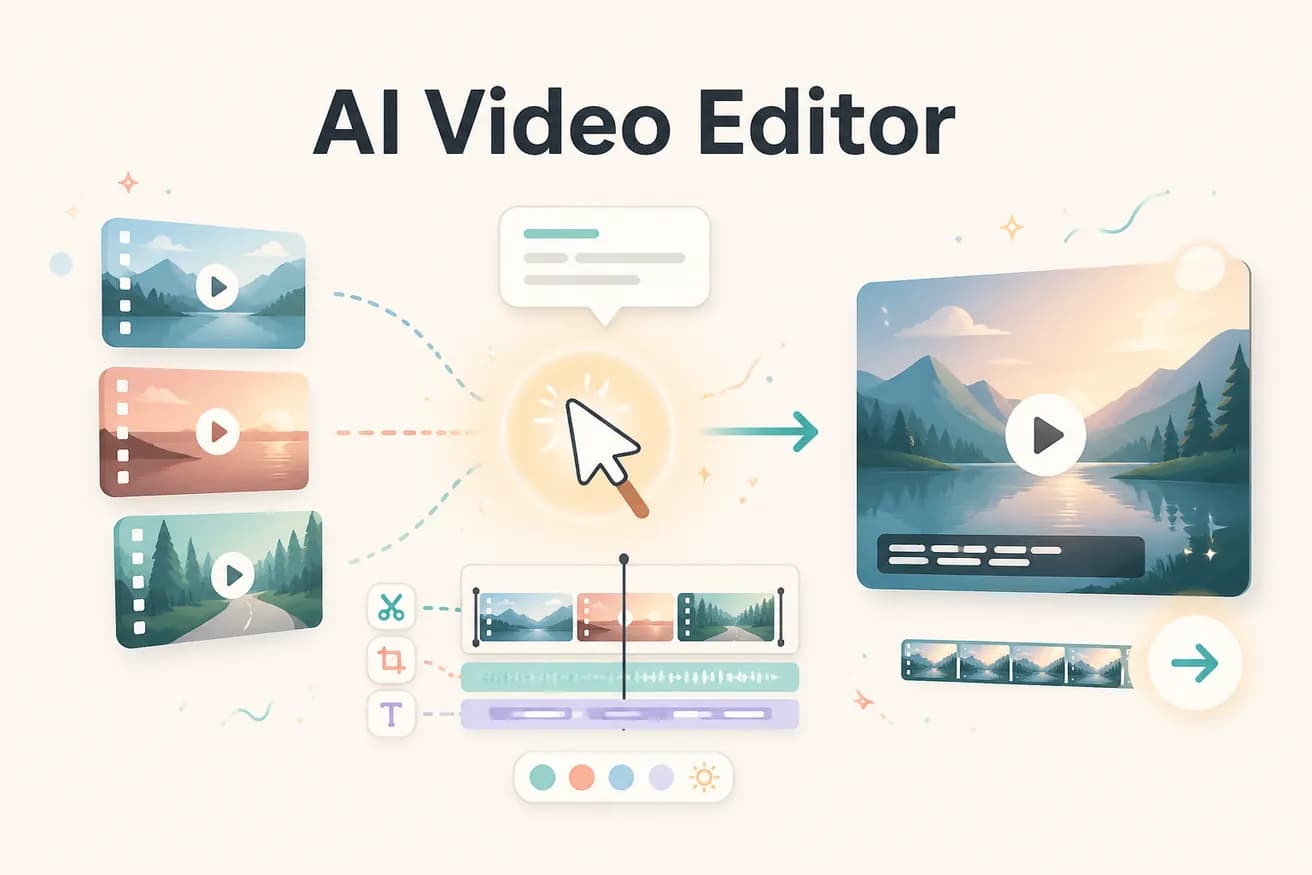
An AI video editor uses artificial intelligence to make editorial decisions about footage — what to cut, where to cut, how to structure the video, where to add captions. Editly is an AI video editor where you describe the output in plain English and the AI produces the finished video. It's different from traditional editors that add AI features to a manual timeline.
The fundamental difference between AI video editing and traditional manual editing.
| Decision | Other Apps | Editly |
|---|---|---|
| Editorial decisions | Traditional timeline editing: every cut, caption, and clip selection is a manual human decision | Editly AI: editorial decisions made by AI from your prompt — you describe the outcome |
| Time per video | Traditional: 1-4 hours per video — manual work is the constant regardless of footage length | Editly AI: 15-20 minutes per video — AI processing time, not manual time |
| Silence removal | Traditional: manual identification and trimming — or external plugins | Editly AI: 'remove silences' in the prompt — applied automatically to the full recording |
| Consistency across videos | Traditional: varies by editor mood, attention, and time pressure | Editly AI: consistent approach applied identically based on the same prompt language |
Step 1
Add your video files — interviews, tutorials, demos, vlogs. Editly handles MP4, MOV, and MKV. Long recordings work through cloud upload.
Step 2
Describe the output: 'From this 30-minute interview, create a 5-minute YouTube video. Keep the most valuable insights. Remove all silences. Add white bold captions. Start with the strongest answer. Export 1080p 16:9.'
Step 3
Editly processes your footage through Gemini AI analysis and Acute engine editing. The result is a finished video matching your prompt description.
Step 4
If the output needs changes, describe them: 'The intro is too slow, trim the first 15 seconds' or 'Add a stronger hook at the opening.' Each follow-up prompt is processed without returning to a timeline.
The only way to know if AI editing produces acceptable output for your content is to test it on your actual footage. 3 free exports let you do exactly that.
Related editing pages