Step 1
Upload your video
Add the video file you want captioned — any length, any format (MP4, MOV, MKV). Long videos upload via cloud.
Editly AI
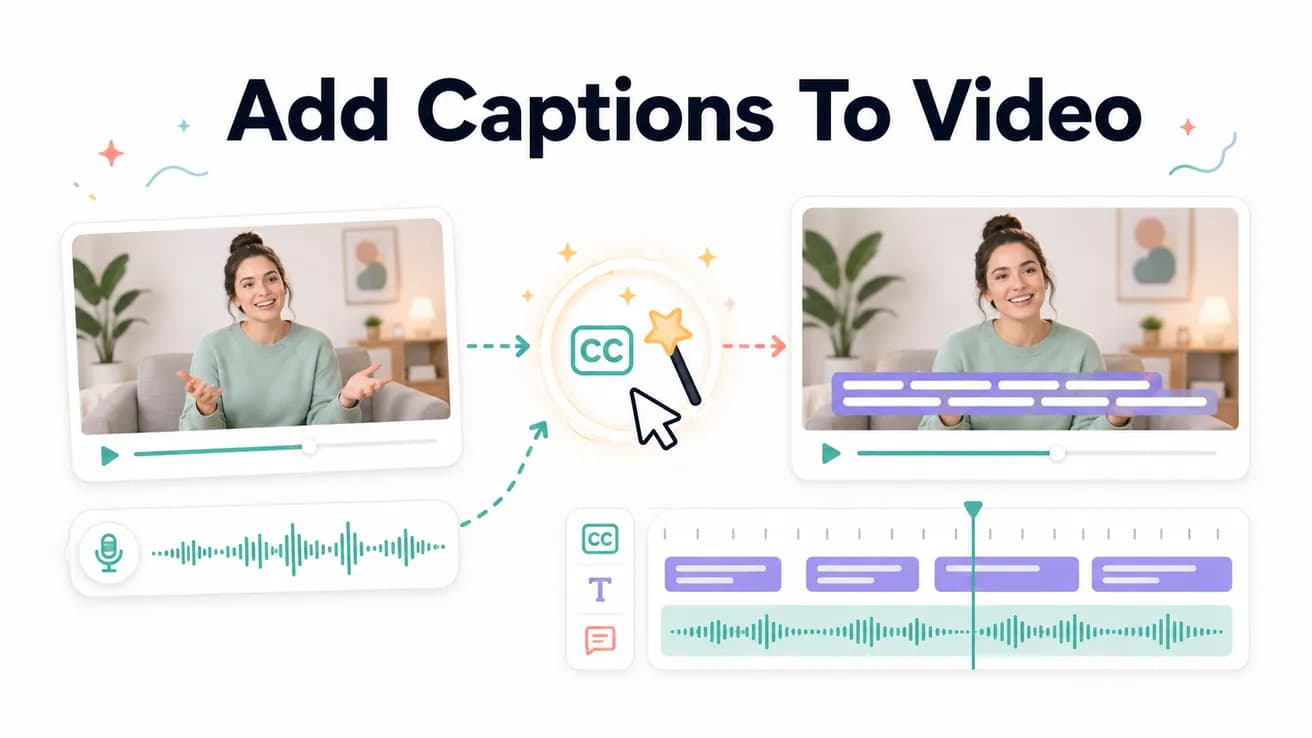
Upload your video to Editly and include 'add captions' in your prompt. Editly generates captions from the spoken content using AI transcription and burns them into the video with your specified style. No manual SRT editing required.
The difference between adding captions the traditional way and with Editly.
| Decision | Other Apps | Editly |
|---|---|---|
| Caption generation | Manual: upload to Rev or Otter, wait for transcript, download SRT, import to editor, fix timing errors | Editly: 'add captions' in the prompt — generated and burned in as part of the edit |
| Styling | Manual: style each caption element in the NLE — font, size, position, color per clip | Editly: describe the style in the prompt — applied consistently to every caption in the video |
| Time to add captions to a 10-minute video | Manual: 45-90 minutes including transcription, import, timing review, and styling | Editly: included in the main edit prompt — no additional time beyond the base processing |
| Caption accuracy | Manual transcription services: high accuracy, high cost; Auto-captions: variable accuracy, requires manual review | Editly AI: high accuracy for clear spoken English — review for technical terms and proper nouns |
Step 1
Add the video file you want captioned — any length, any format (MP4, MOV, MKV). Long videos upload via cloud.
Step 2
'Add bold white captions in the lower third throughout the entire video.' Or combine with other edits: 'Remove silences, trim to 8 minutes, add white captions center-frame.'
Step 3
Editly processes the audio, generates captions from the spoken content, and burns them into the video with the specified style. Download the finished file.
Step 4
Check captions for accuracy — technical terms, proper nouns, and accented speech occasionally need correction. Add a follow-up prompt for any specific corrections needed.
Upload a video. Write 'add white bold captions' in the prompt. Receive a captioned video. Test caption accuracy and style on your actual content before committing.
Related editing pages