Step 1
Upload your raw YouTube recording
Add your talking-head video, interview, tutorial, or vlog footage. Editly handles the full-length recording.
Editly AI
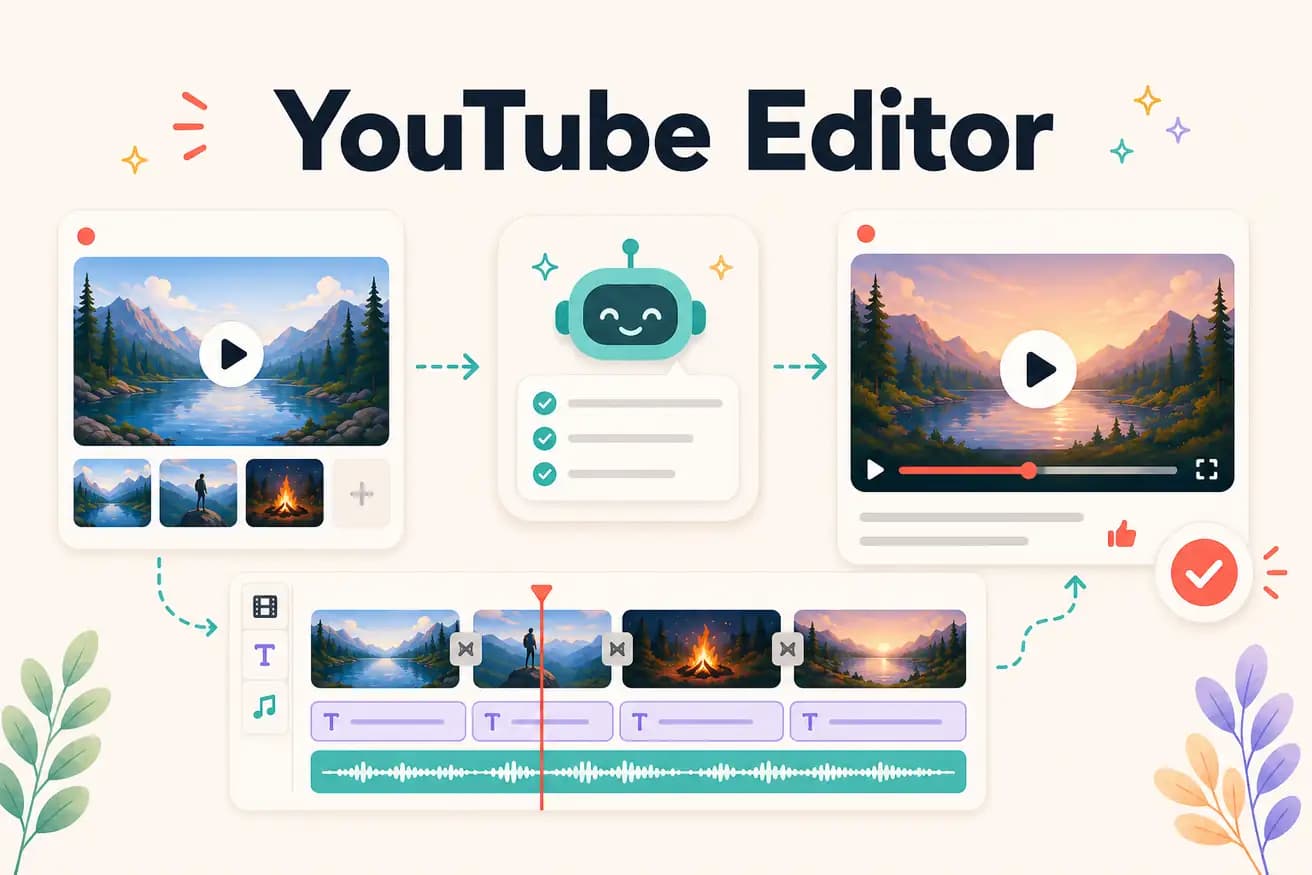
For professional YouTube production: DaVinci Resolve (free) or Premiere Pro. For fast AI-powered YouTube editing: Editly. For beginners: Filmora or Clipchamp. Best depends on your priority — control or speed.
The fundamental choice between YouTube editors is control vs speed. Here's what that means in practice.
| Decision | Other Apps | Editly |
|---|---|---|
| Time per video | DaVinci Resolve / Premiere Pro: 2-4 hours per YouTube video — manual workflow | Editly: 15-20 minutes per YouTube video — AI workflow |
| Silence removal | Traditional YouTube editors: manual or plugin-based — additional 20-40 minutes per talking-head video | Editly: 'remove silences' in the prompt — applied automatically |
| YouTube captions | Traditional YouTube editors: separate step, 30-60 minutes for caption generation and review | Editly: captions in the prompt — generated as part of the edit |
| Monthly publishing frequency possible | Traditional: 8-12 videos per month for a creator spending 3 hours each | Editly: 20-30+ videos per month for a creator spending 20 minutes each |
Step 1
Add your talking-head video, interview, tutorial, or vlog footage. Editly handles the full-length recording.
Step 2
'Create a 12-minute YouTube tutorial from this 45-minute recording. Keep the key steps. Remove silences over 0.8 seconds. Add white captions. Export 1080p 16:9.'
Step 3
Editly returns a finished cut. Check the hook, pacing, caption accuracy, and length target.
Step 4
Download the 1080p MP4 and upload directly to YouTube. Add your thumbnail and description.
Upload your next YouTube recording. Write a brief. See a finished video in 15-20 minutes. Compare to your current YouTube editing workflow. 3 free exports, no card.