Step 1
Upload your YouTube recording
Add your raw footage — tutorial, interview, vlog, product review. Long recordings and multi-clip projects are both handled.
Editly AI
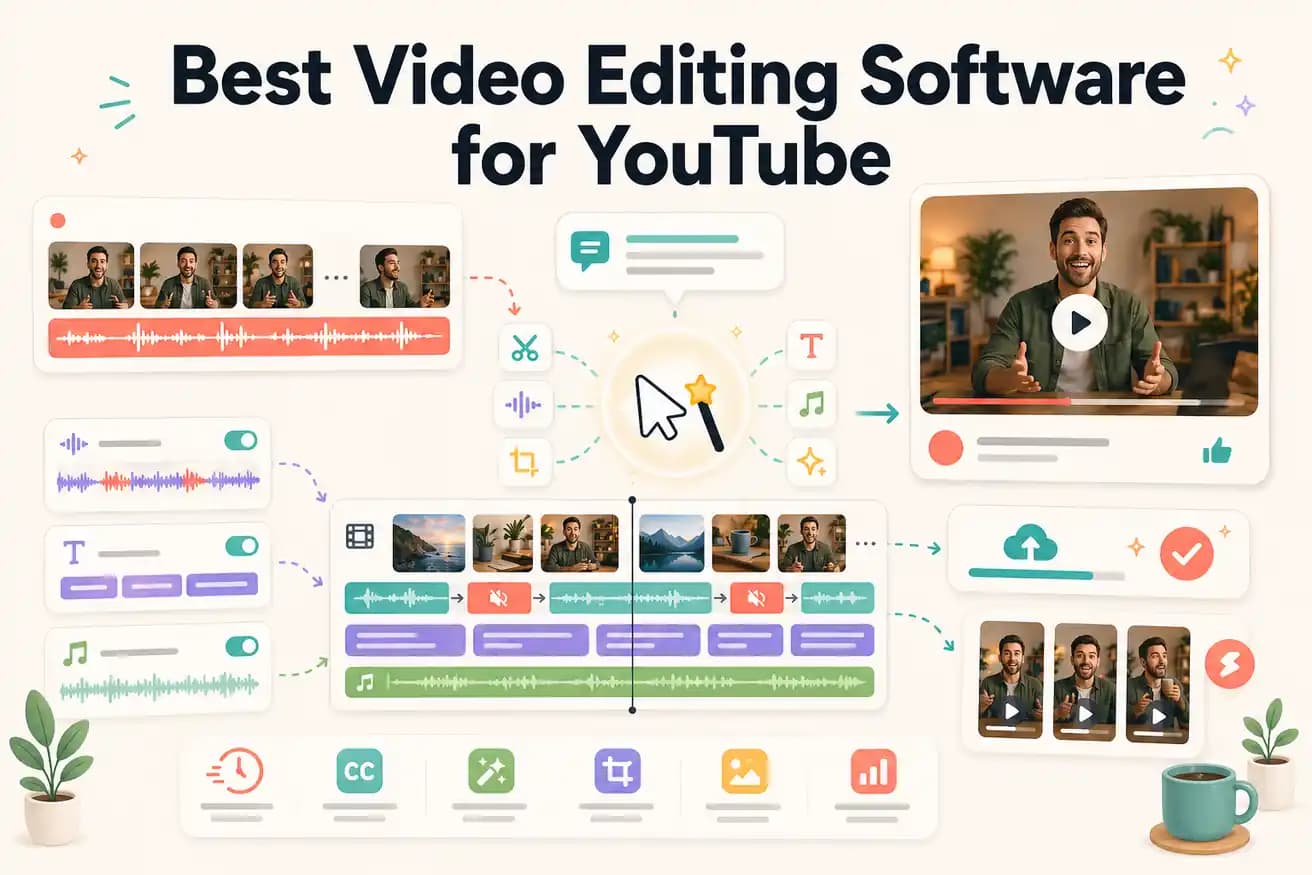
Editly is the easiest to start with — no learning curve, just write what you want. Among traditional editors, Filmora and Clipchamp are beginner-friendly. DaVinci Resolve is free but has a steeper learning curve.
For YouTube creators, the most important metrics are time per video and monthly cost. Here's the comparison.
| Decision | Other Apps | Editly |
|---|---|---|
| Time per YouTube video | Premiere Pro / DaVinci Resolve: 2-4 hours per video — import, rough cut, fine cut, captions, color, export | Editly: 15-20 minutes per video — upload, prompt, review, download |
| Monthly cost | Premiere Pro: $55/month; DaVinci Resolve: free (Studio $295 one-time); Filmora: $49/year | Editly: $28/month for 100 AI-edited videos — or free tier with 3 exports to evaluate |
| YouTube captions | Traditional editors: separate step requiring 30-60 minutes of caption review and styling per video | Editly: captions are part of the edit prompt — generated and styled automatically |
| YouTube Shorts from long-form | Traditional editors: requires separate project, manual reframing, separate caption pass | Editly: '9:16 for YouTube Shorts' in the prompt — vertical reframing and captions applied automatically |
Step 1
Add your raw footage — tutorial, interview, vlog, product review. Long recordings and multi-clip projects are both handled.
Step 2
Example: 'Create a 10-minute YouTube tutorial from this 40-minute recording. Keep the step-by-step instructions. Remove silences. Add white captions. Include a clear intro hook. Export 16:9 1080p.'
Step 3
Editly returns a YouTube-ready video. Check the hook, pacing, caption accuracy, and length against your target.
Step 4
The export is a 1080p MP4 ready for YouTube upload. Add your thumbnail and description, then publish.
Use 3 free credits to test Editly on your YouTube content. Upload a video, write a brief, compare the result to what your current editing workflow produces in 2-4 hours.