Step 1
Upload footage
Add your raw video — interview, tutorial, demo. No project setup, no media bins, no organization required.
Editly AI
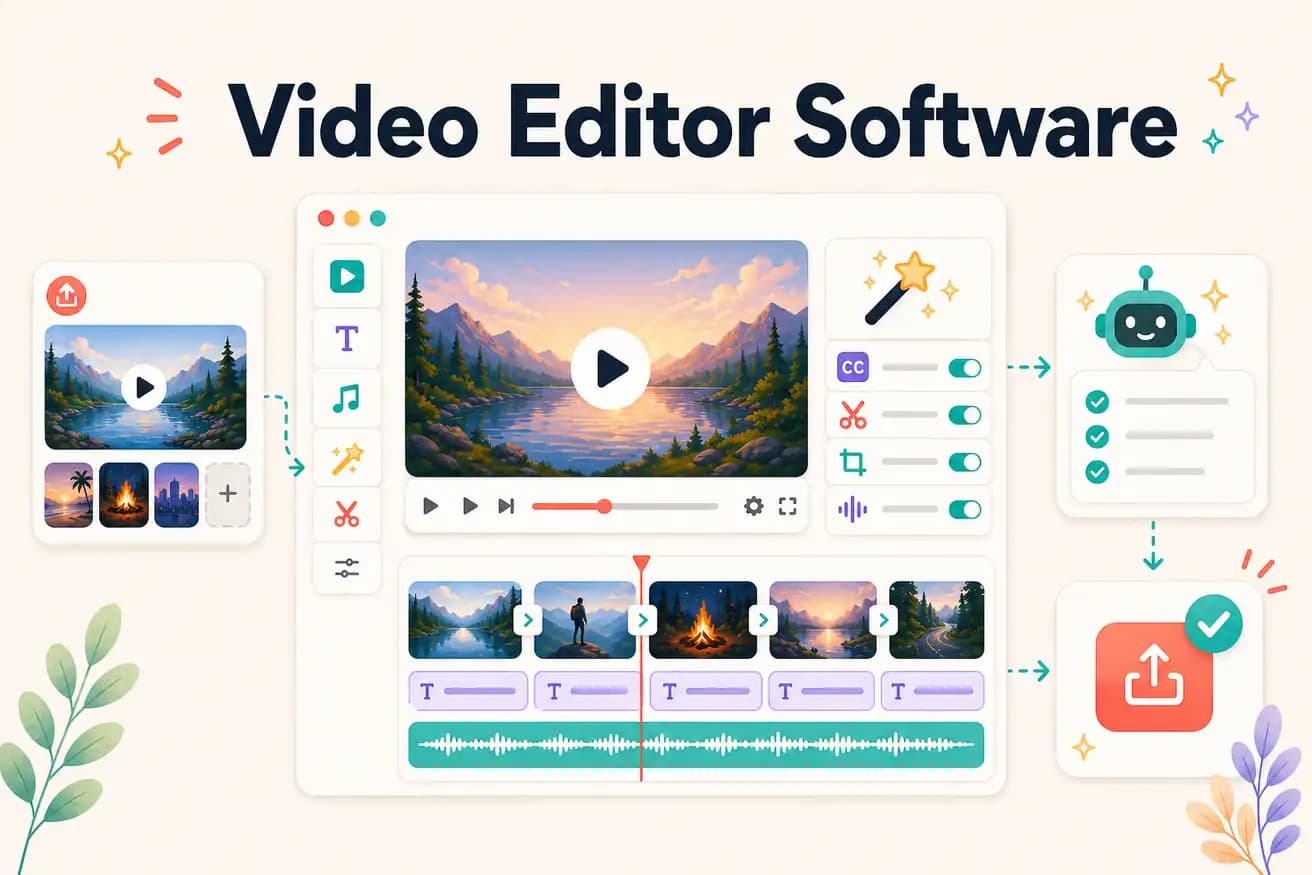
For professional production: DaVinci Resolve (free) or Premiere Pro. For AI-automated editing at volume: Editly. For beginners: Filmora or Clipchamp. Best depends on your use case.
Match video editor software to actual creator workflows rather than feature lists.
| Decision | Other Apps | Editly |
|---|---|---|
| Professional production | DaVinci Resolve / Premiere Pro: the right video editor software for professional production | Editly: not for professional production — for content creator workflows at volume |
| Time per video | Traditional NLEs: 2-4 hours per video — manual editorial decisions | Editly: 15-20 minutes per video — AI editorial decisions from prompt |
| Cost | Video editor software: free (DaVinci) to $55/month (Premiere Pro) | Editly: free tier (3 exports), Pro $28/month for 100 AI-edited videos |
| Learning investment | Traditional NLEs: weeks of learning before consistently good output | Editly: zero — describe what you want in English |
Step 1
Add your raw video — interview, tutorial, demo. No project setup, no media bins, no organization required.
Step 2
'Create a 5-minute YouTube video from this 25-minute interview. Remove silences. Add captions. Start with the hook. Export 16:9.' One sentence covers everything.
Step 3
Gemini AI makes editorial decisions. Acute engine processes the video. Finished video in 15-20 minutes.
Step 4
One check of the output. One follow-up prompt if needed. Download and publish.
Upload footage you'd normally edit in DaVinci or Premiere. Write a brief. Compare the time and output. 3 free exports to evaluate before any commitment.
Related editing pages