Step 1
Upload your footage
Add your raw recording. Any format, any length.
Editly AI
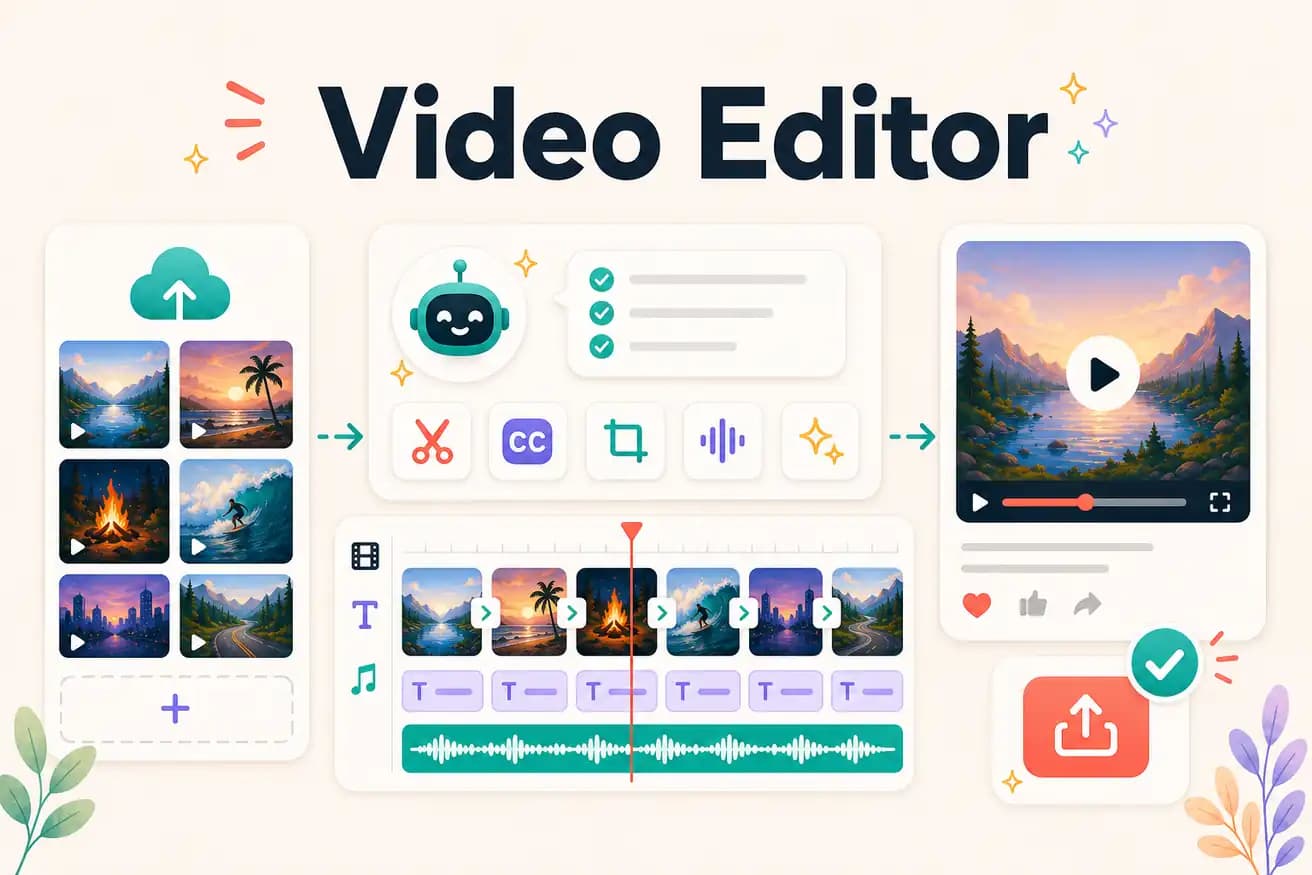
A video editor is software that allows you to select, trim, and arrange video footage to create a finished video. Traditional video editors require manual timeline work. AI video editors like Editly automate the editorial decisions from a text prompt.
The fundamental choice in video editing is control (traditional NLE) vs speed (AI editor). Here's the practical breakdown.
| Decision | Other Apps | Editly |
|---|---|---|
| Time to finished video | Traditional video editor (DaVinci, Premiere): 2-4 hours per video | Editly AI video editor: 15-20 minutes per video |
| Creative control | Traditional: frame-level control, artistic judgment on every cut | Editly: outcome-level control — describe what you want, AI determines how |
| Consistency | Traditional: varies by editor state and time pressure | Editly: consistent output from consistent prompt language |
| Silence removal | Traditional: manual or plugin-based — extra time per video | Editly: 'remove silences' in the prompt — automated, zero additional time |
Step 1
Add your raw recording. Any format, any length.
Step 2
'Create a 6-minute YouTube tutorial from this 35-minute recording. Remove silences. Add white captions. Start with a hook. Export 1080p 16:9.'
Step 3
Gemini AI makes editorial decisions. Acute engine processes the video. Finished video returned in 15-20 minutes.
Step 4
Check the output. One follow-up prompt if needed. Download and publish.
Upload footage you'd normally edit in DaVinci or Premiere. Write a brief. Compare the time and output to your current video editor. 3 free exports.
Related editing pages