Step 1
Upload footage
Add your raw recording — interview, tutorial, demo. No project setup, no media bins.
Editly AI
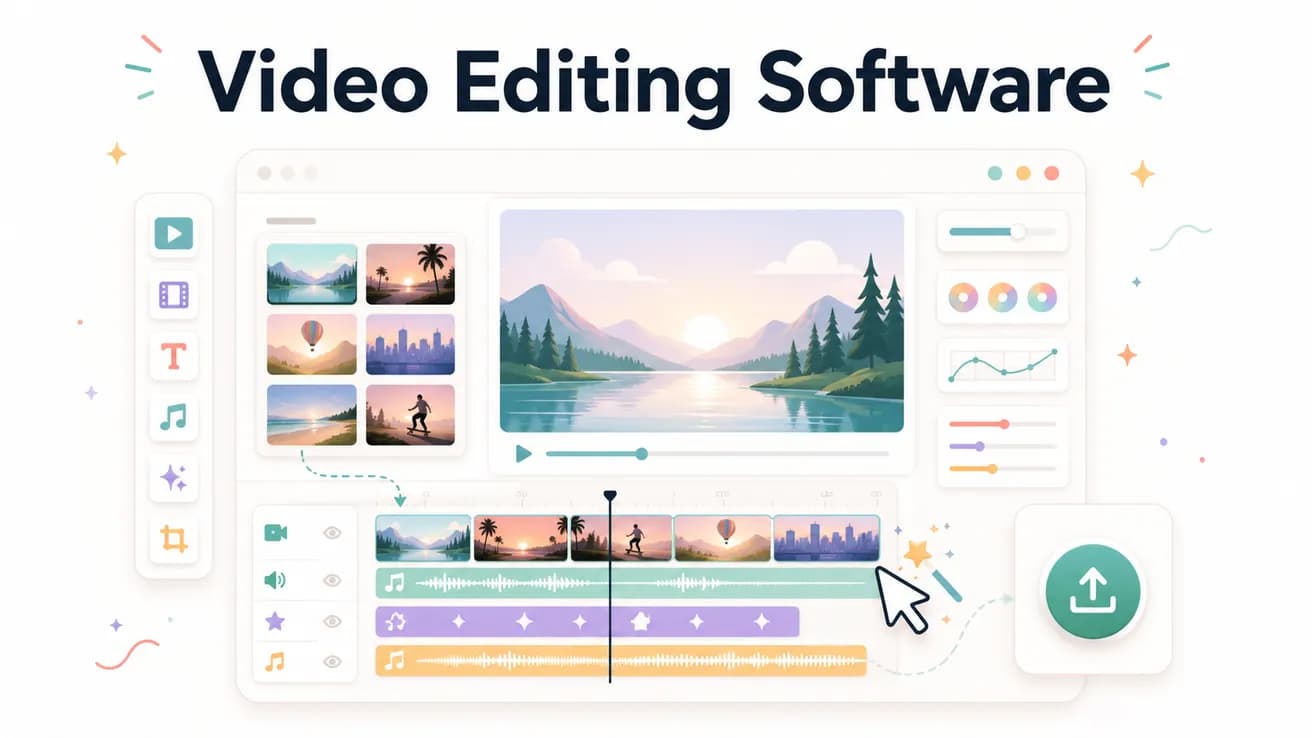
DaVinci Resolve is the best free professional video editing software. Premiere Pro is the industry standard for professional production. Editly is the best AI-first editing software for content creators editing at volume. The best choice depends on your use case.
Match the software to your actual editing needs rather than feature count.
| Decision | Other Apps | Editly |
|---|---|---|
| Professional production | DaVinci Resolve / Premiere Pro: professional NLE, color, multicam, broadcast — the right choice for professional production | Editly: not for professional broadcast — for content creator workflows where speed matters |
| Content creation at volume | Traditional NLEs: 2-4 hours per video — significant time per week for regular creators | Editly: 15-20 minutes per video — enables consistent high-frequency publishing |
| Cost | Software range: free (DaVinci, Shotcut) to $55/month (Premiere Pro) | Editly: 3 free exports, Pro $28/month for 100 AI-edited videos |
| Learning curve | Traditional software: weeks to learn well — timeline, effects, export settings | Editly: zero — describe what you want in English |
Step 1
Add your raw recording — interview, tutorial, demo. No project setup, no media bins.
Step 2
Describe the finished video: 'Create a 5-minute YouTube tutorial from this 30-minute recording. Remove silences. Add captions. Export 1080p.' One instruction covers the full edit.
Step 3
Editly processes in the cloud and returns a finished edit. No timeline to navigate, no render to wait for.
Step 4
Follow-up prompts for adjustments. Download and publish. Move to the next video.
Upload the same footage to Editly that you'd normally take into DaVinci or Filmora. Compare time, output quality, and friction. 3 free exports.
Related editing pages