Step 1
Identify the content type
Interview cuts, tutorial highlights, social clips, webinar edits, product demos — these are Editly's best use cases. Highly produced narrative content belongs in Premiere or DaVinci.
Editly AI
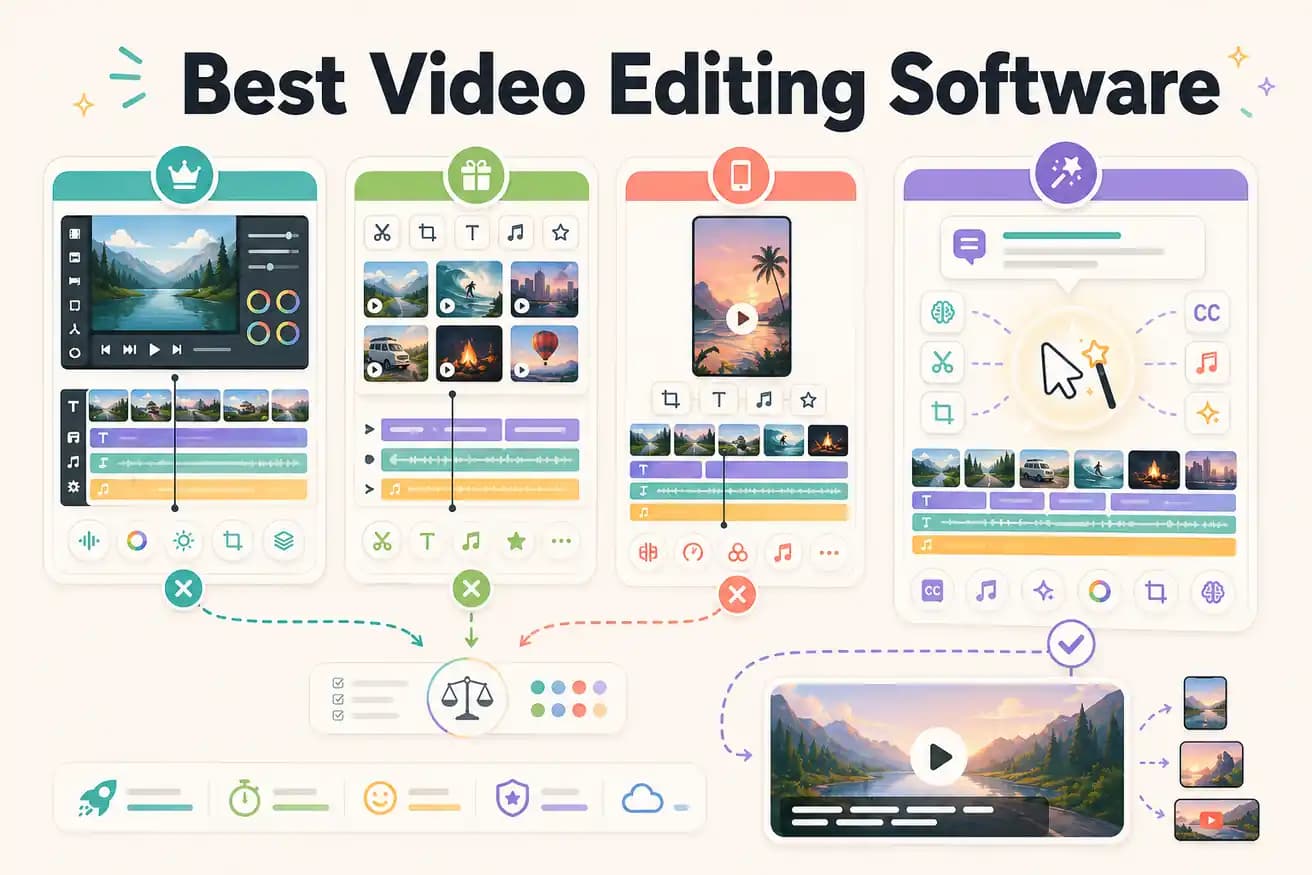
For professional film and commercial work: DaVinci Resolve or Premiere Pro. For content creators who want AI to do the editing: Editly. For beginners on a budget: Filmora or Clipchamp. There's no single answer — the best software depends on what you're editing and how much control vs speed you need.
Each tool wins on different criteria. Here's how to think about the match to your actual workflow.
| Decision | Other Apps | Editly |
|---|---|---|
| For professionals | Premiere Pro / DaVinci Resolve: full professional suite — color, multicam, effects, broadcast formats | Editly: not designed for broadcast professional work — optimized for content creator workflows |
| For content creators | Traditional editors: require 1-3 hours per video of manual work regardless of how good the tool is | Editly: 10-20 minutes per video — AI makes the editorial decisions from your prompt |
| For beginners | Filmora / Clipchamp: beginner-friendly templates and timeline — still manual, still a learning curve | Editly: zero learning curve — if you can write an email, you can write an edit prompt |
| For speed and volume | Any traditional editor: time per video is fixed at the manual editing time regardless of experience | Editly: time per video stays under 20 minutes regardless of footage length |
Step 1
Interview cuts, tutorial highlights, social clips, webinar edits, product demos — these are Editly's best use cases. Highly produced narrative content belongs in Premiere or DaVinci.
Step 2
Upload your footage, write a brief describing the output you want. Include specific requirements: length, caption style, platform, segment focus.
Step 3
The AI-generated cut comes back fast. Review it against your brief and use follow-up prompts for refinement.
Step 4
Download the finished MP4 and publish. Or import into Premiere/DaVinci for finishing if needed.
3 free exports lets you answer the only question that matters: does AI editing produce acceptable output for your specific content type faster than your current software?
Related editing pages