Step 1
Open editly.in in any browser
Any browser, any OS. No download. Chrome, Safari, Firefox, Edge all work equally.
Editly AI
Kapwing is best for manual online editing with meme and subtitle tools. VEED is best for polished browser editing with recording. Editly is best for AI-automated editing from a prompt. Clipchamp is best for unlimited free Windows-based editing.
Comparing online video editing options on what actually drives the choice.
| Decision | Other Apps | Editly |
|---|---|---|
| Editing model | Kapwing / VEED: browser timeline — manual editorial decisions per video | Editly: text prompt — AI makes editorial decisions |
| Silence removal | Online manual editors: not available or manual — timeline interaction required | Editly: 'remove silences' in the prompt — automated |
| Watermark on free tier | Kapwing / VEED: watermark on free exports | Editly: no watermark on 3 free AI-edited exports |
| Time per video | Online manual editors: same as any manual editing — 1-3 hours per video | Editly: 15-20 minutes per video — AI handles the editorial work |
Step 1
Any browser, any OS. No download. Chrome, Safari, Firefox, Edge all work equally.
Step 2
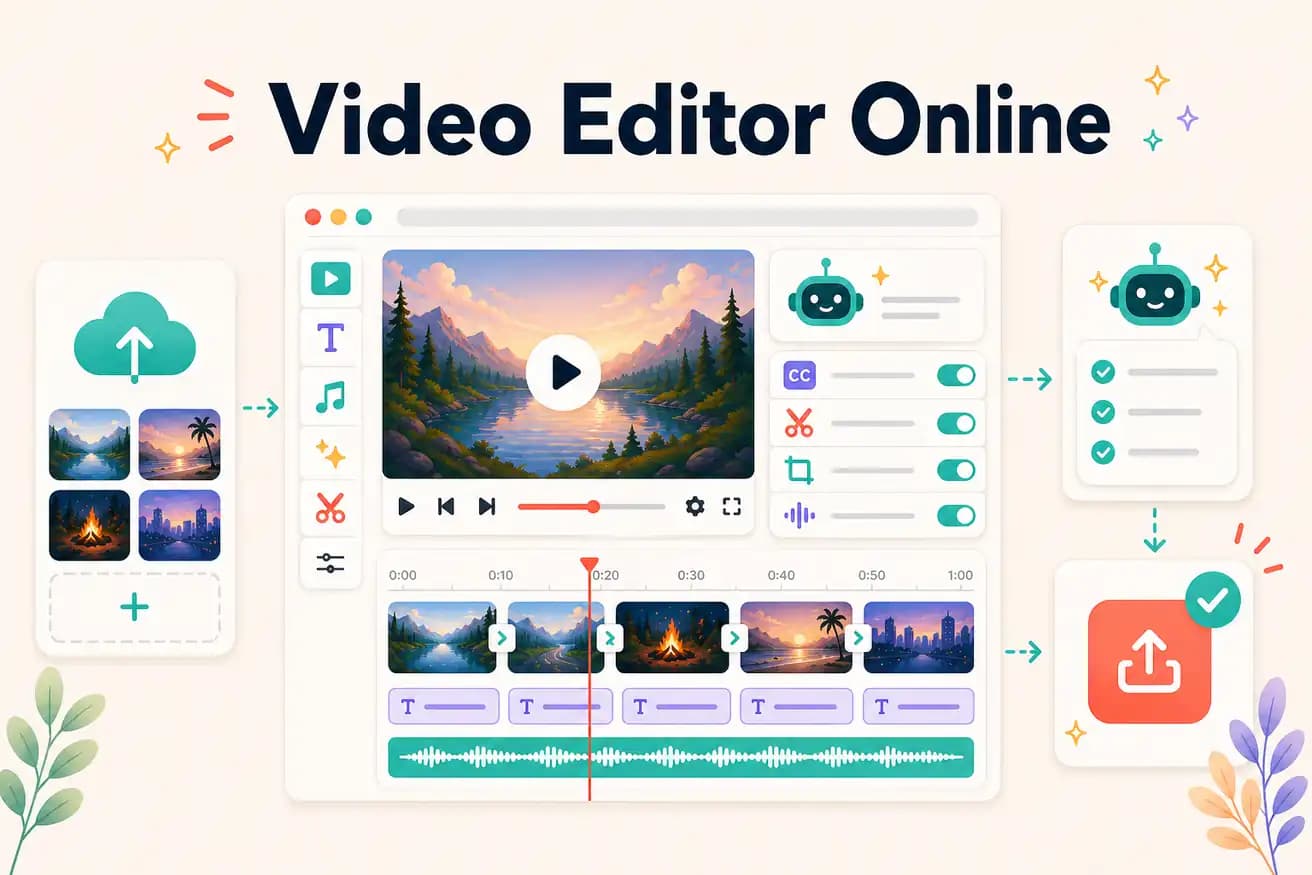
Add your video through the browser. Cloud upload handles any file size.
Step 3
Describe the finished video: 'Create a 5-minute YouTube video. Remove silences. Add white captions. Start with the hook. Export 16:9.' One instruction.
Step 4
Finished video downloads from the browser. No watermark. No additional steps.
Test Editly against your current online editor on the same footage. 3 free AI-edited exports, no watermark, no card.