Step 1
Choose your most representative footage
Use footage from your typical content type — interview, tutorial, product demo. This gives you the most useful evaluation of AI editing for your specific workflow.
Editly AI
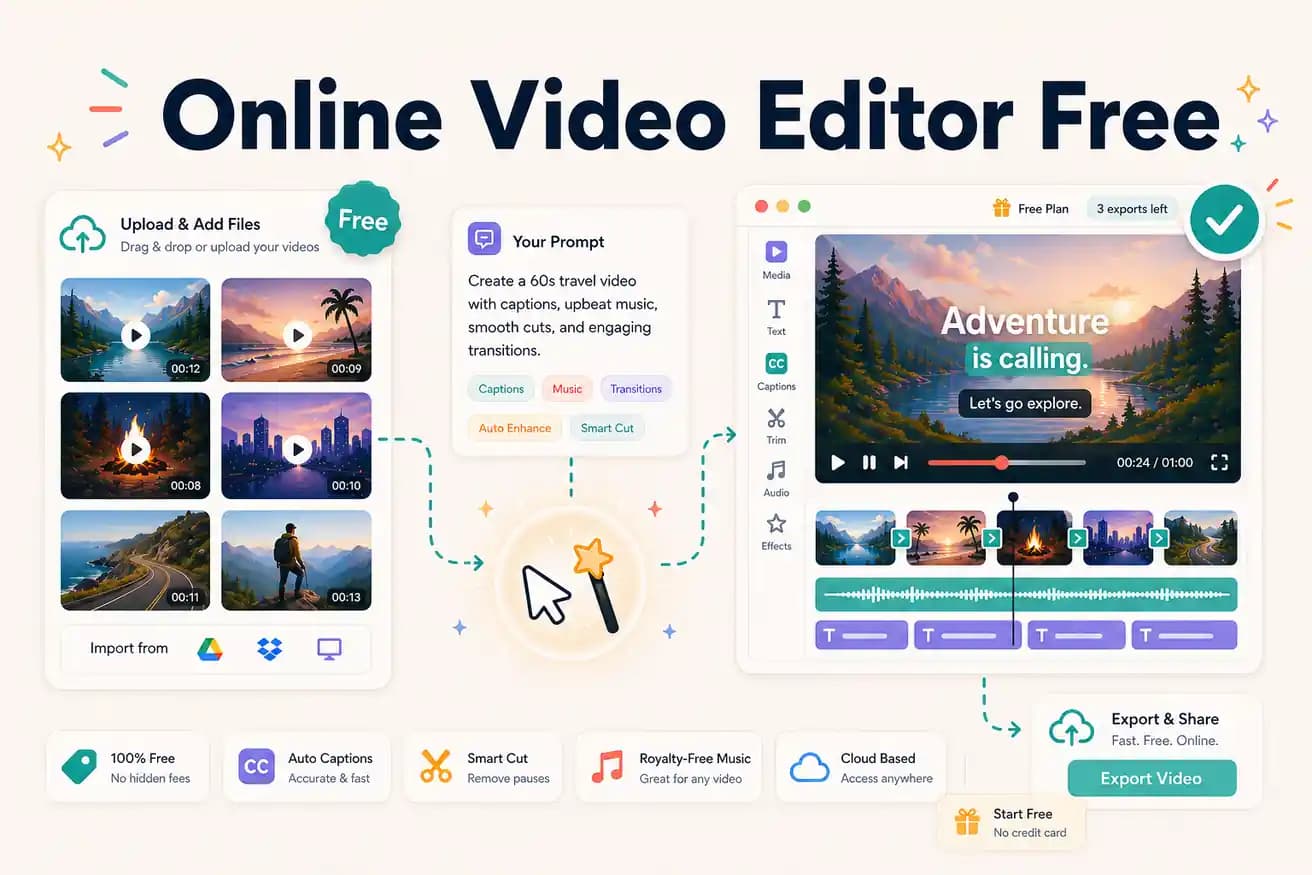
Clipchamp (unlimited free, no watermark, Windows-focused) and Editly's free tier (3 AI-edited exports, no watermark, any browser) are the best no-download free online options.
Every meaningful free online video editor option compared on watermark status, AI capability, and usage limits.
| Decision | Other Apps | Editly |
|---|---|---|
| Clipchamp (free) | Clipchamp: unlimited exports, no watermark — basic manual timeline, Windows-focused | Editly free: 3 AI-edited exports, no watermark — AI editorial decisions, any browser |
| Kapwing (free) | Kapwing free: browser timeline with tools — adds watermark on free exports | Editly free: no watermark on any of the 3 free exports |
| AI features | Clipchamp / Kapwing: limited AI — no silence removal, basic or manual captions | Editly: silence removal and captions from a prompt — standard AI features |
| After the free tier | Clipchamp: unlimited free forever; Kapwing Pro: $16-29/month | Editly: Pro $28/month for 100 AI-edited exports |
Step 1
Use footage from your typical content type — interview, tutorial, product demo. This gives you the most useful evaluation of AI editing for your specific workflow.
Step 2
Specificity improves output. Include: target length, content to prioritize, caption style, platform format, structural preferences.
Step 3
Time the Editly process from upload to download. Compare to how long you'd spend in Clipchamp, VEED, or Kapwing for the same footage.
Step 4
If AI editing produces acceptable quality in 15-20 minutes vs 2-3 hours manually, Pro at $28/month is the upgrade. If you prefer manual control, Clipchamp is there for free.
3 full AI-edited exports in any browser, no watermark, no credit card. The honest free trial of AI online video editing.