Step 1
Open editly.in in any browser
No download required. Same experience on Chrome, Safari, Firefox, or Edge.
Editly AI
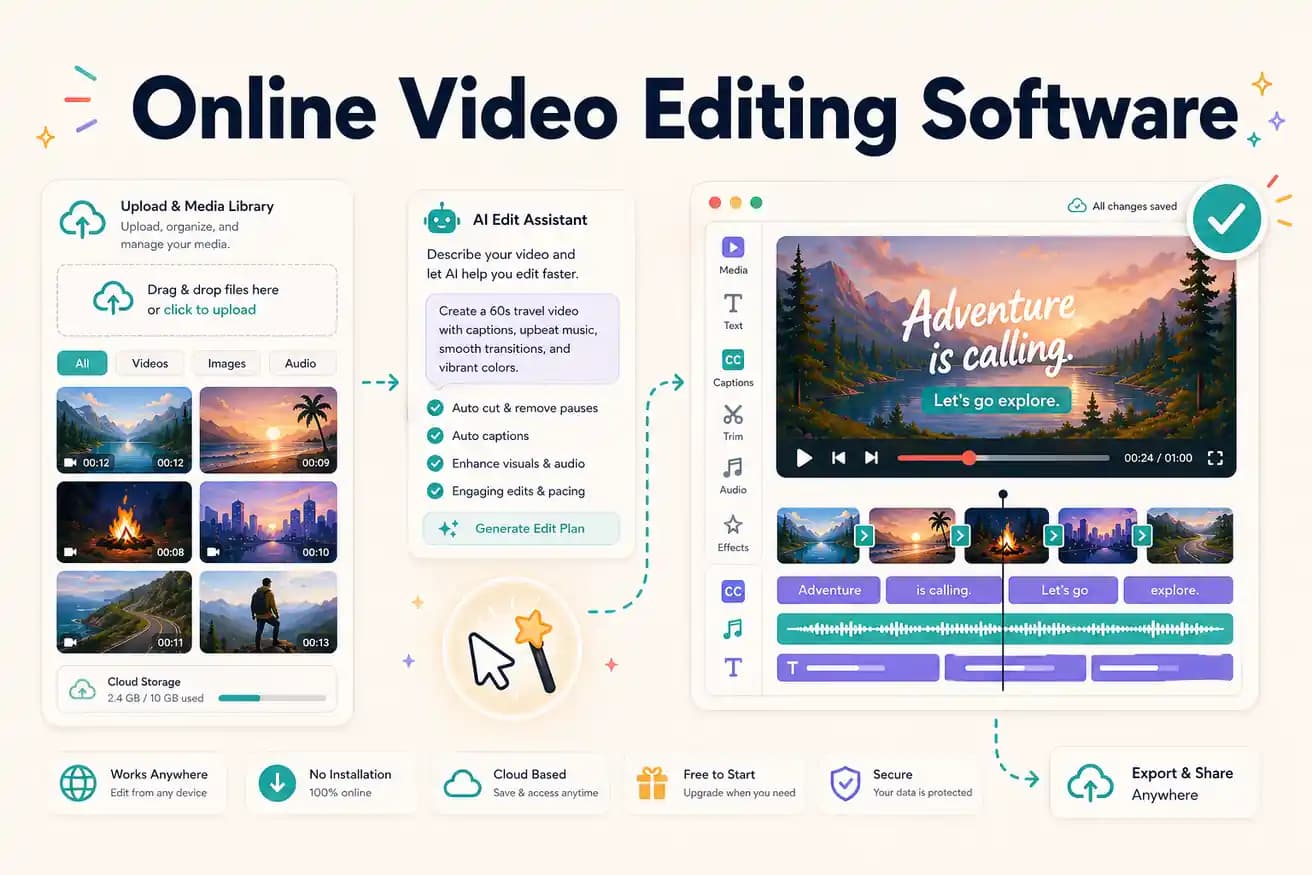
Kapwing is best for manual online editing with subtitle and meme tools. VEED is best for polished browser-based editing with a recorder. Editly is best for AI-automated editing from a prompt. Best depends on whether you want manual precision or AI speed.
Comparing the leading online video editing tools on what matters for content creators.
| Decision | Other Apps | Editly |
|---|---|---|
| Editing approach | Kapwing / VEED: browser timeline — you make every editorial decision manually | Editly: text prompt — AI makes editorial decisions from your description |
| Silence removal | Kapwing / VEED: available but requires enabling per project and timeline review | Editly: silence removal in any prompt — automated, no timeline review |
| Captions | Kapwing / VEED: strong auto-subtitle features — require per-video style setup and review | Editly: caption style described in prompt — generated without per-video review step |
| Pricing | Kapwing Pro: $29/month; VEED Pro: $24/month — manual editing still required at any price | Editly Pro: $28/month for 100 AI-edited exports — AI editorial automation included |
Step 1
No download required. Same experience on Chrome, Safari, Firefox, or Edge.
Step 2
Add your video file. Long recordings and multi-clip projects work through cloud upload.
Step 3
Describe the output: 'Create a 5-minute YouTube video from this interview. Remove silences. Add captions. Export 16:9.' That's the whole editing instruction.
Step 4
Editly returns a finished video. No timeline review, no per-project setup. Download and post.
Use a free credit on footage you'd normally edit in Kapwing or VEED. Compare the time and the output. 3 free exports, no credit card, no watermark.