Step 1
Open editly.in in any browser
No download required. Works equally in Chrome, Safari, Firefox, Edge on any operating system.
Editly AI
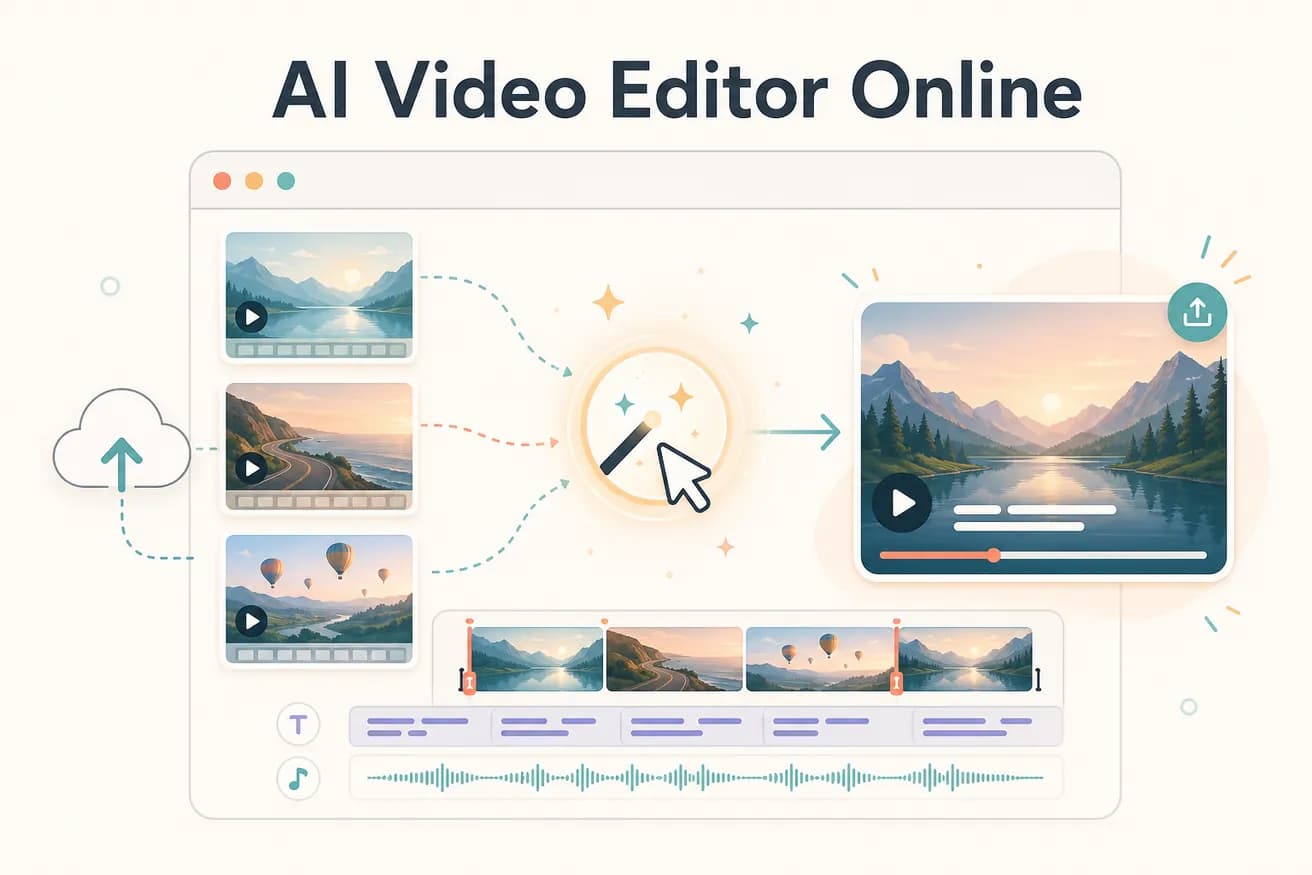
Yes — Editly is fully browser-based. Open editly.in in any modern browser and start editing. No download, no installation, no plugin required.
All of these are browser-based. The difference is what the AI does and how you interact with the editor.
| Decision | Other Apps | Editly |
|---|---|---|
| Editing interaction | Online manual editors (Kapwing, VEED): browser timeline — you make editorial decisions | Editly online AI: text prompt — AI makes editorial decisions |
| Processing location | Online manual editors: some processing in browser, some server-side — performance varies | Editly: all processing cloud-based — hardware-independent performance |
| Silence removal online | Online manual editors: limited or manual — timeline interaction required | Editly: 'remove silences' in the prompt — automated, server-side |
| Watermark on free tier | Most online manual editors: watermark on free exports | Editly: no watermark on 3 free AI-edited exports |
Step 1
No download required. Works equally in Chrome, Safari, Firefox, Edge on any operating system.
Step 2
Add your video file through the browser. Cloud upload handles any file size — no local storage needed.
Step 3
'Create a 5-minute YouTube video from this interview. Remove silences. Add captions. Export 16:9.' That's the entire editing workflow.
Step 4
The finished video downloads directly to your device through the browser. No rendering wait on your end — server-processed.
Open editly.in in any browser on any device. Upload footage, write a prompt, download a finished AI-edited video. 3 free exports, no card, no watermark.
Related editing pages