Step 1
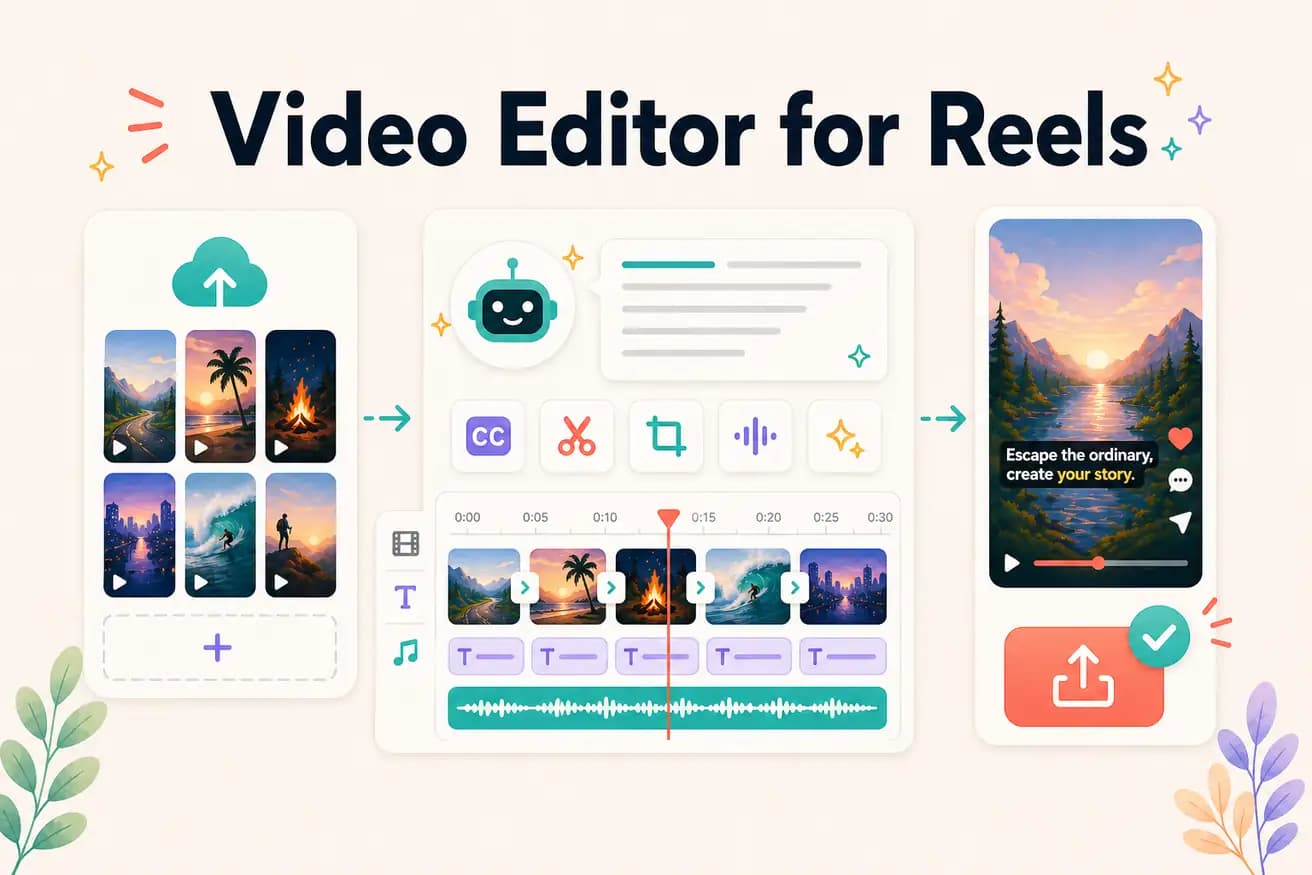
Upload long-form content
Add your podcast, interview, webinar, or tutorial. Editly handles long recordings for Reels extraction.
Editly AI
For mobile-native Reels: CapCut is the most popular. For AI-powered Reels extraction from long-form footage: Editly is the most efficient. The best editor depends on whether your content is phone-filmed or extracted from longer recordings.
Comparing mobile app Reels editing against AI-powered Reels extraction.
| Decision | Other Apps | Editly |
|---|---|---|
| Source content | Mobile apps (CapCut, InShot): designed for short clips filmed on phones | Editly: designed for extracting Reels from long-form recorded footage |
| 9:16 framing | Mobile apps: manual crop/canvas tool per clip | Editly: format specification in prompt — automated |
| Batch Reels | Mobile apps: each Reel is a separate manual project | Editly: each Reel is a prompt — batch efficient |
| Hook selection | Mobile apps: you manually find and position the hook | Editly: AI identifies and starts with the strongest moment |
Step 1
Add your podcast, interview, webinar, or tutorial. Editly handles long recordings for Reels extraction.
Step 2
'Create a 45-second Reel from the section about [topic]. 9:16 format. Start with the most surprising claim. Add bold white captions. Remove pauses.'
Step 3
Editly returns a vertical, captioned, hook-first Reel ready for Instagram, TikTok, or YouTube Shorts.
Step 4
Write prompts targeting different segments. Build a full Reels library from one recording.
Upload a podcast or interview. Write 3 Reel prompts targeting 3 different topics. Receive 3 platform-ready Reels. 3 free exports to test.
Related editing pages