Step 1
Upload your long-form content
Add your podcast, interview, webinar, or tutorial recording.
Editly AI
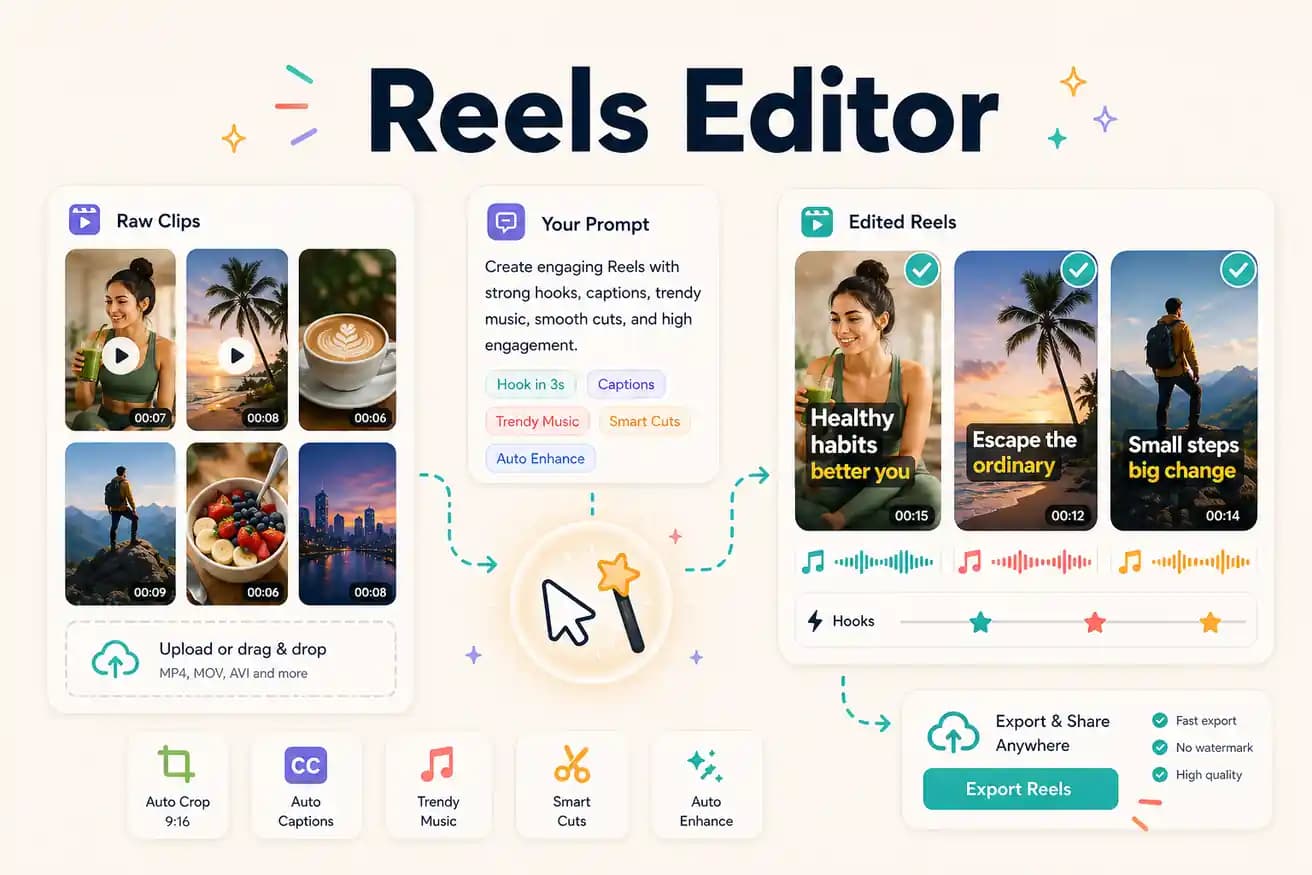
A Reels editor creates short-form vertical video content (9:16 format) for Instagram Reels, TikTok, and YouTube Shorts. Editly is an AI-powered Reels editor that extracts the best segment from your footage, applies vertical framing, generates captions, and delivers platform-ready clips from a text prompt.
Comparing manual Reels editing (CapCut, InShot) against AI-powered Reels production (Editly).
| Decision | Other Apps | Editly |
|---|---|---|
| Phone-filmed Reels | CapCut / InShot: built for phone-filmed Reels — native, fast, trending effects | Editly: better for recorded footage extraction — use CapCut for mobile filming |
| Long footage Reels | Mobile apps: manual segment finding and per-Reel projects — time-intensive | Editly: AI segment selection, prompt per Reel — efficient at volume |
| Multi-platform output | Mobile apps: separate projects for each platform adaptation | Editly: same upload, different prompts for each platform's specs |
| Captions | Mobile apps: per-Reel manual captioning and styling on mobile | Editly: caption style in prompt — consistent across all Reels |
Step 1
Add your podcast, interview, webinar, or tutorial recording.
Step 2
'Create a 60-second Instagram Reel from minute 10-13. 9:16. Start with the hook. Bold white captions. Remove pauses.'
Step 3
'Create a 30-second TikTok from minute 20-22. 9:16. Start immediately with the surprising claim. Yellow captions centered.'
Step 4
'Create a 45-second YouTube Short from minute 5-7. 9:16. Educational tone. White captions at the bottom.'
Upload your footage. Write 3 prompts for 3 different Reels — Instagram, TikTok, and YouTube Shorts. Test cross-platform repurposing from your free credits.
Related editing pages