Step 1
Upload your footage
Add interviews, tutorials, demos, or any footage with content valuable enough for Instagram.
Editly AI
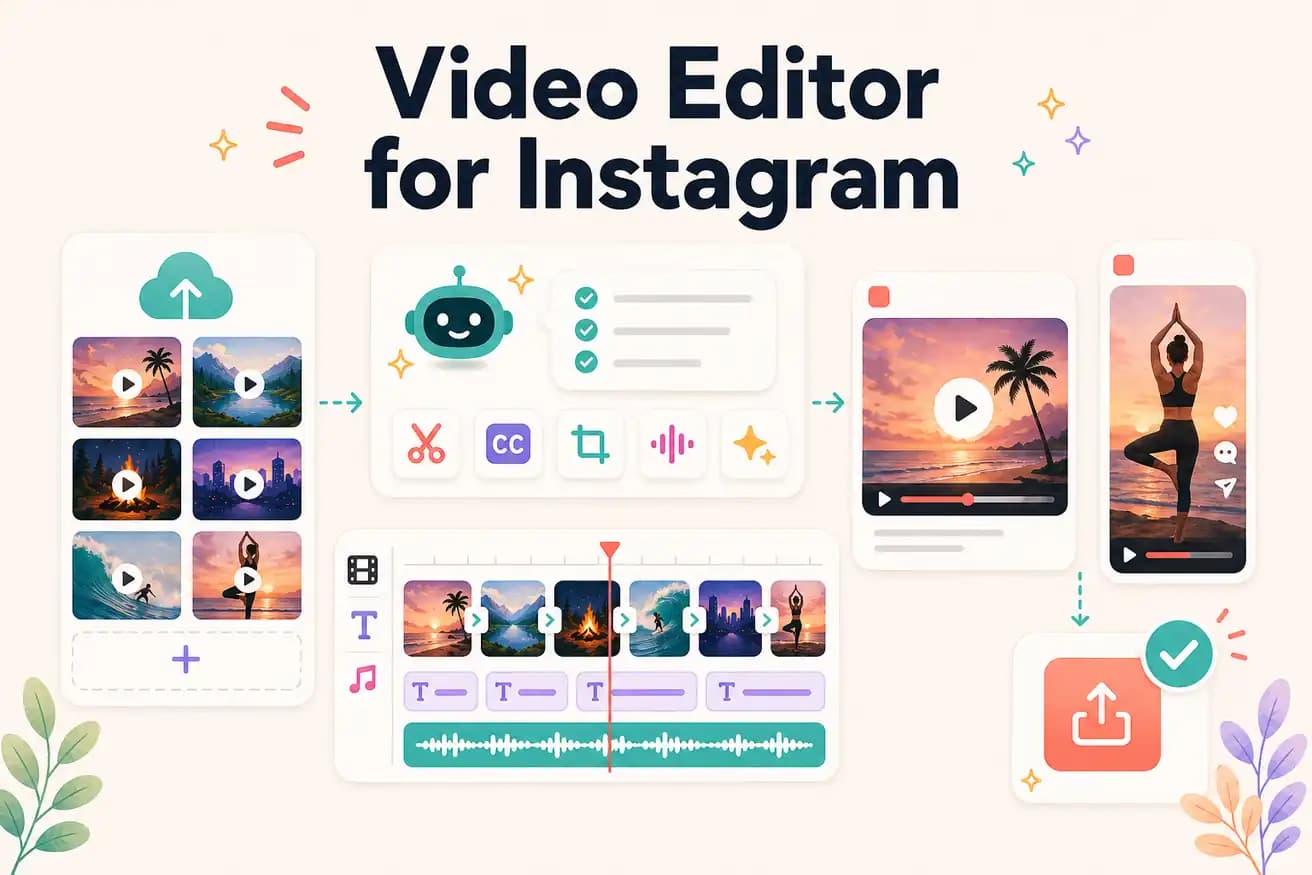
CapCut is the best for mobile-native Instagram content. Editly is the best for extracting Instagram Reels and Stories from longer recorded footage. The right choice depends on whether your content is filmed on phone or converted from longer recordings.
CapCut and InShot for mobile-native Instagram content. Editly for Instagram content extracted from longer footage.
| Decision | Other Apps | Editly |
|---|---|---|
| Phone-filmed Instagram content | CapCut / InShot: native mobile apps — best for phone-filmed Instagram Reels | Editly: better for longer footage extraction — use mobile apps for phone clips |
| Reels from long recordings | Mobile apps: tedious for long footage — manual scrubbing on mobile per Reel | Editly: AI segment selection per prompt — efficient for batch Reels from one recording |
| 9:16 framing | Mobile apps: manual canvas crop per clip | Editly: '9:16 for Instagram Reels' in the prompt — applied automatically |
| Captions | Mobile apps: per-clip captioning with mobile review | Editly: caption style in the prompt — consistent across all clips |
Step 1
Add interviews, tutorials, demos, or any footage with content valuable enough for Instagram.
Step 2
'Create a 60-second Instagram Reel from the section about [topic]. 9:16 format. Start with the most engaging statement. Add bold white captions. Remove pauses.'
Step 3
Editly returns a 9:16 captioned clip. Check the hook and caption accuracy. Download and post to Instagram Reels.
Step 4
Write additional prompts targeting different segments. Build a library of Instagram Reels from one recording session.
Upload footage, write an Instagram prompt, receive a 9:16 captioned clip. 3 free exports to build your first Instagram video library from existing recordings.