Step 1
Upload your footage
Add your raw video — interview, tutorial, product demo, or any footage that has valuable content to extract for Instagram.
Editly AI
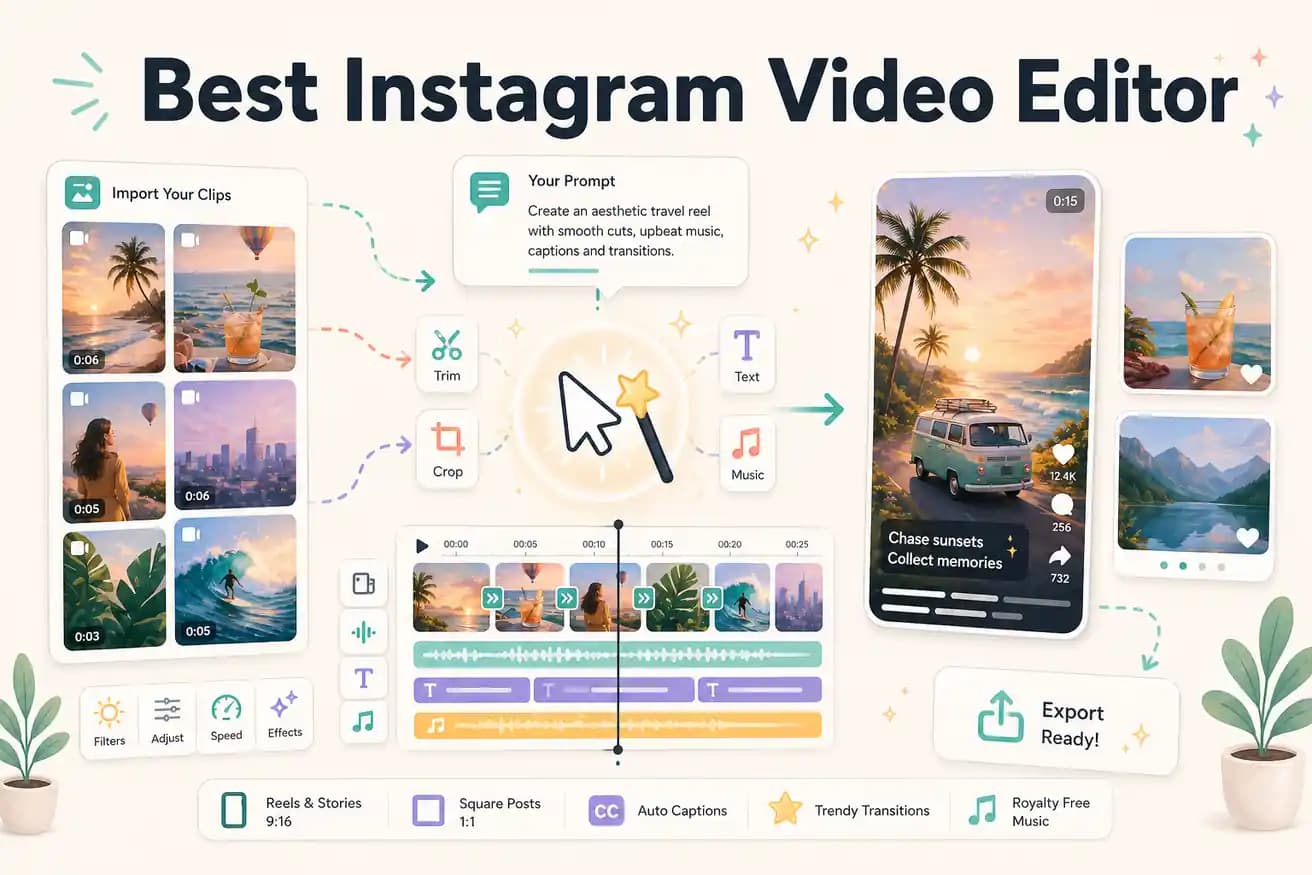
For mobile-first Reels creation from your phone: CapCut has the best features and trending effects. For editing longer footage into Reels with AI automation: Editly is faster for silence removal, vertical reframing, and caption generation. The right tool depends on whether you're editing phone clips or longer recordings.
Comparing the main options for creating Instagram video content from raw footage.
| Decision | Other Apps | Editly |
|---|---|---|
| Vertical reframing | CapCut / InShot: manual crop tool — you adjust the vertical frame position for each clip | Editly: specify '9:16 for Instagram Reels' in the prompt — vertical reframing applied automatically |
| Captions for Instagram | CapCut / InShot: auto-caption works but requires per-video style setup and review on mobile | Editly: caption style described in the prompt — generated and applied without mobile review |
| Extracting multiple Reels from one recording | CapCut / InShot: separate manual project for each Reel — each requires its own timeline and caption work | Editly: prompt for each Reel from the same footage — consistent quality, no repeat manual work |
| Platform | CapCut / InShot: mobile-first — best experience on phone, limited desktop capability | Editly: browser-based desktop — better for long footage editing and batch Reels extraction |
Step 1
Add your raw video — interview, tutorial, product demo, or any footage that has valuable content to extract for Instagram.
Step 2
'Extract the 45 seconds where I explain [topic]. Reframe 9:16 for Instagram Reels. Add bold white captions. Start with the strongest statement. Remove pauses.' That's your full edit brief.
Step 3
Editly returns a vertical, captioned, 9:16 video ready for Instagram. Check the hook, caption accuracy, and pacing.
Step 4
Download the MP4 and upload to Instagram Reels directly. No format conversion, no separate compression step needed.
Upload footage you want to turn into a Reel. Write a prompt specifying 9:16 format and captions. See how long it takes compared to your current Instagram editing workflow.