Step 1
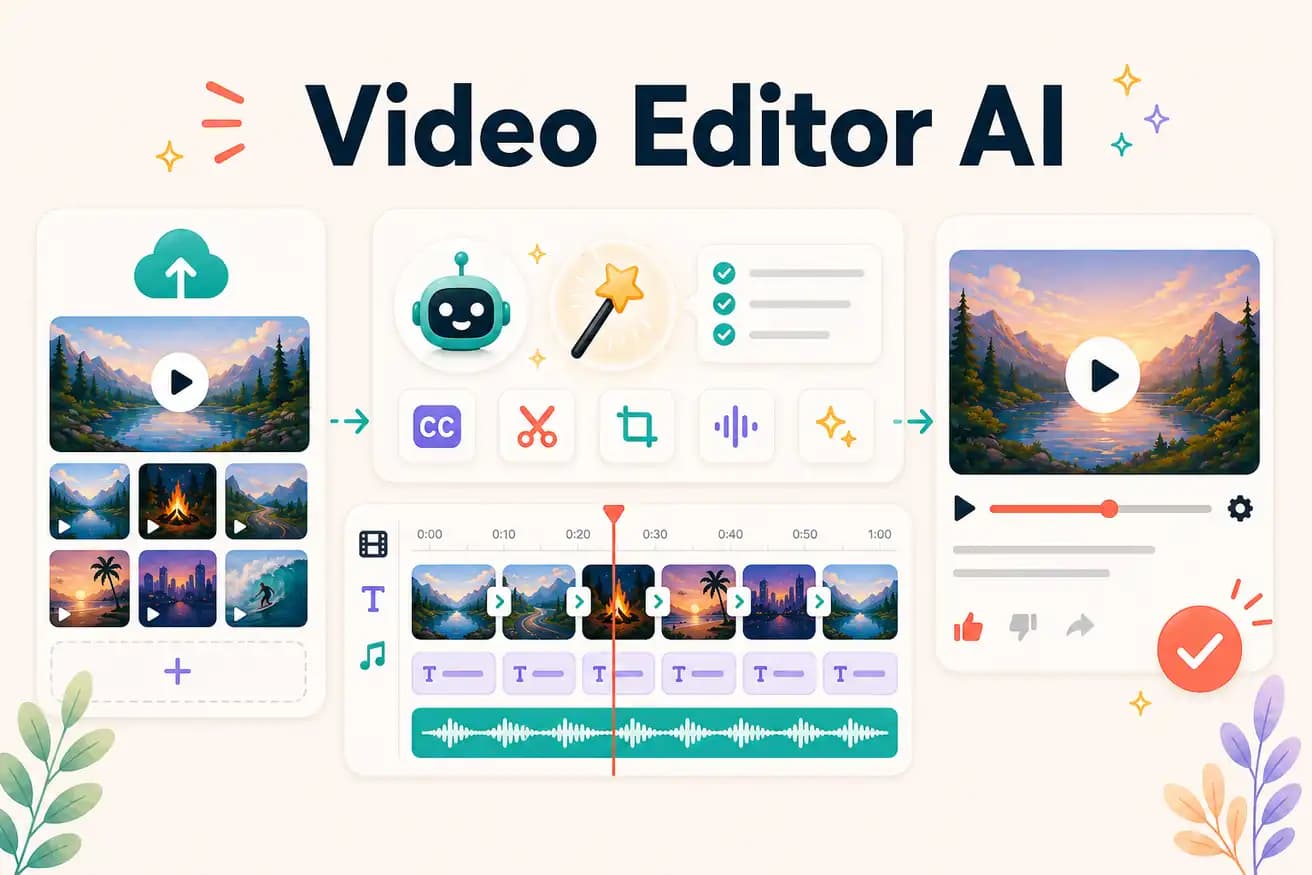
Upload your footage
Add your raw video — interviews, tutorials, demos. Long recordings work through cloud upload.
Editly AI
At the feature level (Premiere Pro, DaVinci): AI helps with specific tasks like auto-captions, scene detection, and background removal — you still edit manually. At the AI-first level (Editly): AI is the editor — you write a brief and the AI produces the finished video.
The practical difference between adding AI to traditional editing and using AI as the editor.
| Decision | Other Apps | Editly |
|---|---|---|
| Editorial role | AI-featured traditional editors: human edits, AI assists specific tasks | Editly: AI edits, human writes the brief |
| Time saving | AI-featured traditional editors: faster by 20-40% vs fully manual | Editly: faster by 80-90% vs fully manual — 15-20 min vs 2-4 hours |
| Caption generation | AI-featured traditional editors: AI generates captions, you review and style | Editly: AI generates and applies captions from the prompt — no review step |
| Silence removal | AI-featured traditional editors: AI detects silences, you approve and apply | Editly: 'remove silences' in the prompt — applied automatically, no approval step |
Step 1
Add your raw video — interviews, tutorials, demos. Long recordings work through cloud upload.
Step 2
Think of the prompt as a brief you'd give a human editor: 'Create a 6-minute YouTube video. Start with the hook. Remove dead air. Add white captions. Focus on the tips, cut the tangents.'
Step 3
Gemini AI makes the editorial decisions. Acute processes the video. You receive a finished cut matching your brief.
Step 4
Follow-up prompts handle adjustments: 'The pacing is still slow in the middle, tighten it.' Each follow-up is another AI editorial pass.
Upload real footage. Write a real brief. See what an AI-powered video editor does with your actual content. 3 free exports to find out.
Related editing pages