Step 1
Upload footage immediately — no pre-editing
Don't pre-trim or organize before uploading. Upload the raw recording directly. The AI analyzes the full content.
Editly AI
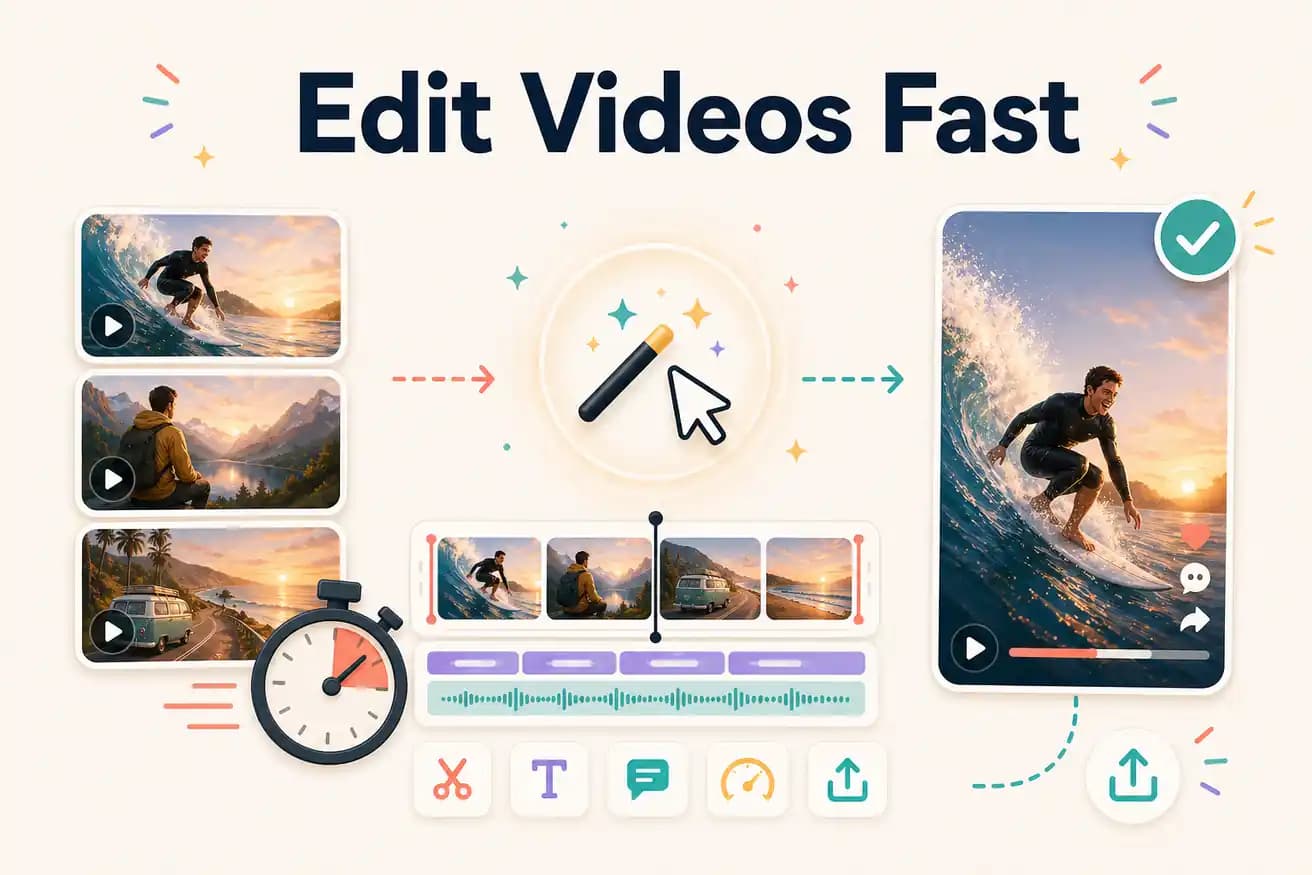
A typical 30-minute interview becomes a 5-minute YouTube video in 20-33 minutes total (upload + processing + review). For shorter footage or simpler prompts, the total time can be under 20 minutes. Processing time depends on footage length and complexity.
The time comparison for editing a typical 30-minute interview into a 5-minute YouTube video.
| Decision | Manual route | Editly |
|---|---|---|
| Import and organize | Manual (DaVinci, Premiere): 10-20 minutes to import, review, and organize footage | Editly: 2-5 minutes to upload — no organization step required |
| Rough cut and fine cut | Manual: 60-90 minutes for rough cut, fine cut, silence removal on a 30-minute recording | Editly: included in AI processing — no manual cutting required |
| Captions | Manual: 30-60 minutes for captioning, review, and styling | Editly: included in the prompt — zero additional time |
| Total time | Manual: 2-4 hours for the complete workflow | Editly: 20-33 minutes for the complete workflow |
Step 1
Don't pre-trim or organize before uploading. Upload the raw recording directly. The AI analyzes the full content.
Step 2
Speed comes from a good first prompt. Include everything: target length, content focus, silence threshold, caption style, platform format. 'Create a 5-minute YouTube video. Remove silences over 0.8s. Add white captions. Start with the hook. Keep the tips, cut the tangents. Export 1080p.'
Step 3
Submit the prompt. Don't watch. The AI processes autonomously — check back in 15-20 minutes.
Step 4
One pass through the output. One follow-up prompt if needed. Two-pass maximum for most footage. Download and publish.
Upload a recording you'd normally spend 2 hours editing. Write a brief. Return in 20 minutes to a finished video. 3 free exports to test fast AI editing.
Related editing pages