Step 1
Upload your raw footage
Add the video you want edited. Editly handles long recordings — the AI analyzes the full content.
Editly AI
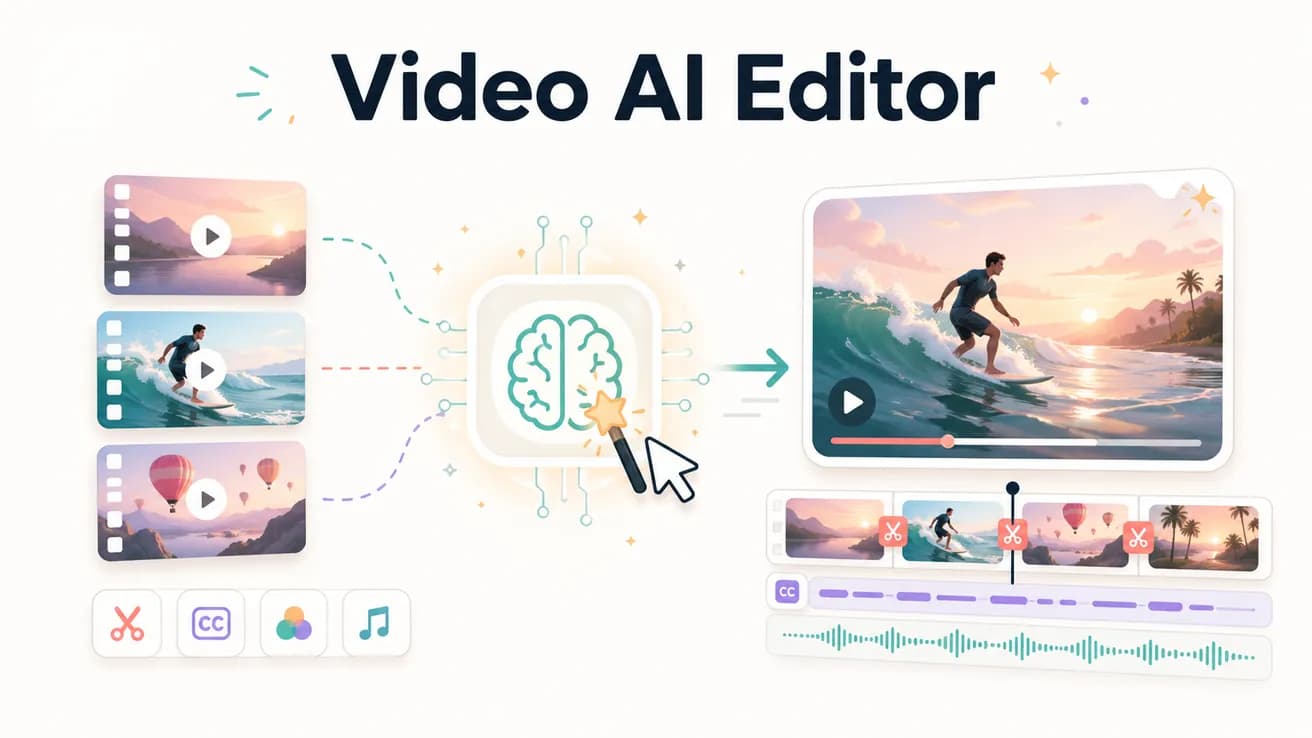
A video AI editor uses artificial intelligence to make editing decisions from a text prompt. Instead of manually trimming clips on a timeline, you describe the finished video you want and the AI produces it from your footage.
The practical differences between using a video AI editor and a traditional timeline editor.
| Decision | Other Apps | Editly |
|---|---|---|
| How you interact with it | Traditional editor: navigate a timeline, make individual clip decisions, apply tools one at a time | Editly video AI: write a prompt describing the output — AI executes the full edit |
| Time per video | Traditional editor: 1-4 hours for typical content creator video | Editly video AI: 15-20 minutes for the same video length |
| Consistency across videos | Traditional editor: varies by editor state, attention, and time pressure | Editly video AI: consistent editorial approach applied from consistent prompt language |
| Silence removal | Traditional editor: manual identification and trimming or plugin | Editly video AI: 'remove silences' in the prompt — automated |
Step 1
Add the video you want edited. Editly handles long recordings — the AI analyzes the full content.
Step 2
Describe the finished video: 'Create a 5-minute YouTube video from this 25-minute interview. Keep the most insightful answers. Remove silences. Add captions. Export 16:9 1080p.'
Step 3
Gemini AI analyzes your footage. The Acute engine applies the edits. A finished video is returned.
Step 4
Request changes by describing them: 'The intro is slow — trim the first 10 seconds.' No timeline interaction needed.
Upload real footage, write a real prompt, see real AI editing. 3 free exports to evaluate whether AI video editing works for your content type.
Related editing pages