Step 1
Upload footage to the cloud
Add your raw video files. Editly's cloud infrastructure handles the storage and processing — no local machine requirements.
Editly AI
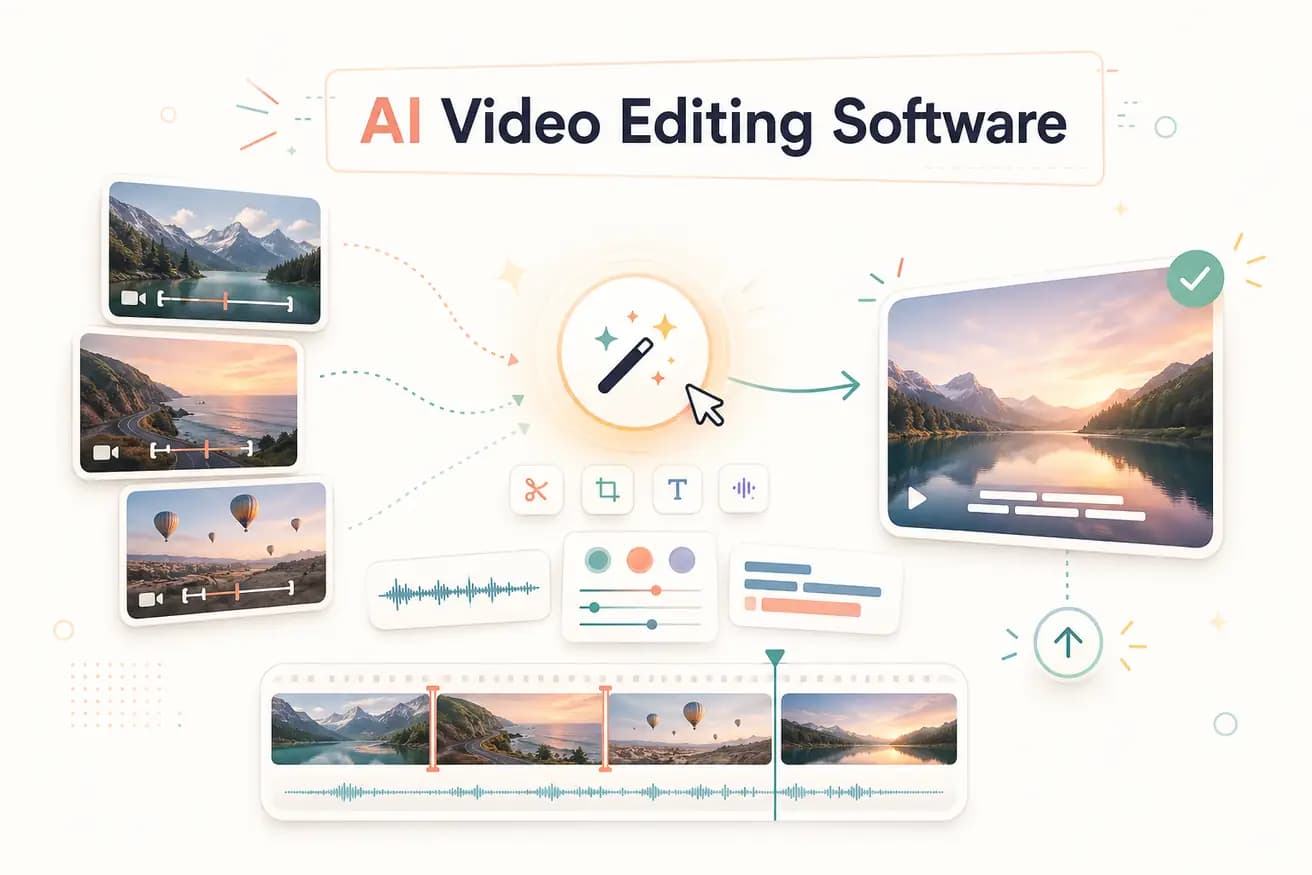
AI video editing software uses artificial intelligence to automate editing decisions. There are two types: AI-assisted software (traditional NLEs with AI features added) and AI-first software (like Editly, where the entire editing workflow is driven by AI from a text prompt).
Understanding the distinction between adding AI to a manual editor vs replacing the manual editor with AI.
| Decision | Other Apps | Editly |
|---|---|---|
| Editorial decisions | AI-assisted software (Premiere + AI): AI helps individual tasks — you still make all editorial decisions | Editly (AI-first): AI makes editorial decisions from your prompt — you describe the outcome |
| Manual timeline | AI-assisted software: still requires timeline interaction for every project | Editly: no timeline — prompt in, video out |
| Silence removal | AI-assisted software: AI detection feature you apply and review manually | Editly: 'remove silences' in the prompt — applied automatically, no review step |
| Time investment | AI-assisted software: faster than fully manual, still 1-3 hours per video | Editly: 15-20 minutes per video — AI handles the full workflow |
Step 1
Add your raw video files. Editly's cloud infrastructure handles the storage and processing — no local machine requirements.
Step 2
Example: 'From this 45-minute webinar, create a 6-minute highlights video. Keep the 3 most actionable points. Remove silences. Add captions. Export 16:9 for YouTube.'
Step 3
Gemini AI analyzes the content. Acute processes the video. The result is a finished edited video matching your brief.
Step 4
Review the output. Add follow-up prompts for any adjustments. Download the finished video and publish.
The comparison that matters: upload real footage, write a real prompt, see real AI editing. 3 free exports to find out if AI video editing software fits your workflow.
Related editing pages