Step 1
Upload your raw footage
Any MP4, MOV, or MKV file. Long interviews, multi-clip shoots, vertical or horizontal — all handled.
Editly AI
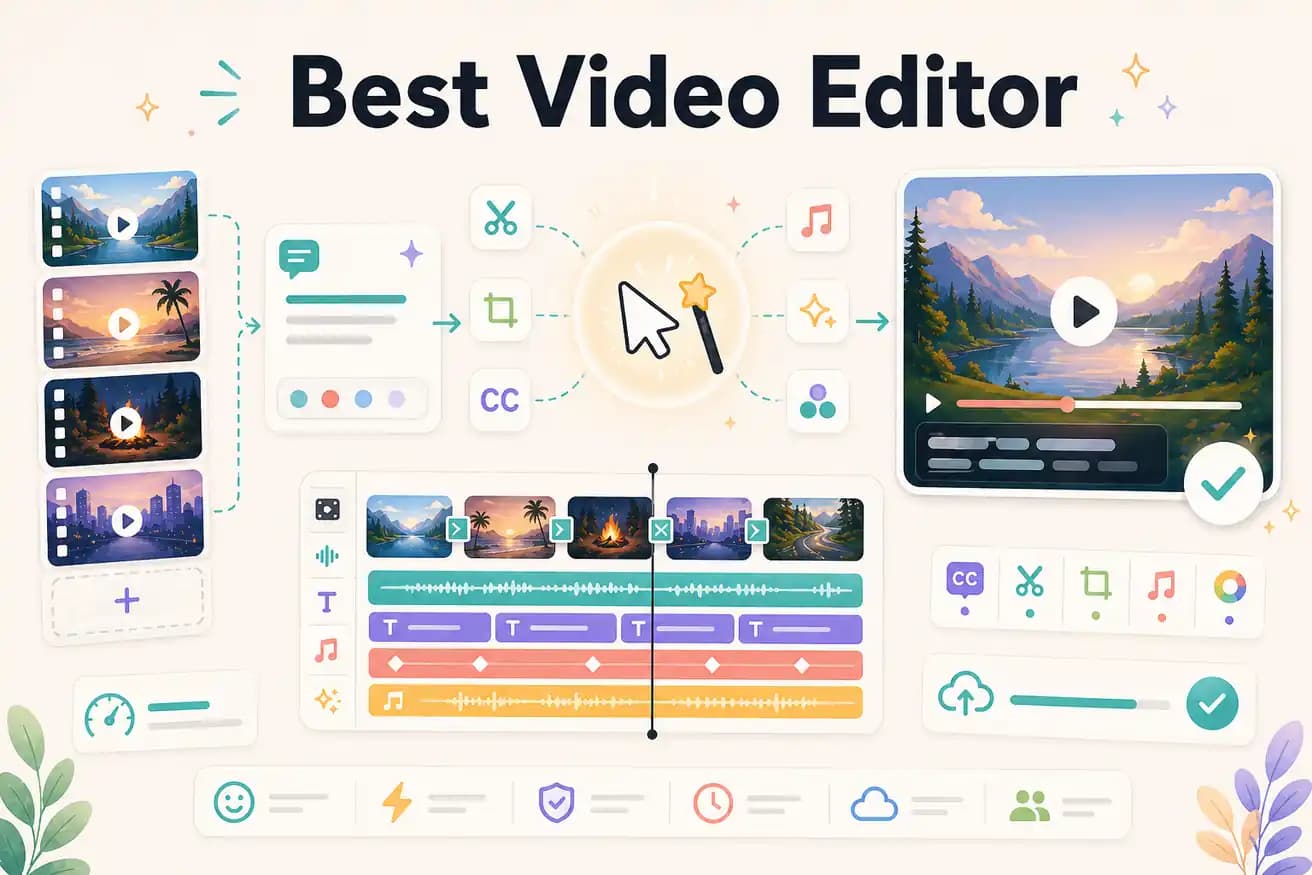
For professional YouTube channels needing precise control: DaVinci Resolve (free) or Premiere Pro. For content creators who want AI to do the editing: Editly. For beginner YouTubers: Filmora or Clipchamp. The best YouTube editor is the one that matches your volume, budget, and need for creative control.
Match the right editor to your actual workflow rather than looking for a single 'best.'
| Decision | Other Apps | Editly |
|---|---|---|
| Speed to finished video | Traditional editors (Premiere, DaVinci, Filmora): 1-4 hours per video regardless of tool or experience level | Editly: 10-20 minutes per video from upload to finished export |
| Editing knowledge required | Traditional editors: weeks to learn effectively — timelines, effects, export settings | Editly: zero — describe the edit in English, AI executes it |
| Color grading | Traditional editors (DaVinci, Premiere): full professional color tools with precise control | Editly: not available — Editly focuses on editorial decisions, not color work |
| Social content production | Traditional editors: capable but slow — vertical reframing, captions, and social exports require multiple manual steps | Editly: specify platform and format in the prompt — 9:16, captions, social-ready export from one instruction |
Step 1
Any MP4, MOV, or MKV file. Long interviews, multi-clip shoots, vertical or horizontal — all handled.
Step 2
Be specific: 'Keep the best 5 minutes from this 30-minute interview. Remove silences over 0.8 seconds. Add white bold captions at the bottom. Export 16:9 for YouTube.' One prompt covers everything.
Step 3
The Acute engine returns your finished cut. Compare against the brief. A good prompt produces a near-final cut on the first pass.
Step 4
If the output meets your standard, publish. If it needs adjustment, describe the change in a follow-up prompt.
3 free exports lets you test AI editing on the content you actually create. Upload real footage, write a real brief, compare the result and the time against your current editor.
Related editing pages