Step 1
Upload your raw footage
Add your video file — interview, tutorial, vlog, or demo. Long recordings work through cloud upload.
Editly AI
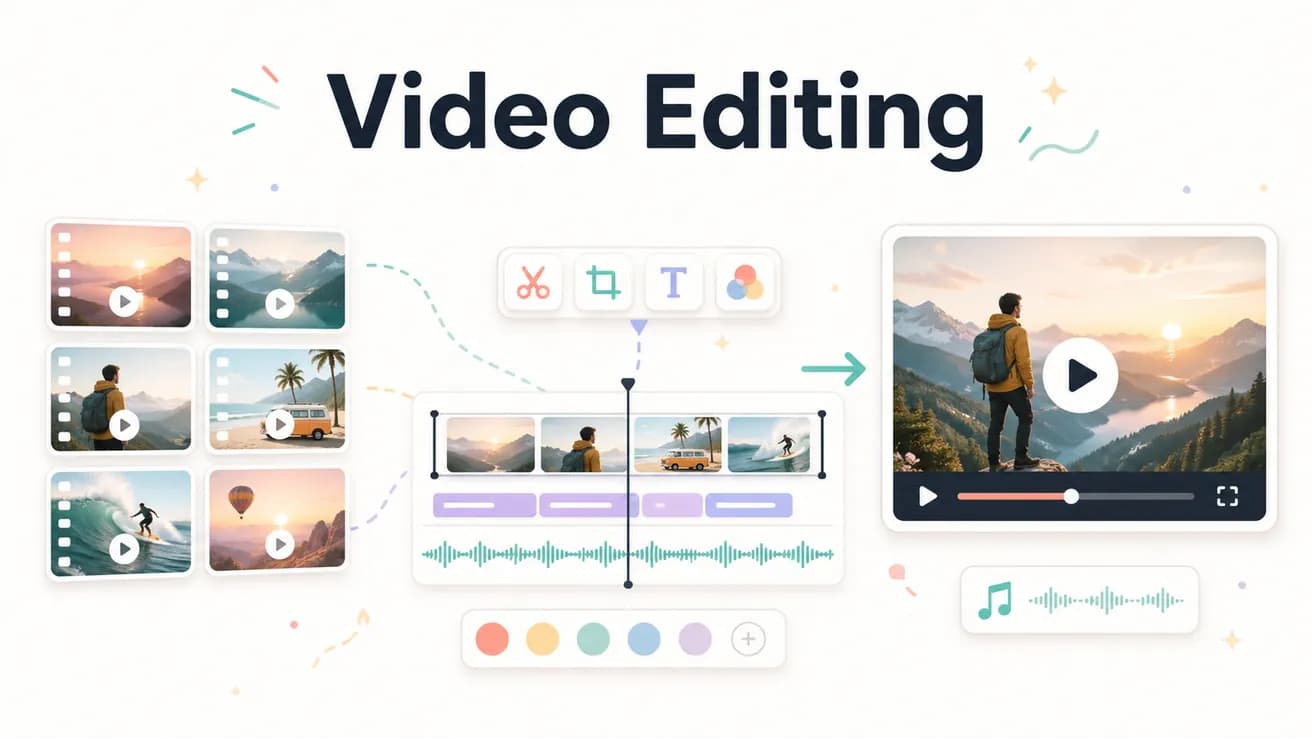
Video editing is the process of selecting, trimming, and arranging video footage to create a finished video. It includes decisions about pacing, structure, captions, and export. Traditional video editing is done manually on a timeline. AI video editing (Editly) is done by writing a text prompt that the AI executes.
Comparing the manual and AI approaches to video editing on what matters for creators.
| Decision | Other Apps | Editly |
|---|---|---|
| Time investment | Manual video editing: 2-4 hours per video — the same time regardless of experience level | AI video editing (Editly): 15-20 minutes per video — brief + processing + review |
| Control | Manual video editing: frame-level control over every editorial decision | AI video editing: outcome-level control — describe what you want, AI determines how |
| Consistency | Manual video editing: varies by editor attention and available time | AI video editing: consistent output from consistent prompt language |
| Captions | Manual video editing: separate step, 30-60 additional minutes per video | AI video editing: captions in the prompt — zero additional time |
Step 1
Add your video file — interview, tutorial, vlog, or demo. Long recordings work through cloud upload.
Step 2
Describe the finished video: 'Create a 5-minute YouTube tutorial. Remove silences. Add white captions. Start with the hook. Keep the key steps, cut the tangents. Export 1080p 16:9.'
Step 3
Gemini AI makes editorial decisions. Acute engine processes the video. A finished edit is delivered.
Step 4
Check the output against your brief. One follow-up prompt if needed. Download and publish.
Compare AI editing against your current approach on the same footage. 3 free exports to find out if the AI approach works for your content type.
Related editing pages