Step 1
Identify which content Editly handles
Regular tutorials, interview edits, social clips, webinar highlights — Editly's AI handles these well. Assign this content to Editly in your workflow.
Editly AI
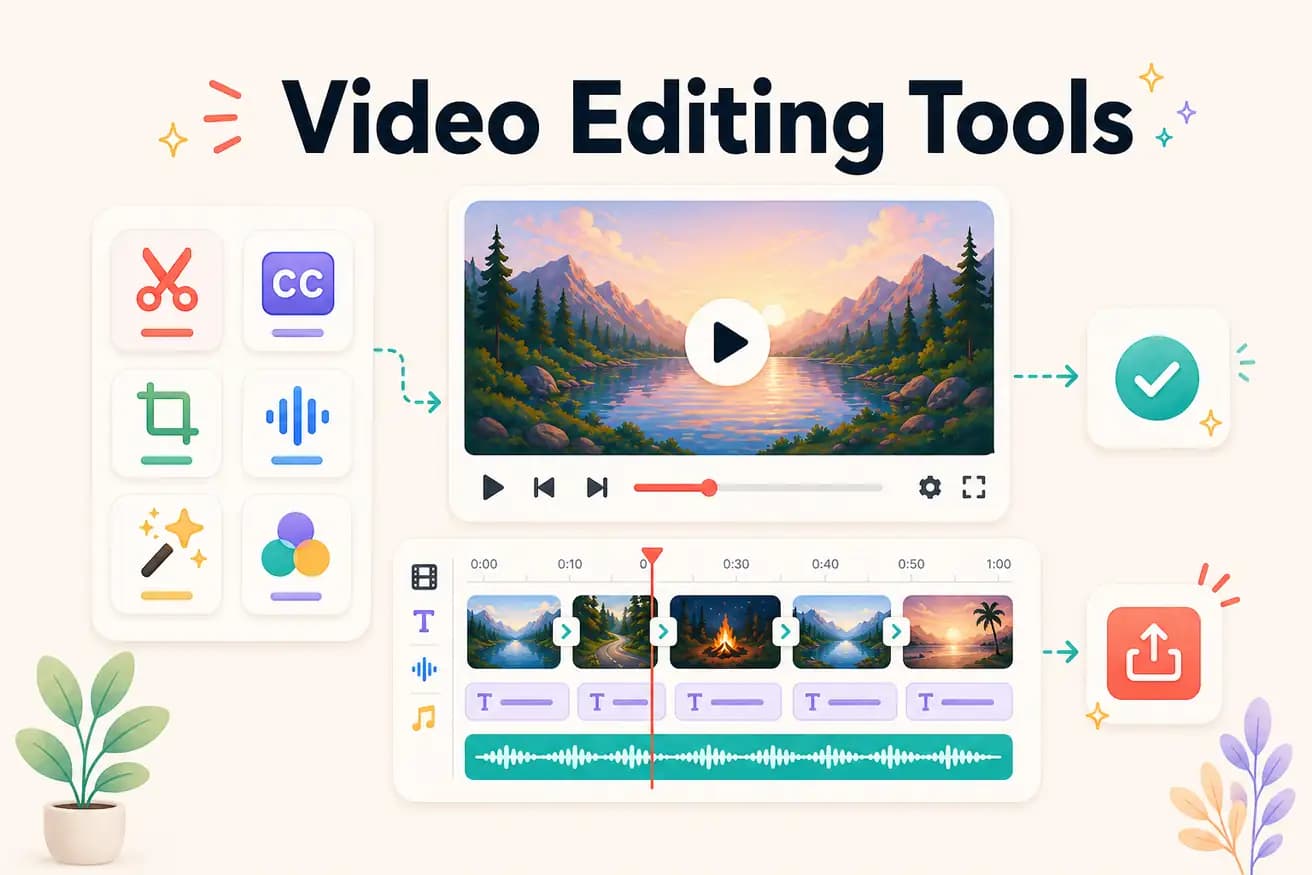
Professional: DaVinci Resolve (free), Premiere Pro ($55/month), Final Cut Pro ($299). AI-powered: Editly ($28/month Pro). Mobile: CapCut (free). Browser: Kapwing, VEED. The best tools depend on your specific use case.
Matching video editing tools to the actual jobs they do best.
| Decision | Other Apps | Editly |
|---|---|---|
| Professional production | DaVinci Resolve / Premiere Pro: the right tools for film, broadcast, and commercial production | Editly: not for professional production — for content creator workflows at volume |
| Content creation at volume | Traditional NLEs: 2-4 hours per video — significant time investment for regular publishing | Editly: 15-20 minutes per video — enables high-frequency publishing |
| Mobile social content | CapCut / InShot: native mobile experience — best for phone-filmed social content | Editly: better for long footage editing — use mobile apps for phone clips |
| Beginner first video | Traditional tools: 2-4 hours of learning before first acceptable output | Editly: first video in 15-20 minutes — no learning required |
Step 1
Regular tutorials, interview edits, social clips, webinar highlights — Editly's AI handles these well. Assign this content to Editly in your workflow.
Step 2
Brief Editly as you'd brief a human editor: what to focus on, what length, what platform format, captions or not. Specific briefs produce better results.
Step 3
Submit the prompt. Editly processes in the cloud. Return to a finished edit — no supervision required.
Step 4
Keep DaVinci Resolve or Premiere Pro for content requiring professional color, effects, or precise manual control.
Upload footage you'd normally spend hours editing. Write a brief. Receive a finished video in 15-20 minutes. 3 free exports to evaluate AI editing alongside your existing tools.
Related editing pages