Step 1
Open Safari on Mac
Go to editly.in. No App Store purchase, no Final Cut license, no 2.5GB download.
Editly AI
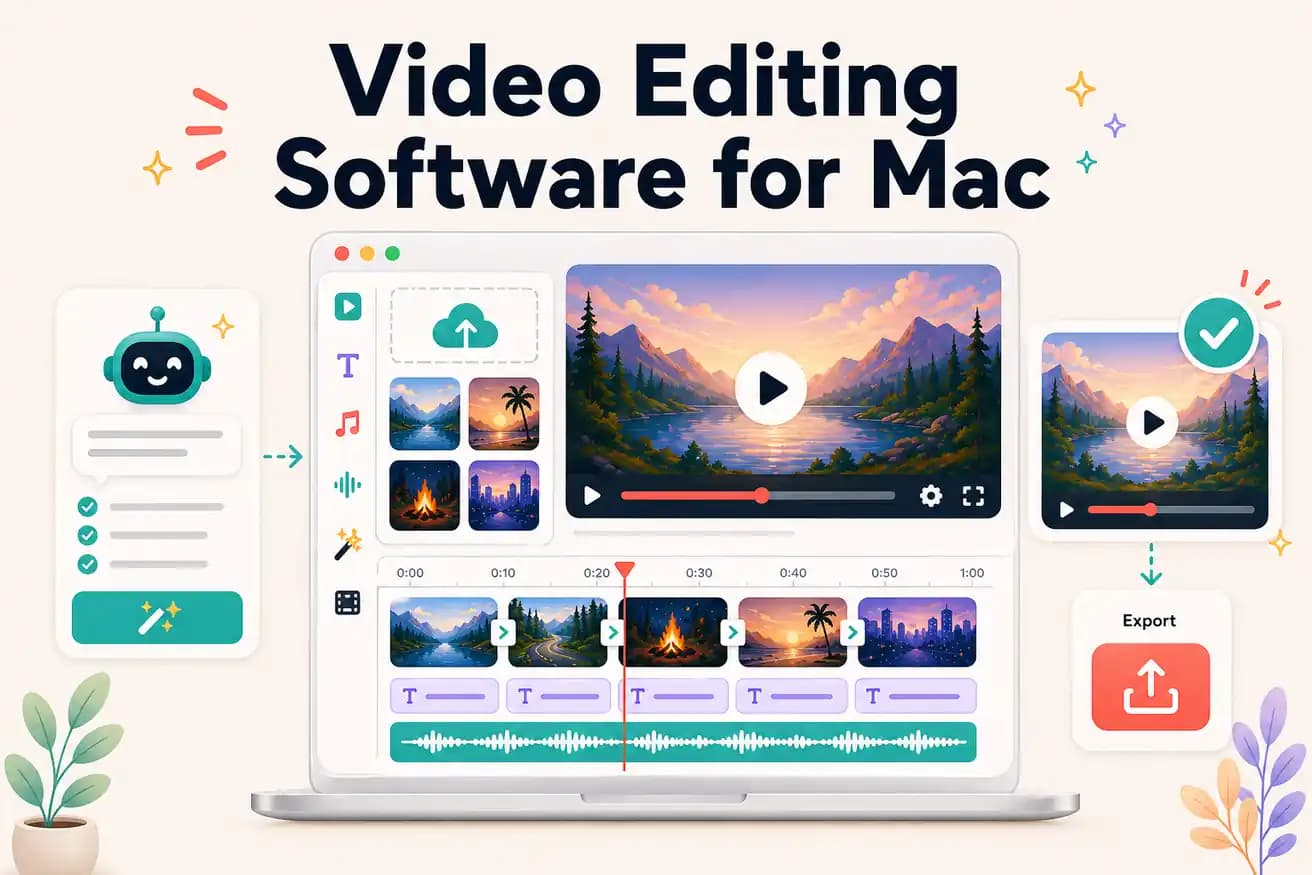
Final Cut Pro is the best Mac-native professional editor. DaVinci Resolve is the best free professional Mac editor. Editly is the best AI-powered Mac editor — works in Safari, edits from a prompt. The best choice depends on your use case.
Comparing Mac video editing options on what matters for content creators.
| Decision | Other Apps | Editly |
|---|---|---|
| Cost | iMovie: free; DaVinci Resolve: free; Final Cut Pro: $299; Premiere Pro: $55/month | Editly: 3 free exports; Pro $28/month for 100 AI-edited exports |
| Time per video | Mac NLEs: 1-4 hours per video — all require manual editing | Editly: 15-20 minutes per video — AI makes editorial decisions |
| Silence removal | iMovie: no; Final Cut Pro: no built-in; DaVinci: scripted only | Editly: 'remove silences' in the prompt — standard, automated |
| Apple Silicon optimization | Final Cut Pro: heavily optimized for Apple Silicon; DaVinci Resolve: good support | Editly: chip doesn't matter — cloud processing is hardware-independent |
Step 1
Go to editly.in. No App Store purchase, no Final Cut license, no 2.5GB download.
Step 2
Add your recording from Finder, iCloud, or external storage.
Step 3
'Create a 6-minute YouTube video from this 30-minute recording. Remove silences. Add white captions. Export 1080p 16:9.' Cloud does the work.
Step 4
Download the finished MP4. Publish directly or import into Final Cut for any professional finishing.
Open Safari, go to editly.in, upload footage, write a prompt. 3 free AI-edited exports on your Mac without buying or downloading anything.