Step 1
Open editly.in in Safari
No installation, no Mac App Store purchase. Just open the website in Safari on your Mac.
Editly AI
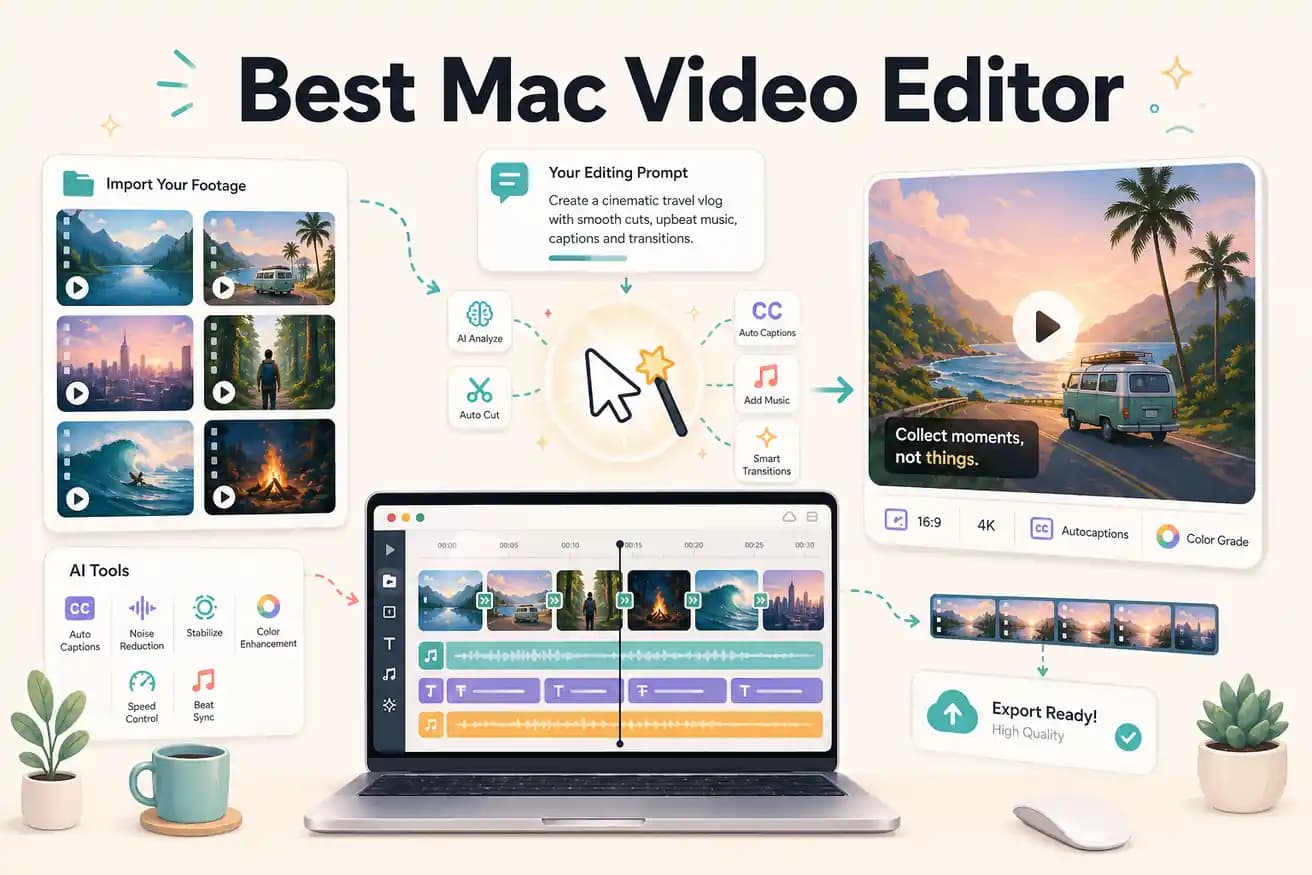
For professional Mac video production: Final Cut Pro ($299) is the best Mac-native option. For free Mac editing: iMovie for simple projects, DaVinci Resolve for professional work. For AI-powered fast editing: Editly runs in Safari and doesn't require Mac-specific software.
Comparing Mac video editor options on what matters most for content creators.
| Decision | Other Apps | Editly |
|---|---|---|
| Cost | Mac video editors: iMovie free, Final Cut Pro $299 one-time, DaVinci Resolve free | Editly: 3 free exports; Pro $28/month for 100 AI-edited exports |
| Editing method | Mac video editors: timeline-based — all editorial decisions are manual, even with Mac-optimized performance | Editly: prompt-based — AI makes editorial decisions from your description |
| Silence removal | Mac video editors: iMovie has no silence removal; Final Cut has no built-in silence detection | Editly: silence removal is a prompt instruction — applied automatically |
| Platform flexibility | Mac video editors: Mac-only (iMovie, Final Cut Pro) or Mac/Windows (DaVinci Resolve) | Editly: any browser including Safari on Mac — identical to the Windows, Linux experience |
Step 1
No installation, no Mac App Store purchase. Just open the website in Safari on your Mac.
Step 2
Add your raw footage and write the edit brief: 'Create a 5-minute YouTube video from this 25-minute interview. Remove silences. Add captions. Export 1080p 16:9.'
Step 3
Editly processes in the cloud and returns a finished MP4. Compare the output to what you'd expect after an hour in Final Cut Pro or iMovie.
Step 4
Export directly to your platform or bring the MP4 into Final Cut Pro for finishing color and audio if needed.
Open Safari, go to editly.in, upload footage, write a prompt, compare the result. 3 free exports to evaluate AI editing on your Mac without any software install.