Step 1
Open Safari and go to editly.in
No Mac App Store, no Final Cut license, no DaVinci download. Safari is already on your Mac.
Editly AI
iMovie is the best free native Mac editor for simple projects. DaVinci Resolve is the best free professional Mac NLE. Editly's free tier gives 3 AI-edited exports in Safari for evaluating AI editing on Mac.
All meaningful Mac video editing options compared on the criteria that matter for creators.
| Decision | Other Apps | Editly |
|---|---|---|
| Cost | iMovie: free; DaVinci Resolve: free; Final Cut Pro: $299 one-time; Premiere Pro: $55/month | Editly: 3 free exports; Pro $28/month for 100 AI-edited exports |
| Time per video | Mac NLEs: 1-4 hours per video — all require manual editing decisions | Editly: 15-20 minutes per video — AI makes the editorial decisions |
| Silence removal | iMovie: no; Final Cut Pro: no built-in; DaVinci: not built-in without scripting | Editly: silence removal in any prompt — standard, automated |
| Mac-specific optimization | Final Cut Pro: Apple Silicon optimized for speed; iMovie: native macOS; DaVinci: Apple Silicon support | Editly: cloud-processed — chip generation doesn't affect editing speed |
Step 1
No Mac App Store, no Final Cut license, no DaVinci download. Safari is already on your Mac.
Step 2
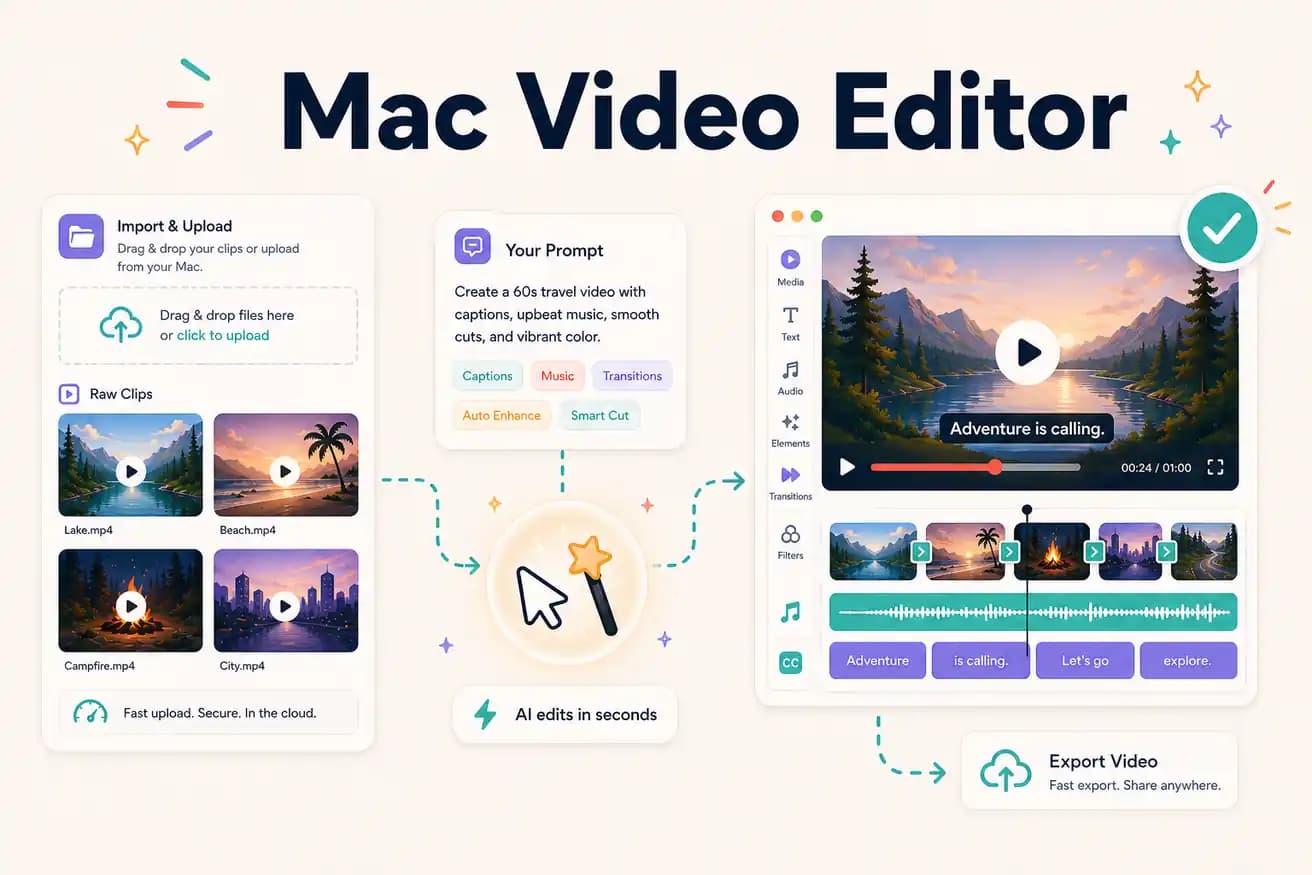
Add recordings from Finder, iCloud, or external storage. Any Mac can handle the upload regardless of age or chip.
Step 3
'Make an 8-minute YouTube video from this recording. Remove silences. Add captions. Start with the hook. Export 1080p 16:9.' Cloud does the work.
Step 4
The finished MP4 downloads to Mac. Post directly or import into Final Cut Pro or DaVinci for any finishing needed.
Open Safari on your Mac, go to editly.in, upload footage, write a prompt. 3 free AI-edited exports without purchasing any Mac software.