Step 1
Upload your footage
Add clips to Editly from any device. No Mac required, no Final Cut project format needed.
Editly AI
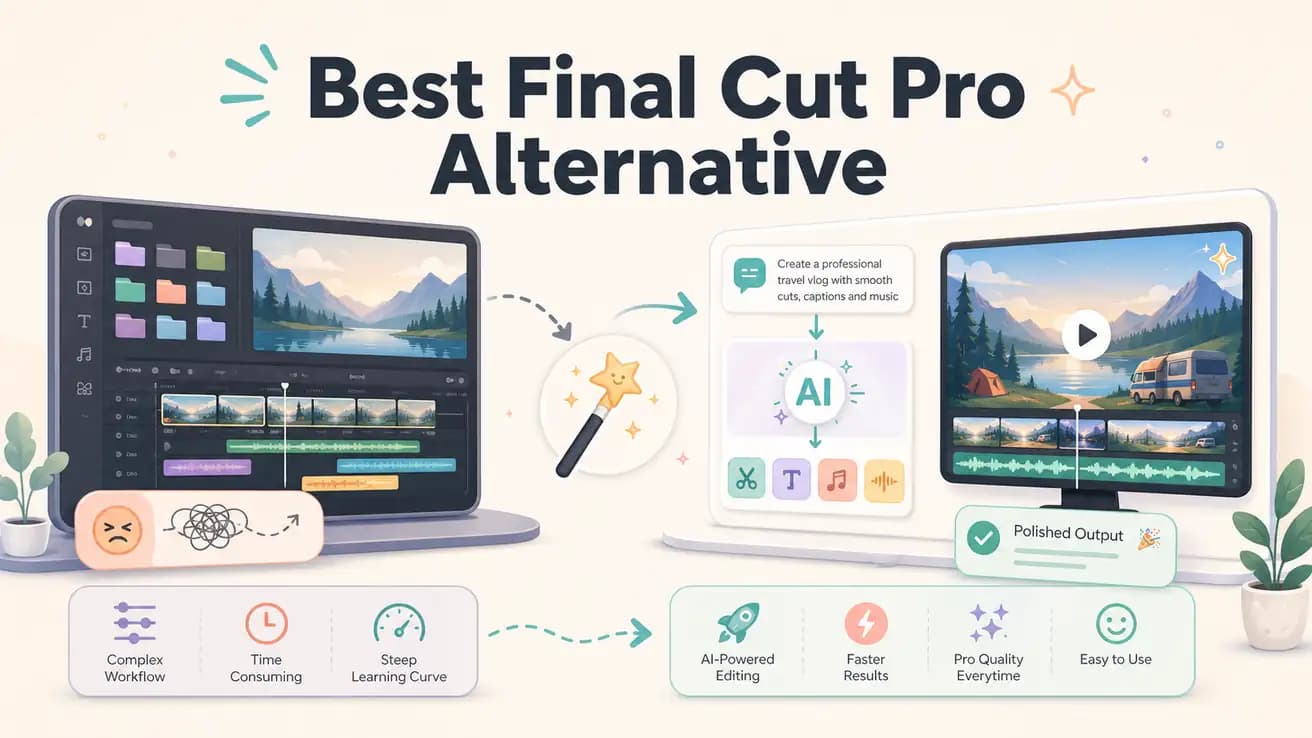
Yes — Editly runs in any browser including Safari on Mac. You don't need to install anything. If you're on a Mac but don't want to pay $299 for Final Cut, Editly works in your existing browser.
Compared on the decisions that matter for most content creators — not professional film editors.
| Decision | Final Cut Pro | Editly |
|---|---|---|
| Platform availability | Final Cut Pro: Mac only — requires macOS Ventura or later; no Windows, Linux, or mobile version | Editly: any browser on any OS — Mac, Windows, Linux, Chromebook, iPad all work |
| Cost to start | Final Cut Pro: $299 one-time purchase — free 90-day trial available but then full payment required | Editly: 3 free exports to start; Pro $28/month for 100 AI-edited videos |
| Aspect ratio / vertical video | Final Cut Pro: Smart Conform adjusts framing but requires project setup and manual review per clip | Editly: specify '9:16 for Reels' in the prompt — vertical reframing applied automatically |
| Editing speed for social content | Final Cut Pro: fast NLE workflow, but still requires manual timeline decisions for every export | Editly: one prompt produces a complete cut — no timeline decisions required from the user |
Step 1
Add clips to Editly from any device. No Mac required, no Final Cut project format needed.
Step 2
Write what you'd normally do in Final Cut: 'Cut to 6 minutes, keep the strongest talking points, add captions, reframe to 9:16 for Instagram.'
Step 3
Editly processes the edit in the cloud. No render bar, no waiting — just a finished video to review.
Step 4
Need changes? A follow-up prompt handles revisions without launching Final Cut Pro or touching a timeline.
If you need the edit done today and don't have Final Cut Pro or a Mac, Editly gets you a finished video from a prompt. 3 exports free, no credit card needed.