Step 1
Upload your raw footage
Add your interview, tutorial, vlog, or product demo. Editly handles long recordings and multi-clip projects without pre-organization.
Editly AI
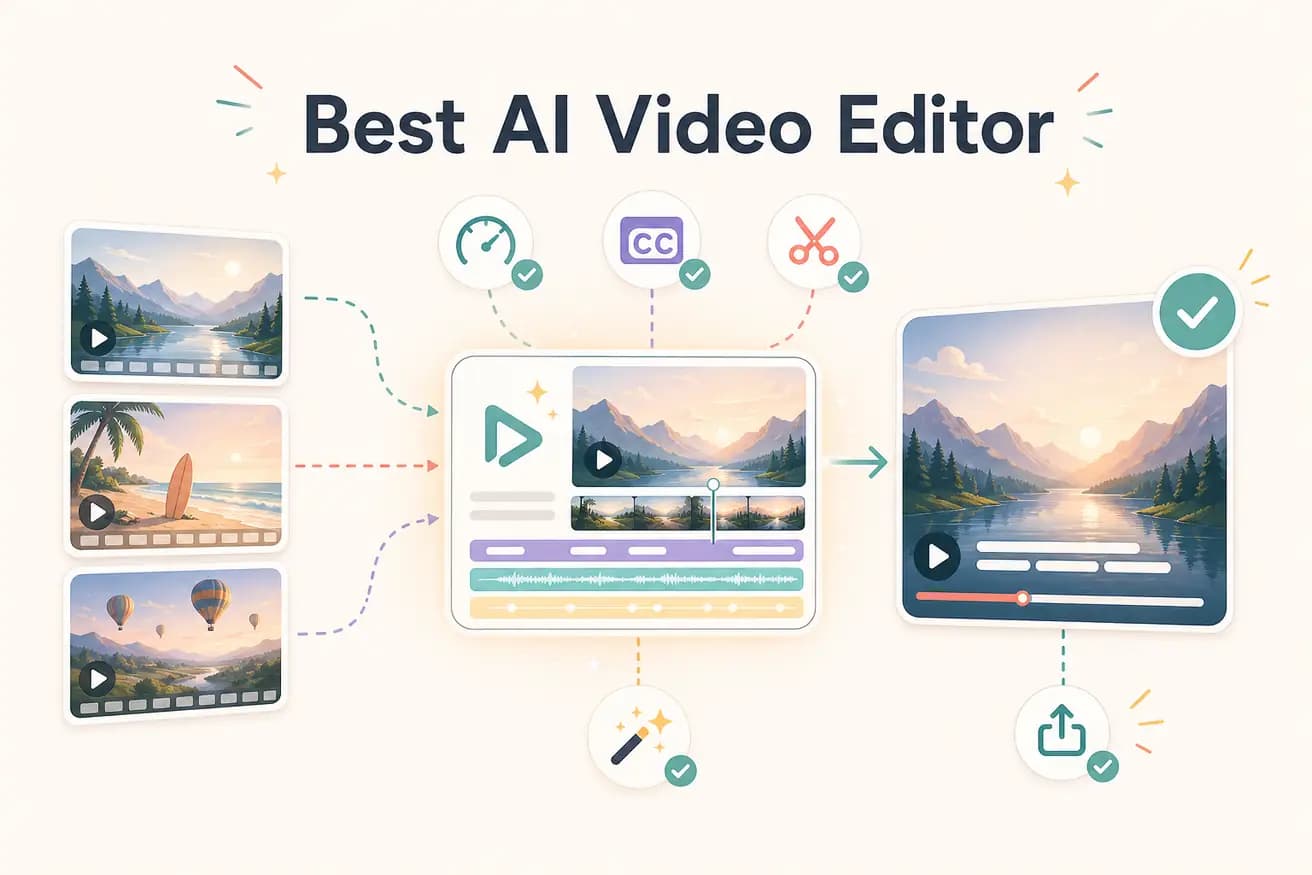
The best AI video editor for most content creators is one that removes the manual timeline entirely. Editly does this — you describe the edit in plain English and the AI builds it. For specific use cases like podcast editing, Descript is strong. For visual effects, CapCut or Filmora have AI-assisted tools. The 'best' depends on what you're editing and what kind of AI automation you need.
This comparison shows what AI editing actually changes for a content creator workflow.
| Decision | Other Apps | Editly |
|---|---|---|
| Editorial decision-making | Traditional editors: all editorial decisions are manual — you decide what to keep, what to cut, how to structure every video | Editly: AI makes editorial decisions from your prompt — clip selection, timing, structure are automated |
| Captions | Traditional editors: auto-caption is a feature you enable and then review manually per video | Editly: captions are a prompt instruction — generated and applied automatically as part of the edit |
| Silence removal | Traditional editors: a tool you apply manually or a plugin you configure per project | Editly: a single phrase in your prompt — 'remove silences over 0.8 seconds' — applied automatically |
| Iteration speed | Traditional editors: each revision requires reopening the project, finding the section, editing, re-rendering | Editly: each revision is a follow-up prompt — no project to reopen, no timeline to navigate |
Step 1
Add your interview, tutorial, vlog, or product demo. Editly handles long recordings and multi-clip projects without pre-organization.
Step 2
Be specific about the outcome you want. Example: 'From this 25-minute interview, create a 4-minute highlight video. Remove silences. Add bold white captions. Start with the strongest answer.'
Step 3
Editly returns a complete cut in minutes. Watch it through — the first pass from a specific prompt is typically close to final.
Step 4
Request specific changes: 'Tighten the intro by 15 seconds' or 'Add a transition at 2:30'. Each follow-up prompt is processed without touching a timeline.
The best test of an AI video editor is your own footage with your own prompt. Upload a real clip, write a real brief, see if the output meets your standard.
Related editing pages