Step 1
Upload your raw recording
Add the full unedited talking head recording — interview, tutorial, course lesson, or demo. Editly handles long recordings via cloud upload.
Editly AI
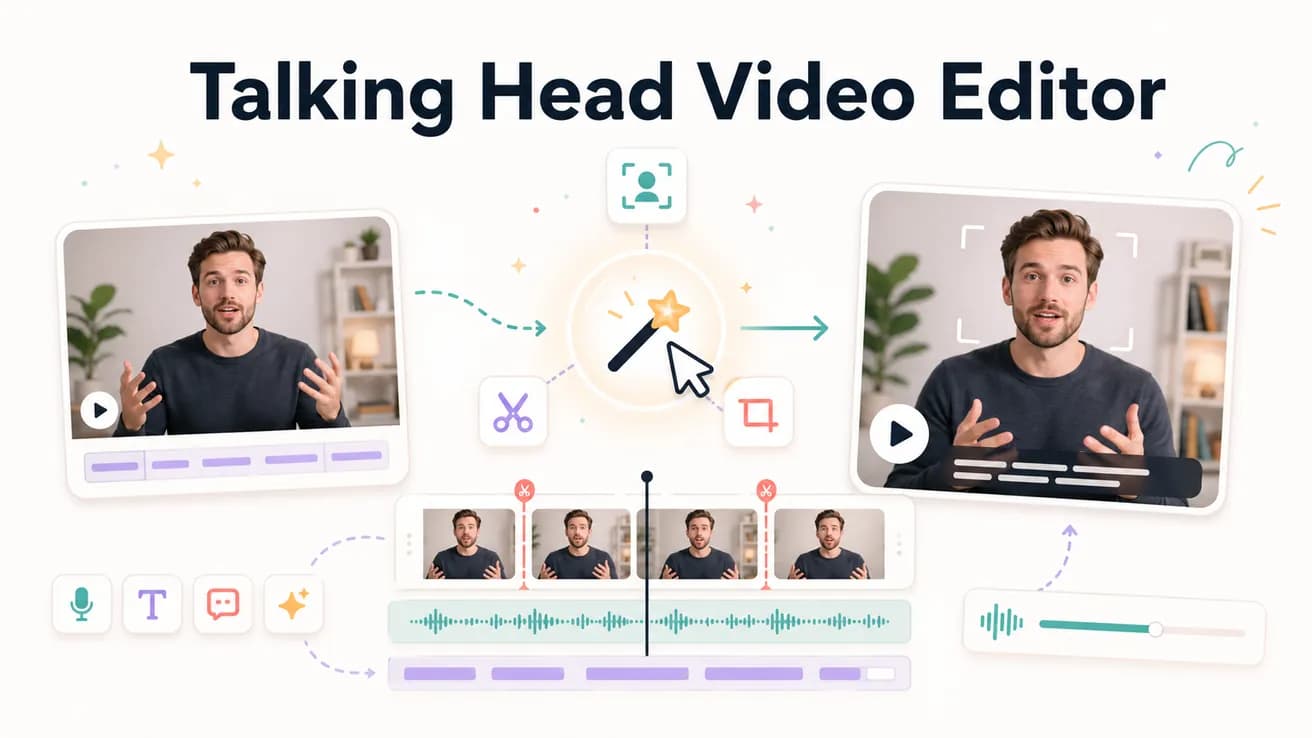
For AI-powered automation: Editly — handles silence removal, captions, and trim-to-length from a prompt. For manual control: DaVinci Resolve or Premiere Pro. For filler-word-focused editing: Descript. Editly is the best option when you edit talking head content at volume and want consistent output without per-video timeline work.
The practical difference between editing talking head content manually and with Editly.
| Decision | Other Apps | Editly |
|---|---|---|
| Silence removal | Manual: scrub through recording to identify and trim silences — 30-60 min per hour of footage | Editly: 'remove silences over 0.3 seconds' in the prompt — applied in one pass |
| Captions | Manual: use a separate tool (Rev, Descript, Premiere Speech to Text) then review and clean up | Editly: captions specified in the prompt — generated and burned in as part of the same edit |
| Time per video | Manual: 1-3 hours for a 10-minute talking head video from 30-60 min of raw footage | Editly: 10-20 minutes total — prompt writing plus AI processing time |
| Consistency across videos | Manual: quality and style vary based on editor time and attention each session | Editly: same prompt produces consistent output across every video of the same type |
Step 1
Add the full unedited talking head recording — interview, tutorial, course lesson, or demo. Editly handles long recordings via cloud upload.
Step 2
'Create a tight 10-minute YouTube tutorial from this 40-minute recording. Remove all silences. Add white captions. Focus on the main demonstration, skip the preamble.' Be specific about target length and what to cut.
Step 3
Editly returns the edited video. Check the opening (hook), caption accuracy, pacing, and length. Most talking head prompts produce near-final output on the first pass.
Step 4
If adjustments are needed: 'The intro runs too long, cut to 30 seconds' or 'Remove the section at the 7-minute mark where I go off-topic.' Each refinement is a prompt, not a timeline session.
Upload your next interview, tutorial, or course recording. Write a brief. Receive a silence-removed, captioned, trimmed edit. See how close AI gets to your manual output.
Related editing pages