Step 1
For unlimited free watermark-free online editing: use Clipchamp
Browser-based, Windows-integrated, no watermark, unlimited. Best for simple edits you need done now without cost.
Editly AI
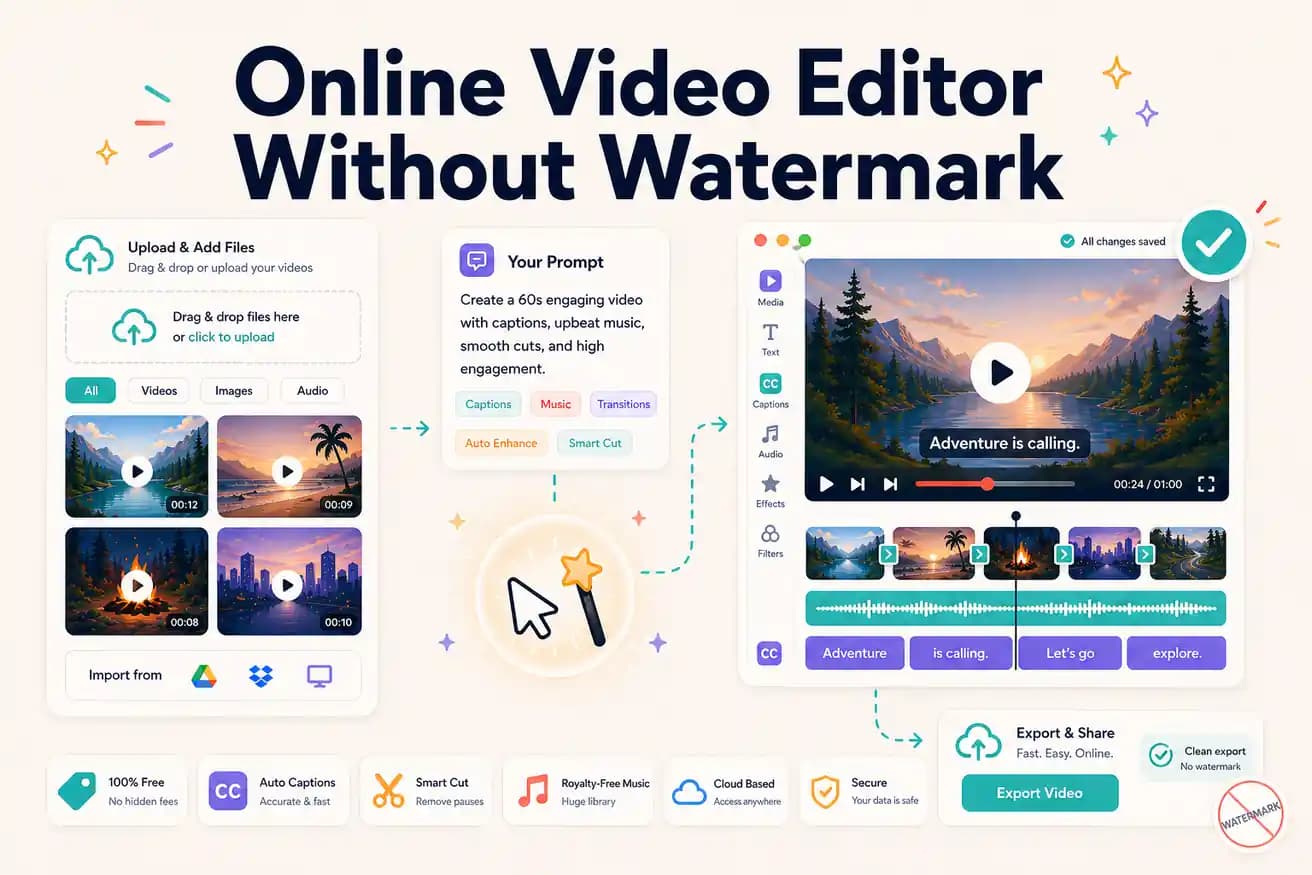
Yes — Editly's free tier gives 3 AI-edited online exports without a watermark. Clipchamp provides unlimited online editing without a watermark. Kapwing and VEED add watermarks on free tiers.
Clear separation of the watermark-free online options from the watermark-by-default tools.
| Decision | Other Apps | Editly |
|---|---|---|
| Editly free tier | N/A — Editly has no 'manual route' for this row; Editly is AI-powered with no watermark on all exports | Editly: 3 watermark-free AI-edited online exports — full quality, no visible mark |
| Clipchamp | Clipchamp: unlimited watermark-free online editing — manual timeline, Windows-focused, basic features | Editly adds AI automation on top of the no-watermark baseline Clipchamp provides |
| Kapwing free | Kapwing free: adds visible watermark — $16/month Pro to remove it | Editly: no watermark even on free exports — honest evaluation priority |
| VEED free | VEED free: adds visible watermark — $24/month Pro to remove it | Editly: no watermark — same quality as Pro on all 3 free exports |
Step 1
Browser-based, Windows-integrated, no watermark, unlimited. Best for simple edits you need done now without cost.
Step 2
Open editly.in in any browser. Upload footage, write a prompt. 3 clean AI-edited exports.
Step 3
Use the same footage in both. Assess time and output quality. This gives you the honest comparison.
Step 4
Unlimited free manual: Clipchamp. AI automation: Editly Pro ($28/month after free tier). Both are watermark-free.
Test AI online editing with no watermark on your real footage. Upload, write a prompt, download a clean video. 3 exports to evaluate, no card required.