Step 1
Open editly.in in any browser
No Windows requirement, no download. Any browser, any OS — the editor is the website.
Editly AI
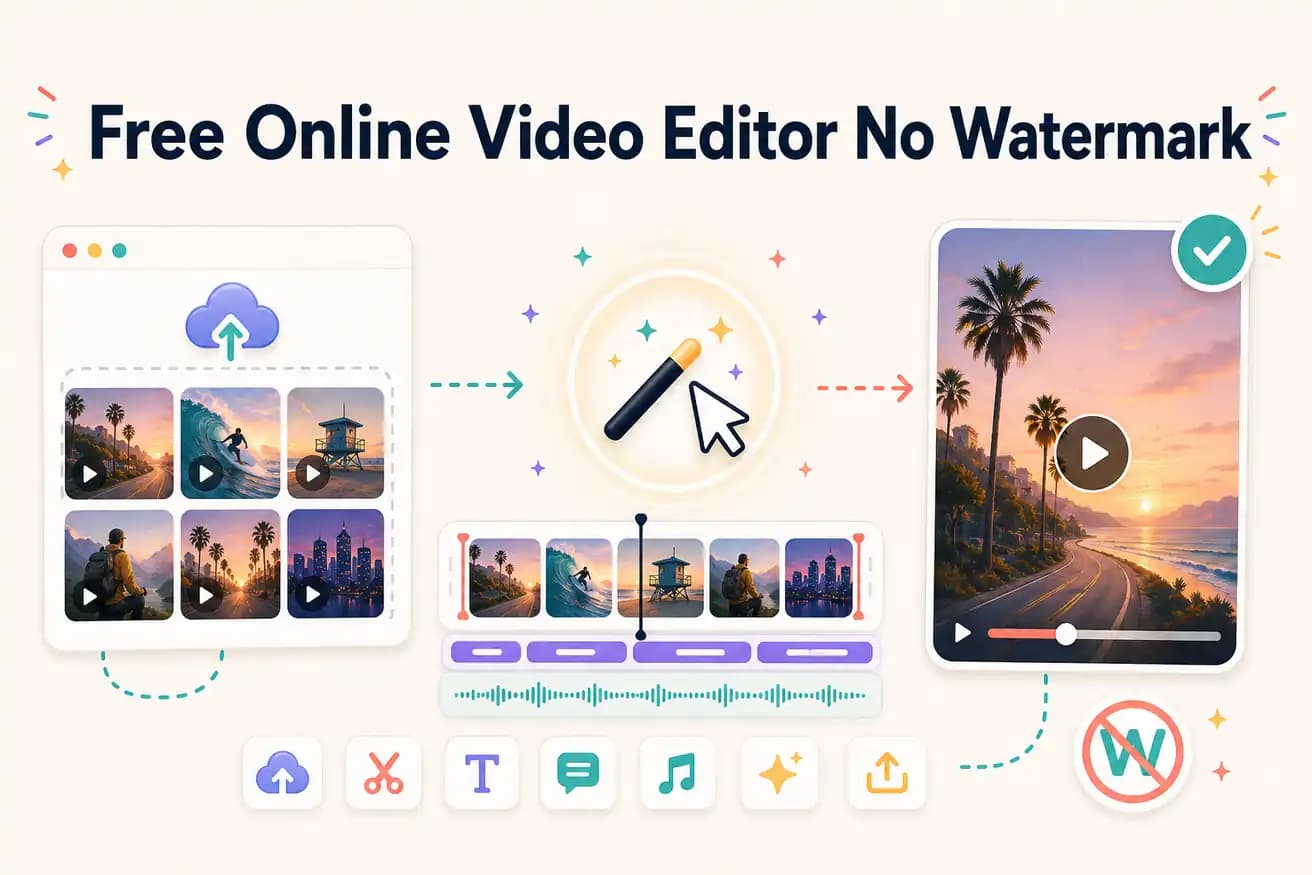
Editly's free tier gives 3 AI-edited exports without a watermark — genuinely clean output. Clipchamp is a free online manual editor without a watermark (Windows-focused). Most other free online editors (Kapwing, VEED) add watermarks on their free tiers.
Which free online video editors actually export without a watermark?
| Decision | Other Apps | Editly |
|---|---|---|
| Kapwing free | Kapwing free: adds a Kapwing watermark — remove with Pro at $16/month | Editly free: 3 exports with no watermark — full quality evaluation |
| VEED free | VEED free: adds a VEED watermark — remove with Pro at $24/month | Editly free: no watermark on any free export |
| Clipchamp (online) | Clipchamp: no watermark, unlimited exports — basic manual editor, Windows-focused | Editly: no watermark, AI-powered — 3 free exports, works on any browser |
| AI features | Free online manual editors: limited or no AI — silence removal and auto-captions require manual work | Editly: silence removal and auto-captions are prompt instructions — applied automatically |
Step 1
No Windows requirement, no download. Any browser, any OS — the editor is the website.
Step 2
Create an account — no credit card. Upload your video. Get 3 free AI-editing credits.
Step 3
Describe the edit: 'Make a 4-minute YouTube video. Remove silences. Add captions. Export 16:9.' AI handles everything from your description.
Step 4
Editly returns an MP4 with no watermark. Same quality as paid exports. Download and publish.
Test clean online AI editing on your actual footage. No watermark, no timeline to learn, no credit card required. Just upload, write, download.