Step 1
Open editly.in in any browser
No Windows requirement, no download. Works on Mac, Linux, Windows, mobile.
Editly AI
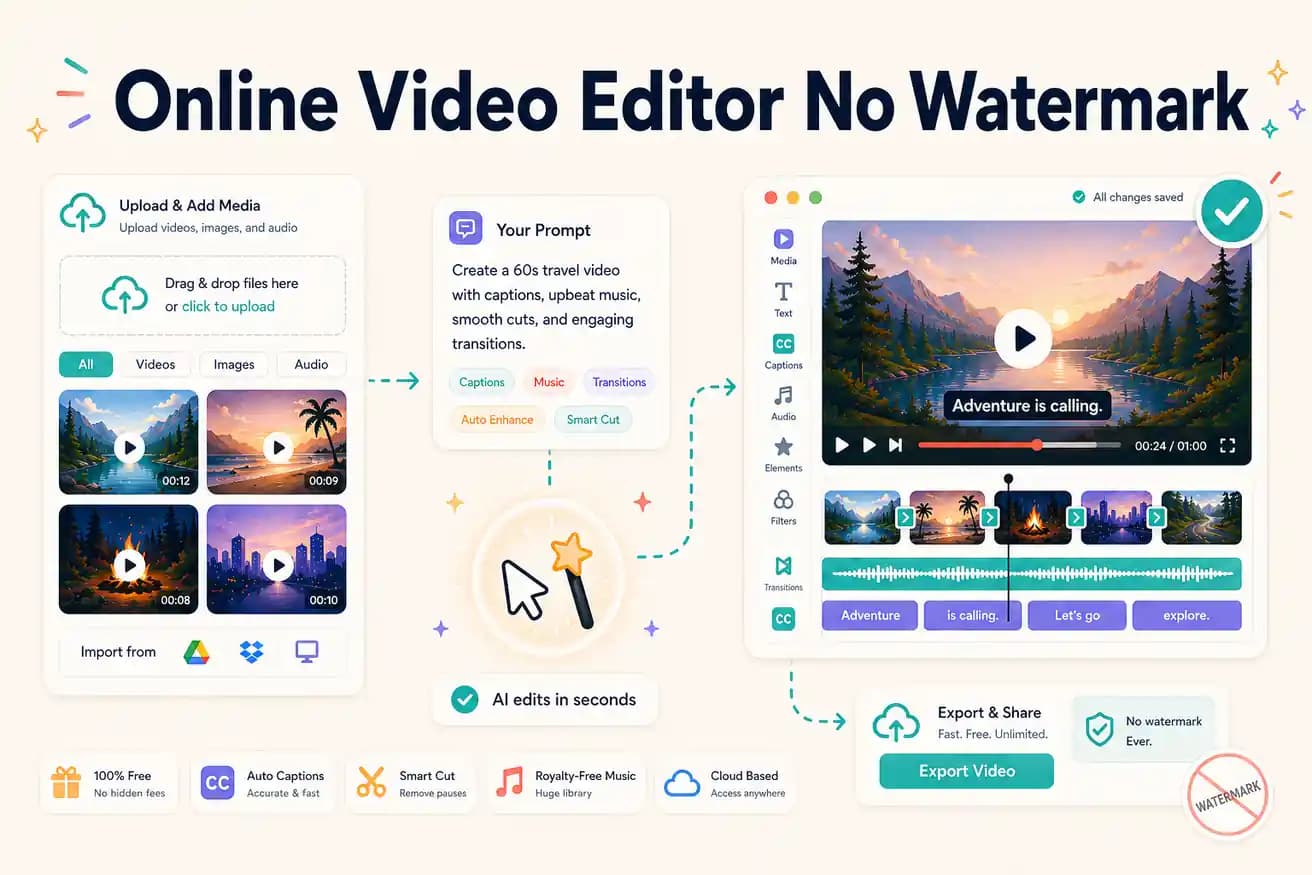
Clipchamp (unlimited, basic, Windows-focused) and Editly's free tier (3 AI-edited exports) don't watermark. Kapwing and VEED add watermarks on free tiers.
Separating the no-watermark online options from the watermark-as-pressure tools.
| Decision | Other Apps | Editly |
|---|---|---|
| Clipchamp | Watermark: NONE — unlimited free browser editing, no subscription required | Editly: NONE on free — 3 AI-edited exports clean, then $28/month |
| Kapwing free | Watermark: ADDS — Kapwing badge on all free exports, $16-29/month to remove | Editly: no watermark on any tier including the free 3 exports |
| VEED free | Watermark: ADDS — VEED badge on free exports, $24/month Pro to remove | Editly: no watermark — honest quality evaluation on free tier |
| AI editing capability | No-watermark free options (Clipchamp): manual only — no AI silence removal or editorial decisions | Editly: AI editorial decisions from prompt on all tiers including free |
Step 1
No Windows requirement, no download. Works on Mac, Linux, Windows, mobile.
Step 2
Get 3 free credits. Upload real footage — the same kind you'd normally edit in Kapwing or VEED.
Step 3
Describe the edit. Receive a full-quality video with no watermark. Compare to what you'd get from Kapwing's watermarked free tier.
Step 4
Unlimited free no-watermark manual editing: Clipchamp. Ongoing AI editing: Editly Pro $28/month. Specific tools with watermark acceptable: Kapwing/VEED free.
Test clean online AI editing quality on your real footage. 3 full exports, no watermark. Compare the quality and the time.