Step 1
Open editly.in in your browser
No download required. Works on Chrome, Safari, Edge, Firefox — any modern browser on any device.
Editly AI
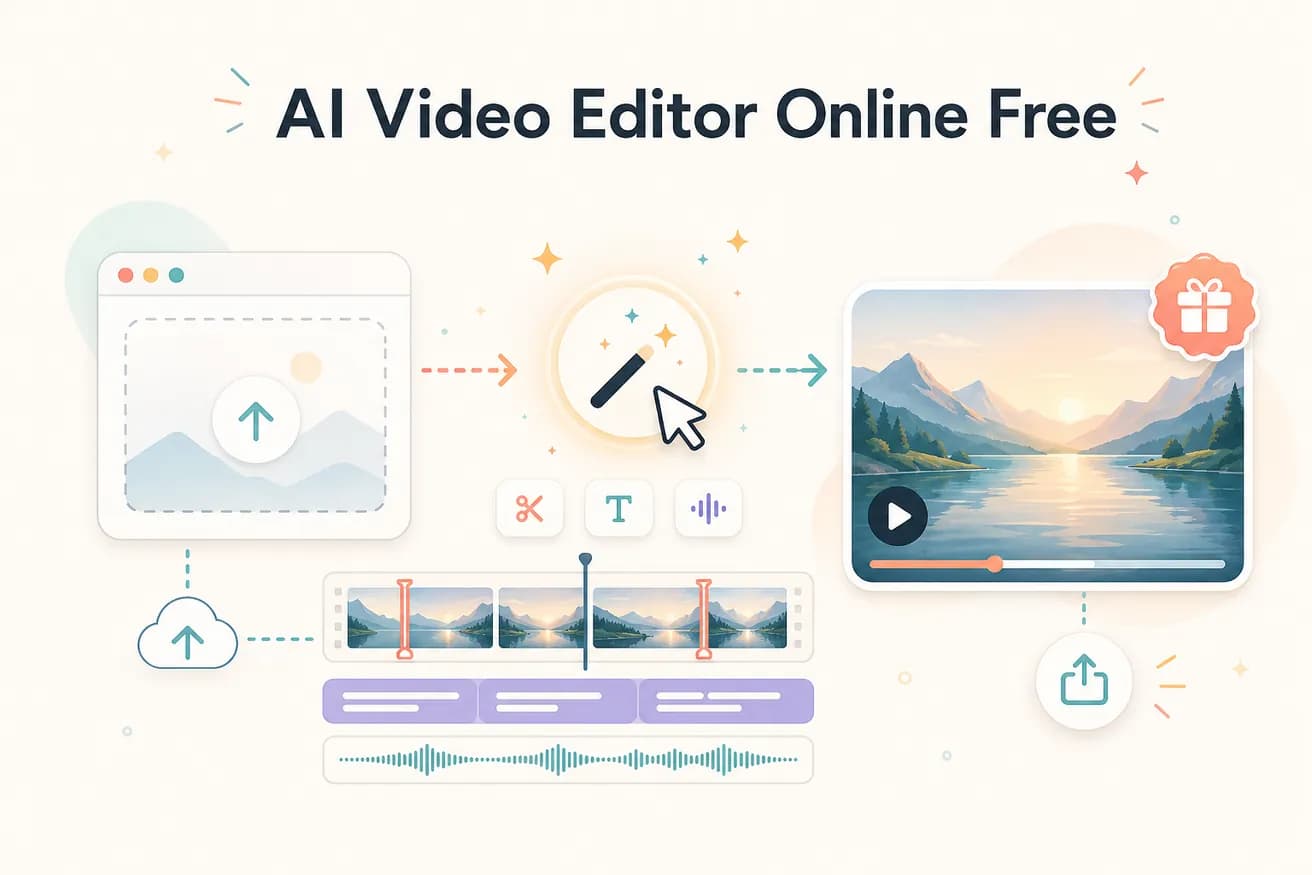
Yes — Editly's free tier gives 3 full AI-edited exports in any browser, no watermark, no credit card required. Most free AI video editors either watermark outputs or require a credit card for the free trial.
Comparing the free online AI video editing options that actually exist.
| Decision | Other Apps | Editly |
|---|---|---|
| Watermark on free exports | Most free AI tools: watermark on free exports — requires subscription for clean output | Editly: no watermark on any of the 3 free AI-edited exports |
| AI features on free tier | Most free AI tools: limited AI on free tier — silence removal or captions require subscription | Editly: full AI editing on all 3 free exports — same as Pro |
| Browser access | Traditional online editors (Kapwing, VEED): browser access to manual timeline — AI features limited on free | Editly: browser access to AI editing — prompt replaces timeline on all tiers |
| Credit card required | Many AI tools: card required even for free tier | Editly: no card required for 3 free AI-edited exports |
Step 1
No download required. Works on Chrome, Safari, Edge, Firefox — any modern browser on any device.
Step 2
Sign up free. You receive 3 AI-editing credits immediately.
Step 3
Add your video. Write what you want: 'Create a 5-minute video. Remove silences. Add captions. Export 16:9.' That's your full editing instruction.
Step 4
Editly processes in the cloud and returns a finished video — no watermark, full quality. One of your 3 free credits used.
Open any browser, go to editly.in, sign up free, upload footage, write a prompt. See AI editing in action on your footage at zero cost.
Related editing pages