Step 1
Open editly.in in your browser
Any browser, any device, any OS. No download, no login to external services required.
Editly AI
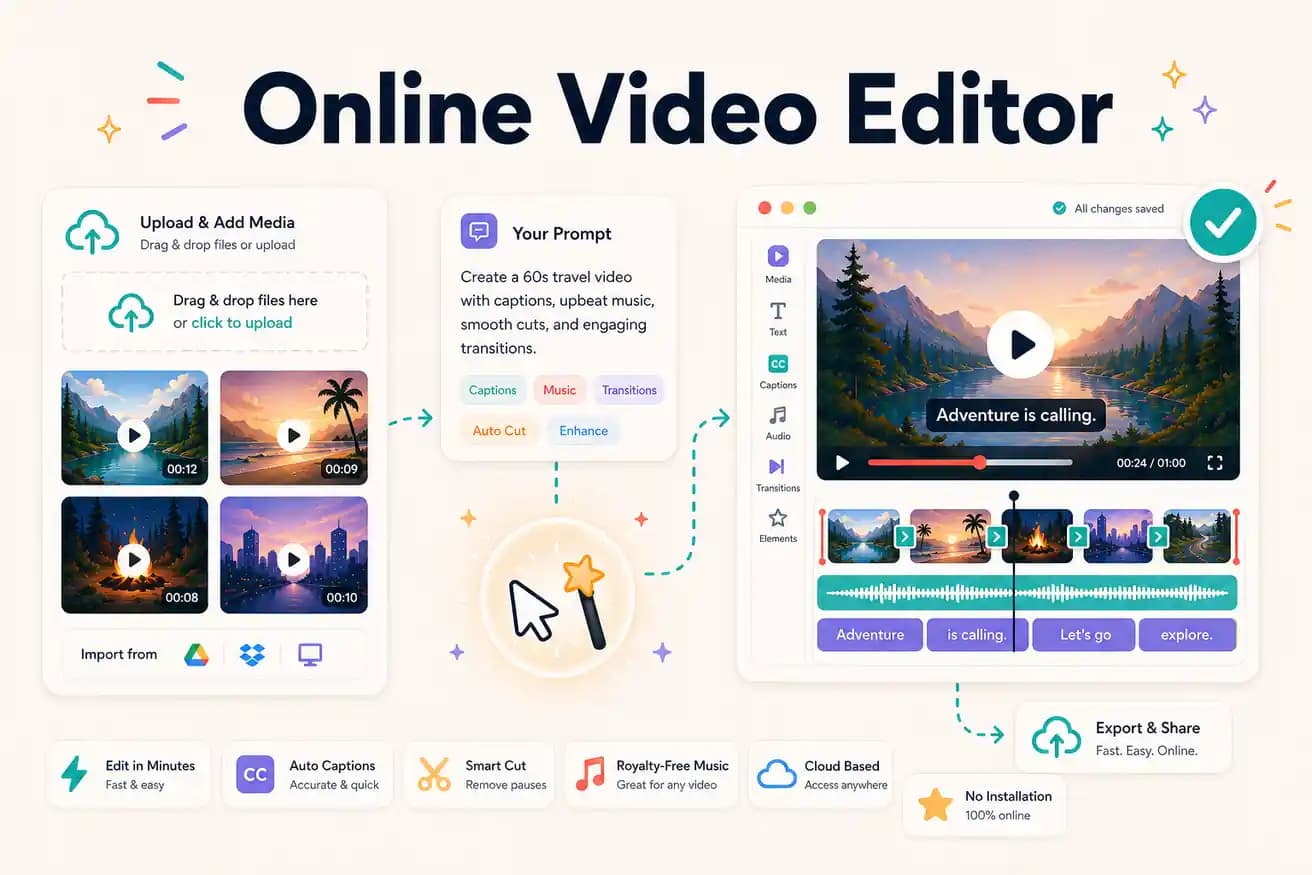
Kapwing is best for manual online editing with specific tools (subtitles, memes). VEED is best for polished browser editing with a screen recorder. Editly is best for AI-automated footage editing from a prompt. No single best — depends on use case.
Comparing every major online video editor on the dimensions that drive the right choice.
| Decision | Other Apps | Editly |
|---|---|---|
| Editing model | Kapwing / VEED: browser timeline — manual editorial decisions for every video | Editly: text prompt — AI makes editorial decisions from your description |
| Silence removal online | Kapwing / VEED: not core feature — requires manual timeline interaction | Editly: silence removal is a standard prompt instruction |
| Watermark on free tier | Kapwing / VEED: adds watermark on free exports — subscription to remove | Editly: 3 free exports without watermark |
| Best use case | Kapwing / VEED: specific tools (translation, meme, recording), precise manual control | Editly: footage-based content at volume with AI automation |
Step 1
Any browser, any device, any OS. No download, no login to external services required.
Step 2
Add your video from local storage or cloud. Long recordings and multi-clip projects both work.
Step 3
Describe the output you want. The AI makes the editorial decisions — clip selection, timing, captioning, structure.
Step 4
Finished MP4 downloads. Publish to YouTube, Instagram, LinkedIn, or import into any editor for finishing.
Use a free export on footage you'd normally edit in Kapwing or VEED. Compare the time, compare the output. 3 clean exports, no watermark, no card required.