Step 1
Open Safari on Mac
Go to editly.in. No Mac App Store purchase, no Final Cut Pro license. Safari is already installed.
Editly AI
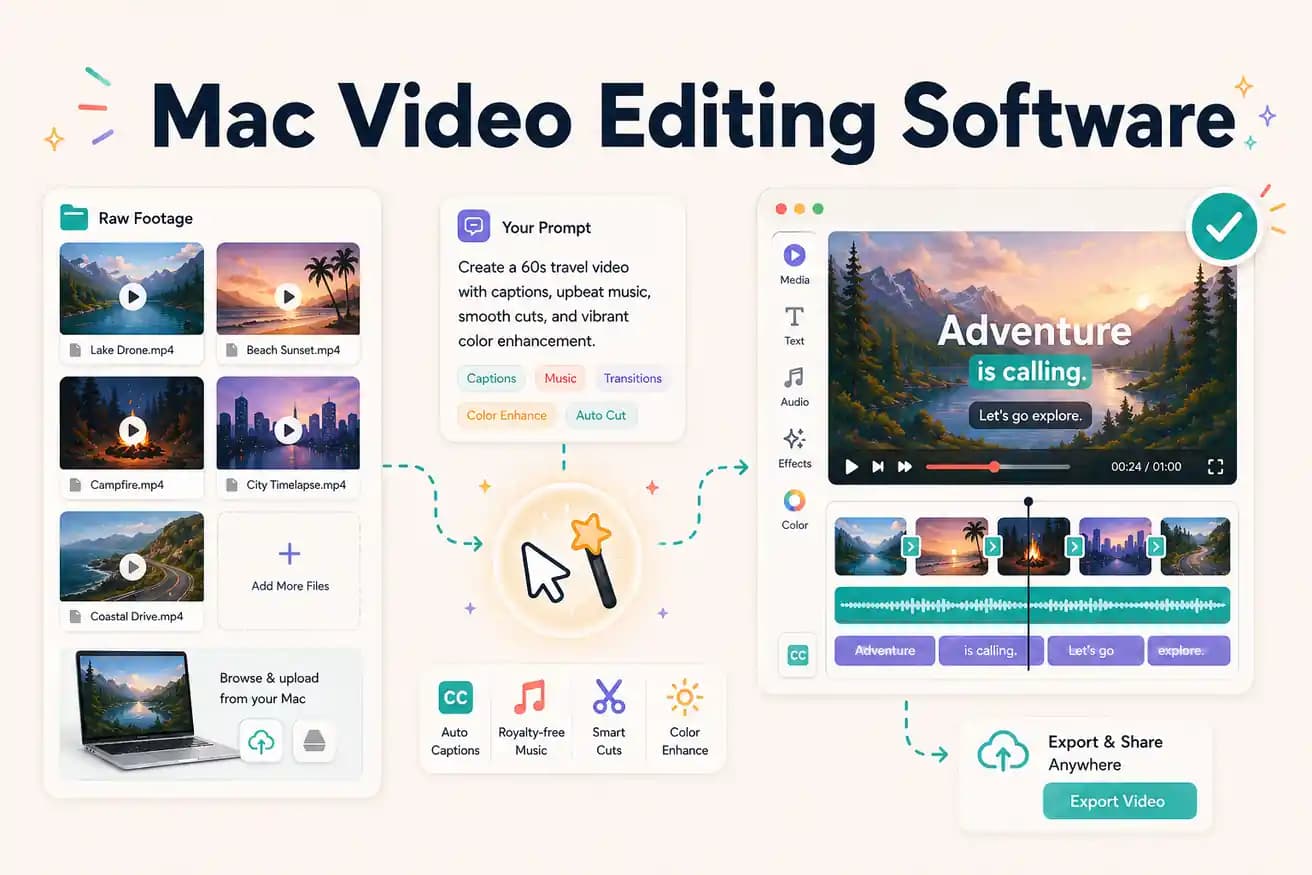
For professional Mac editing: Final Cut Pro ($299) for best Mac performance, DaVinci Resolve (free) for professional tools at no cost. For AI-powered browser editing: Editly works in Safari and provides AI-automated footage editing without Mac-specific software.
Comparing the main Mac video editing options on price, capability, and time investment.
| Decision | Other Apps | Editly |
|---|---|---|
| Final Cut Pro | Final Cut Pro: $299 one-time, Mac-only — professional quality, fast rendering on Apple Silicon, full NLE | Editly: $28/month Pro, any browser — AI editing from a prompt, 15-20 minutes per video |
| DaVinci Resolve (free) | DaVinci Resolve: free, Mac compatible — professional NLE, unlimited exports, manual editing | Editly: AI-automated — same content type takes 15-20 minutes vs 2-4 hours in DaVinci |
| Silence removal on Mac | Final Cut Pro / DaVinci Resolve: no built-in silence detection — manual or scripted | Editly: silence removal in any prompt — standard, automated |
| Platform requirement | Final Cut Pro: Mac only; Premiere Pro: Mac and Windows; DaVinci: Mac, Windows, Linux | Editly: any browser on any OS — Mac Safari works identically to Windows Edge |
Step 1
Go to editly.in. No Mac App Store purchase, no Final Cut Pro license. Safari is already installed.
Step 2
Add your recordings from Mac Finder or iCloud. Editly handles MP4, MOV, and MKV.
Step 3
'Create a 6-minute YouTube tutorial from this 30-minute recording. Remove silences. Add captions. Export 16:9 1080p.' Cloud processes, Mac doesn't render.
Step 4
Download the finished MP4 and publish, or import into Final Cut Pro for finishing color and audio if needed.
Open Safari on your Mac, go to editly.in, upload footage, write a prompt. 3 free AI-edited exports without any Mac software purchase.