Step 1
Open Safari on iPhone and go to editly.in
No App Store installation. Works on any iPhone with iOS 14 or later and Safari.
Editly AI
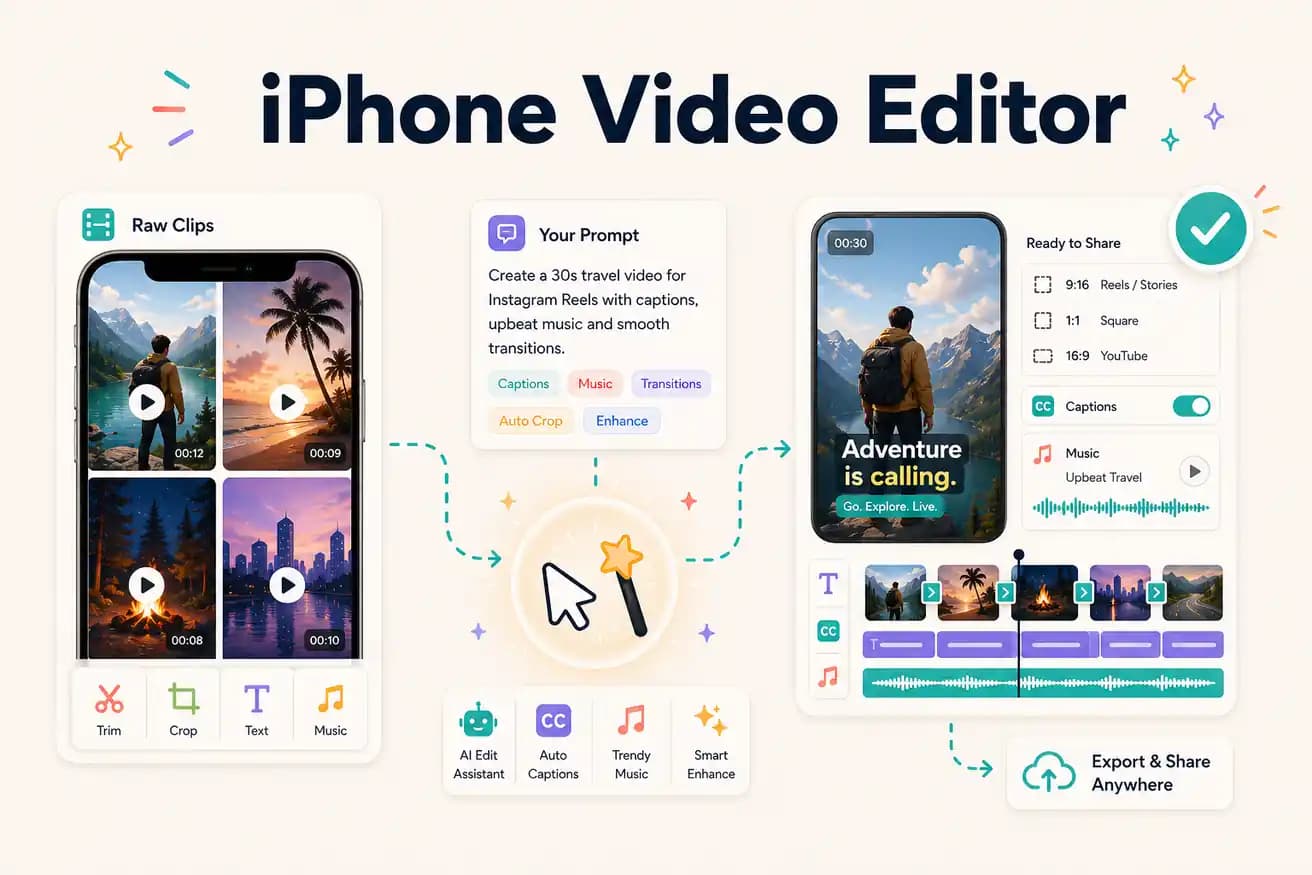
iMovie is the best free native iPhone editor for simple projects. CapCut is the most capable free iPhone app for social content. Editly (via Safari) is the best AI-powered option for long footage editing without an additional app install.
Each iPhone editing option serves a different need. Match the tool to your content type.
| Decision | Other Apps | Editly |
|---|---|---|
| iMovie | iMovie: free Apple native app — polished, simple, no silence removal, no AI captions | Editly via Safari: AI-powered browser editing — silence removal and captions from a prompt |
| CapCut | CapCut: best free iPhone editor — effects library, TikTok integration, mobile timeline | Editly via Safari: better for long footage and AI automation — use CapCut for phone clips |
| Silence removal on iPhone | iPhone apps (iMovie, CapCut): no automatic silence removal — manual scrubbing required | Editly: silence removal as a prompt instruction — applied automatically |
| Long footage editing | iPhone apps: performance issues and timeline complexity for recordings over 15+ minutes | Editly: cloud processing handles long footage without iPhone performance constraints |
Step 1
No App Store installation. Works on any iPhone with iOS 14 or later and Safari.
Step 2
Upload from iPhone storage or Photos app. Long recordings upload via WiFi — no phone rendering needed.
Step 3
'Create a 90-second Instagram Reel from this interview. 9:16 format. Add captions. Start with the strongest moment. Remove pauses.' Server processes it.
Step 4
The finished video saves to iPhone. Post directly to Instagram, TikTok, or YouTube from your Photos app.
Open Safari on your iPhone, go to editly.in, upload footage, write a prompt. 3 free AI-edited exports without installing another app.