Step 1
Open editly.in in any browser
No download, no registration pain. Works in Chrome, Safari, Firefox, Edge — any modern browser on any device.
Editly AI
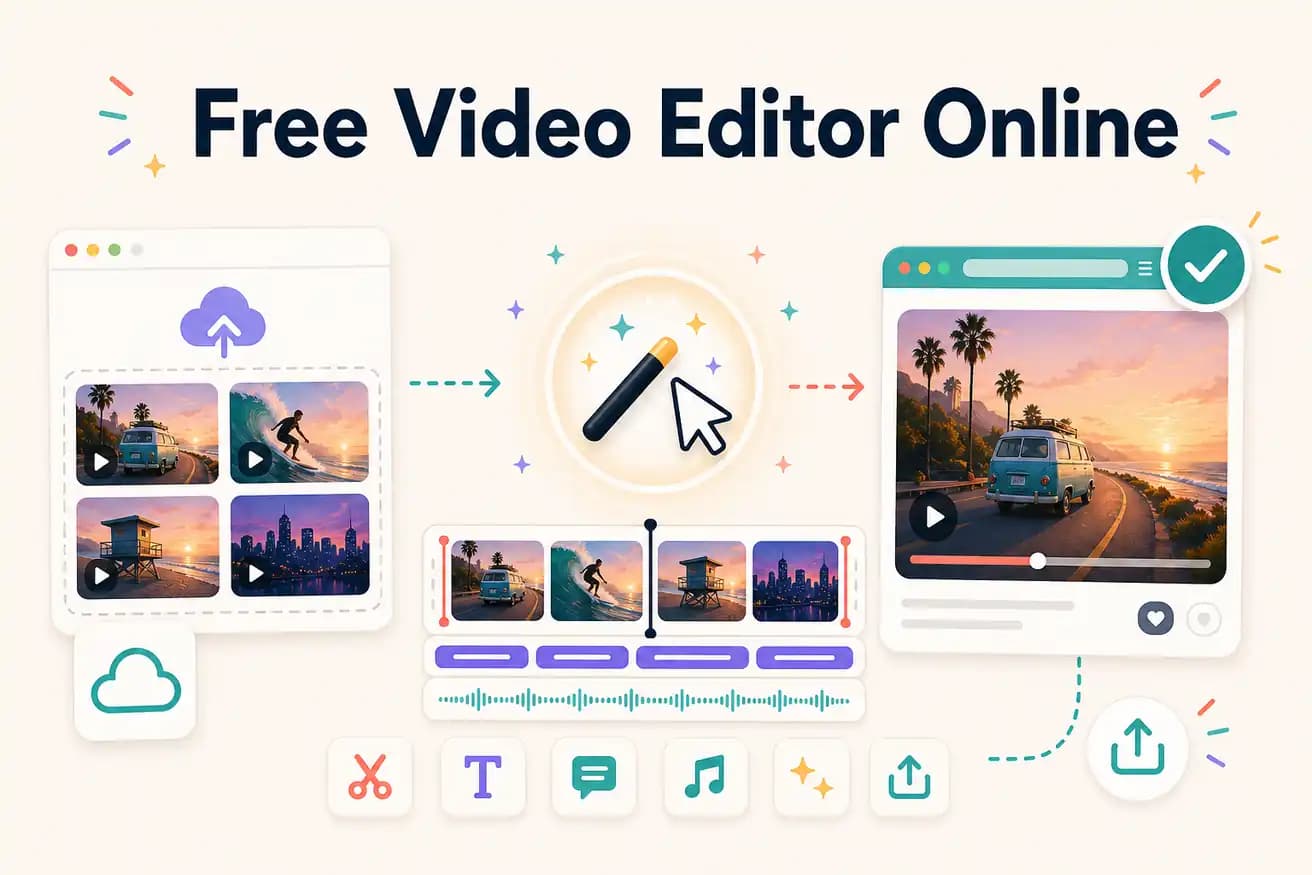
For manual online editing without watermark: Clipchamp (Windows). For AI online editing evaluation: Editly's 3 free exports. For online editing with watermark on free tier: Kapwing or VEED. Best depends on whether you want unlimited manual access or limited AI automation.
Both categories are browser-based with no download. The difference is how much manual work you do per video.
| Decision | Other Apps | Editly |
|---|---|---|
| Editing approach | Kapwing / VEED: browser timeline — still manual, still requires your editorial decisions per video | Editly: describe the edit — AI makes editorial decisions from your prompt |
| Watermark on free tier | Kapwing / VEED: adds watermark on free tier — subscription required to remove | Editly: no watermark on free exports — 3 clean AI-edited videos to evaluate |
| Silence removal | Online editors: not available or manual — requires timeline interaction | Editly: silence removal is a prompt option — applied automatically |
| Long footage | Online editors: browser timeline becomes slow on long recordings — file size limits on some | Editly: cloud processing handles long recordings without browser performance issues |
Step 1
No download, no registration pain. Works in Chrome, Safari, Firefox, Edge — any modern browser on any device.
Step 2
Sign up free — no credit card. Upload your video file. You get 3 free AI-editing credits.
Step 3
Describe what you want: 'Make a 5-minute YouTube tutorial from this 25-minute recording. Remove silences. Add white captions. Export 16:9.'
Step 4
Editly returns a finished MP4 — no watermark, no timeline work. Download and post.
Test online AI editing on your actual footage. 3 full exports, no browser timeline, no watermark. The only thing you need is a prompt.