Step 1
Upload your raw footage
Drag your clips directly into Editly. It handles long interview recordings, multi-clip shoots, and vertical or horizontal footage.
Editly AI
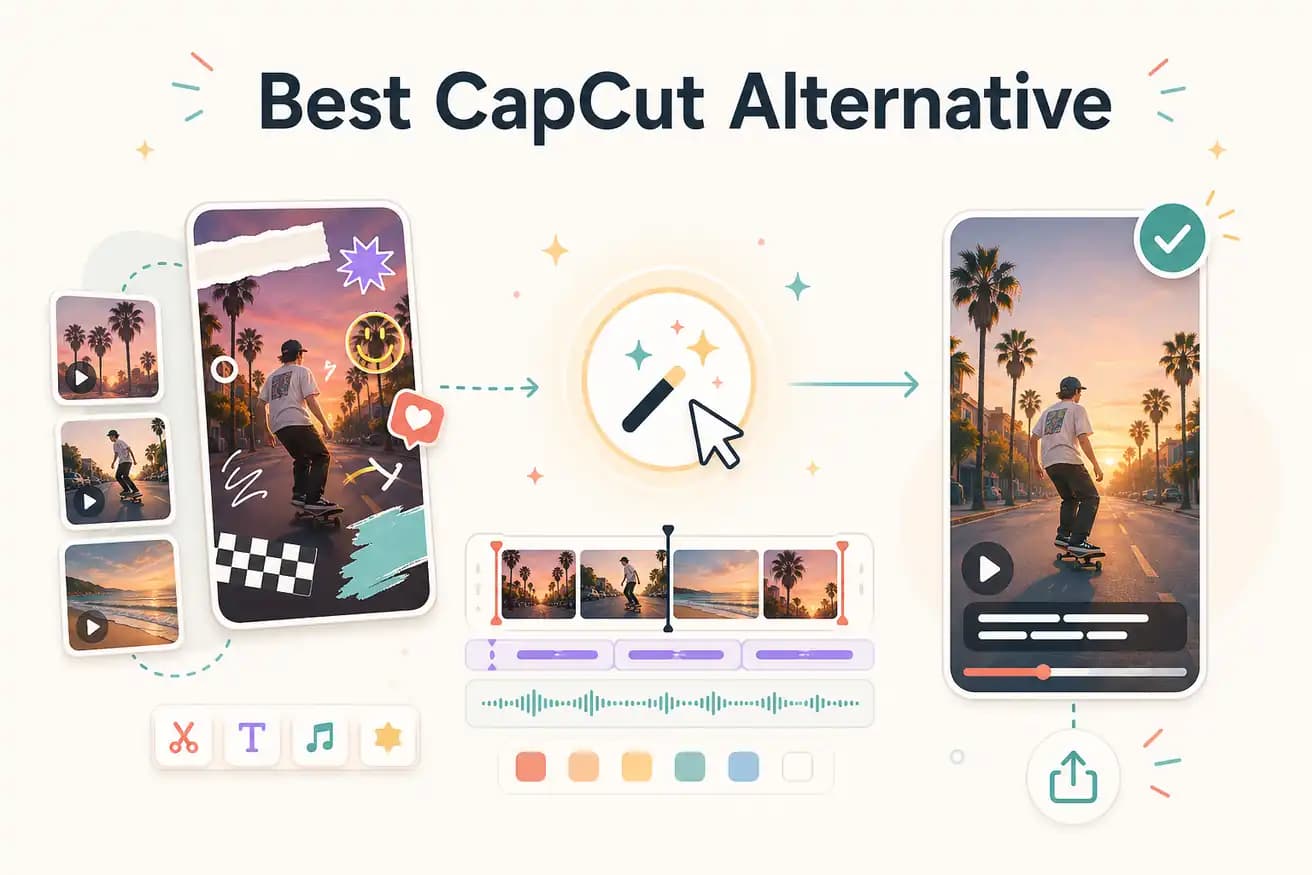
No — CapCut has a much larger effects and template library. Editly focuses on the edit logic: cuts, captions, silence removal, clip order, vertical framing. If you want trending visual effects, stay with CapCut. If you want to describe your edit in English and skip the timeline, use Editly.
Both tools can produce short-form social content. The difference is how much manual work you do to get there.
| Decision | CapCut | Editly |
|---|---|---|
| Editing method | CapCut: drag clips onto a mobile or desktop timeline, trim manually, add effects layer by layer | Editly: type what you want in plain English — the AI trims, reorders, captions, and exports automatically |
| Captions | CapCut auto-captions work well but require manual style adjustment and placement per project | Editly generates captions as part of the edit prompt — style and position described in the same instruction |
| Silence removal | CapCut requires manual scrubbing or third-party plugins to remove dead air from talking-head footage | Silence removal is a single prompt instruction — 'remove silences over 0.5 seconds' applies across the whole clip |
| Platform | CapCut is mobile-first with a desktop web version; best experience is on a phone or tablet | Editly is fully browser-based — works on any device, no download required |
Step 1
Drag your clips directly into Editly. It handles long interview recordings, multi-clip shoots, and vertical or horizontal footage.
Step 2
Write a prompt like: 'Remove silences, keep the best 90 seconds, add captions in white bold text, reframe for 9:16.' That's your entire edit instruction.
Step 3
Editly's Rust-powered engine (Acute) processes your footage and returns a draft. Watch it through and note what needs changing.
Step 4
Type 'make the intro tighter' or 'swap the B-roll at 0:45' — no timeline reopening, no layer hunting. One prompt per revision.
Upload a clip you would normally edit in CapCut. Write one prompt. See if the result saves you 20 minutes. If it does, you have found your new workflow.