Step 1
Start with what's already on your PC
If you're on Windows 11, Clipchamp is already installed. For simple one-off edits, use it. For AI editing, open Edge and go to editly.in — nothing to install.
Editly AI
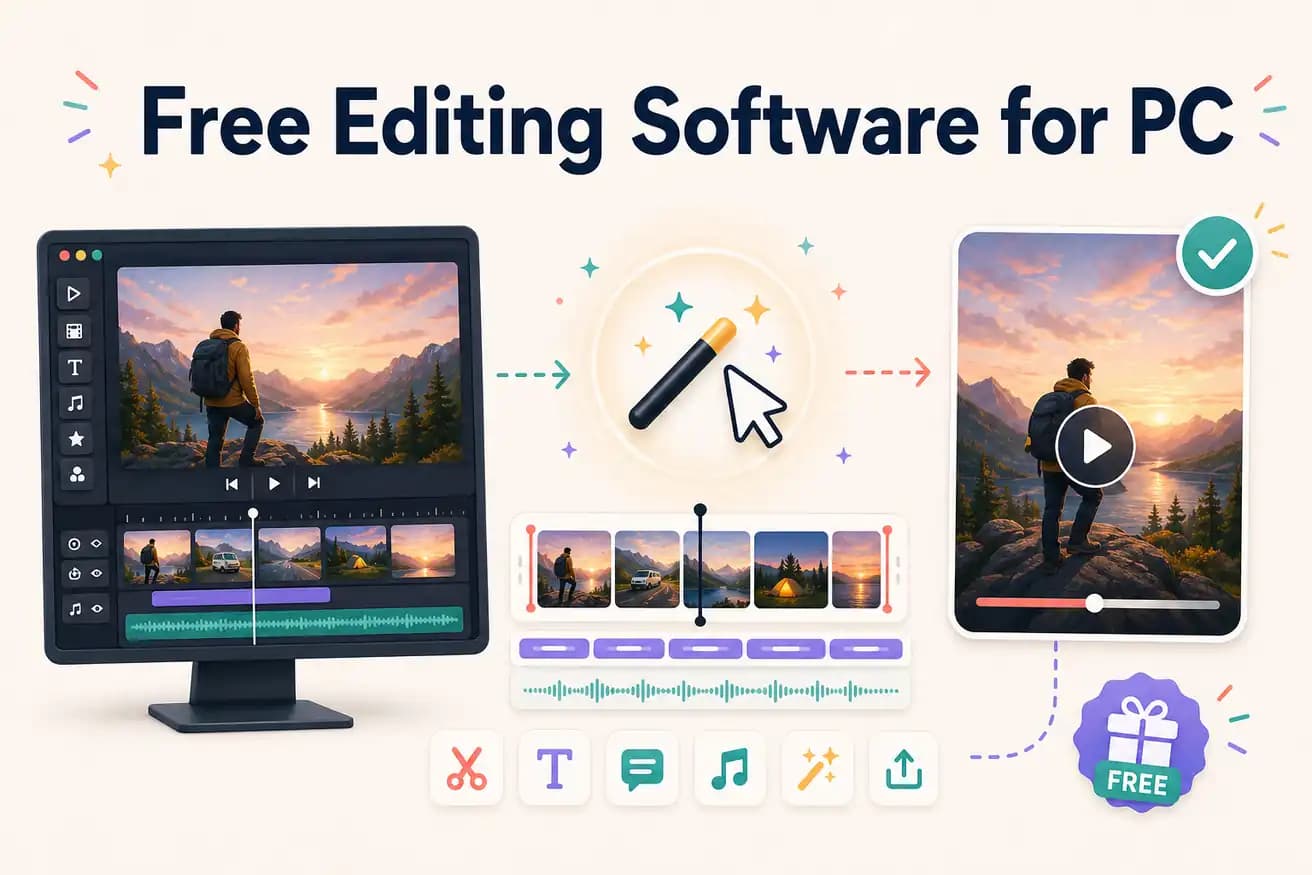
For unlimited professional editing: DaVinci Resolve. For convenience on Windows 11: Clipchamp. For AI-powered editing evaluation: Editly's free tier (3 exports in any browser). The best choice depends on whether you prioritize unlimited access, convenience, or AI automation.
Choosing between free PC editors comes down to hardware, time investment, and the type of editing you need.
| Decision | Other Apps | Editly |
|---|---|---|
| Hardware requirement | DaVinci Resolve: benefits from dedicated GPU and 16GB+ RAM for 4K — struggles on basic PCs | Editly: any PC browser — all processing is cloud-side, no GPU or RAM requirements |
| Installation | Clipchamp: already on Windows 11; DaVinci Resolve: 2.5GB download; others: additional downloads | Editly: open editly.in in Edge — no additional installation |
| Silence removal | All free PC editors: not built-in — requires manual scrubbing on every project | Editly: silence removal is a prompt instruction — applied automatically |
| First video | Free PC NLEs: hours of setup and learning before producing decent output | Editly: first finished video in under 20 minutes — no setup or learning required |
Step 1
If you're on Windows 11, Clipchamp is already installed. For simple one-off edits, use it. For AI editing, open Edge and go to editly.in — nothing to install.
Step 2
Upload footage you'd normally edit manually on your PC. Write a prompt. Compare the time and output quality to your current PC editing workflow.
Step 3
For unlimited free PC editing with professional tools: download DaVinci Resolve. It's free, capable, and improves with practice.
Step 4
After testing, choose the combination that works: Editly for AI speed, DaVinci for professional control, Clipchamp for quick convenience.
Open Edge on your PC, go to editly.in, upload footage, write a prompt. 3 free AI-edited exports on your actual PC without installing anything.