Step 1
Open Edge or Chrome on your PC
Go to editly.in. No download, no install, no GPU driver update required.
Editly AI
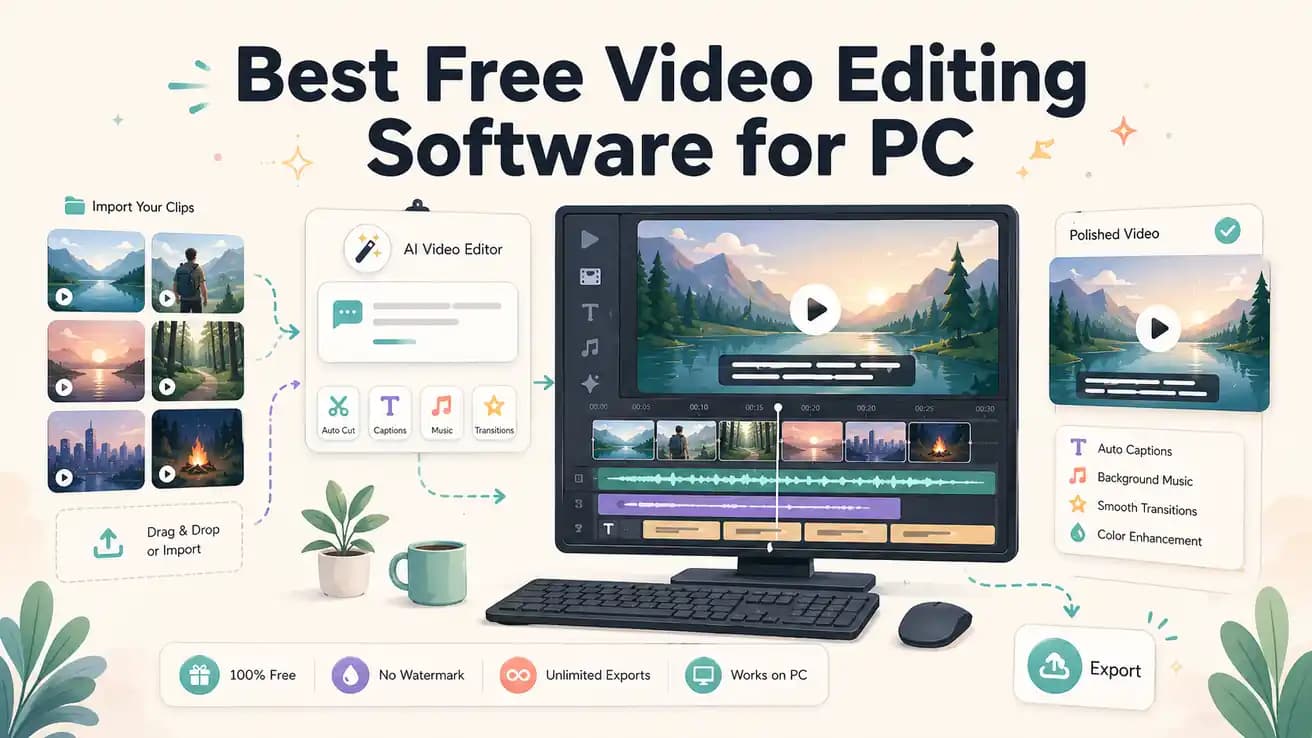
DaVinci Resolve is the best completely free PC video editor — professional features, no watermark, unlimited exports. Clipchamp is the most convenient free option for Windows 11 users. Editly's free tier gives 3 AI-edited exports for testing AI editing on PC without installing software.
Every genuinely free PC video editing option, compared honestly on what matters.
| Decision | Other Apps | Editly |
|---|---|---|
| DaVinci Resolve (free) | DaVinci Resolve: professional-grade free NLE — unlimited exports, no watermark, steep learning curve, GPU-heavy | Editly free: 3 AI-edited exports, no watermark, zero learning curve, no GPU required |
| Clipchamp (free, Windows built-in) | Clipchamp: convenient Windows 11 integration — basic timeline, no silence removal, no auto-captions | Editly free: AI editorial decisions — silence removal and captions in the prompt, cloud-processed |
| Silence removal on PC | Free PC editors: all require manual scrubbing or external tools for silence detection and removal | Editly: silence removal is a prompt instruction — applied automatically, no manual scrubbing |
| Auto-captions on PC | Free PC editors: DaVinci Resolve has Speech to Text; Clipchamp/Shotcut/OpenShot require setup or don't support it | Editly: captions generated automatically as part of the edit prompt on all plans including free |
Step 1
Go to editly.in. No download, no install, no GPU driver update required.
Step 2
This gives you an honest comparison — same footage, different approach.
Step 3
'Edit this to 5 minutes, remove silences, add captions, export YouTube 16:9.' Time how long the Editly process takes vs your normal PC editing workflow.
Step 4
If the output is acceptable and the time savings are real, Pro at $28/month covers 100 exports. If you prefer manual control, DaVinci Resolve free is excellent.
The only way to know if AI editing saves you enough time is to test it on your actual footage. 3 free exports, no PC installation, no card required.