Step 1
Start with Clipchamp if you're on Windows 11
It's already there. For quick simple edits, use what you have before downloading anything else.
Editly AI
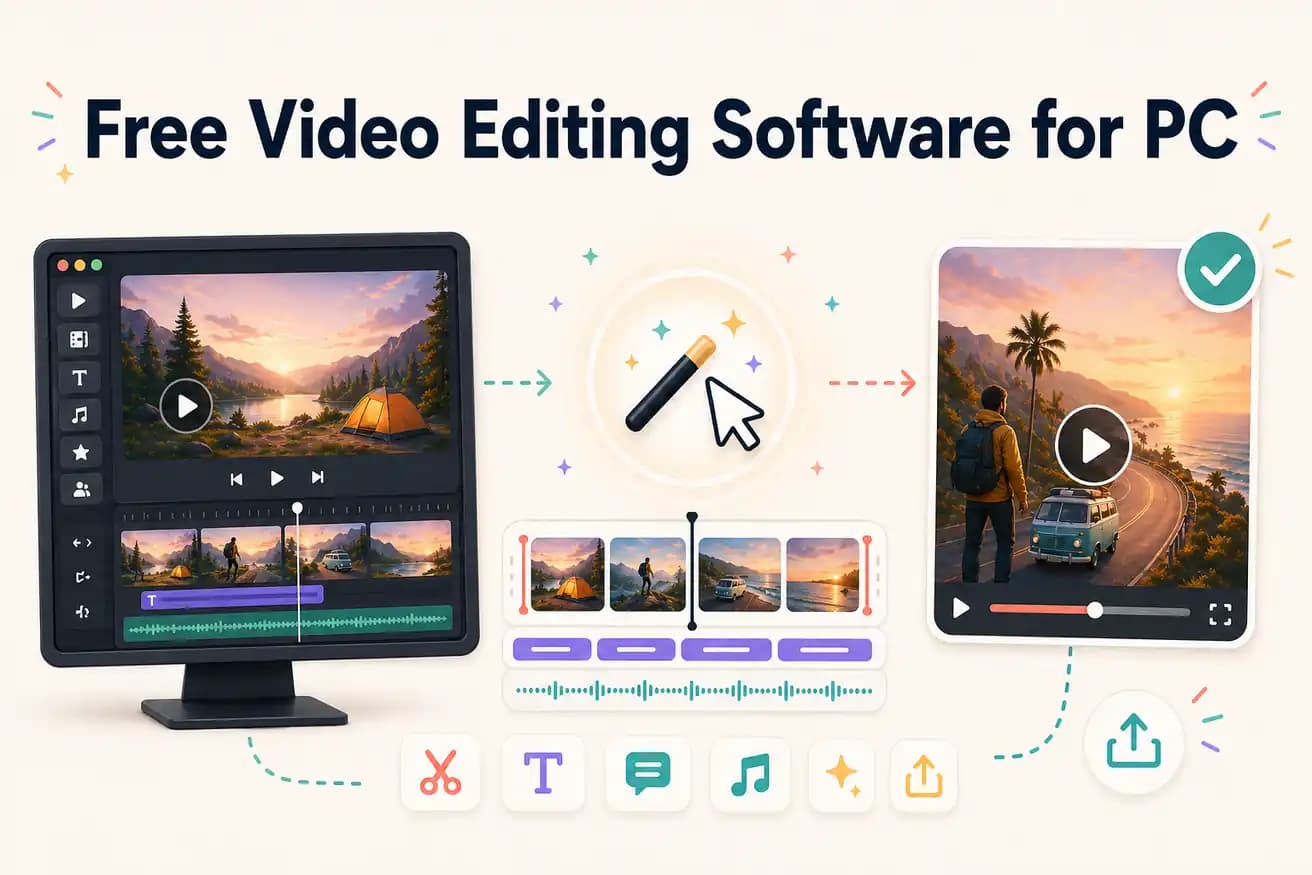
DaVinci Resolve is the best free professional Windows editor. Clipchamp is the most convenient (built into Windows 11). Editly's free tier is the best for AI editing evaluation on PC. Shotcut and Kdenlive are strong open-source cross-platform options.
Comparing every meaningful free option for PC video editing in 2026.
| Decision | Other Apps | Editly |
|---|---|---|
| GPU requirement on PC | DaVinci Resolve: benefits from dedicated NVIDIA/AMD GPU — smooth performance on 4K | Editly: no GPU required — all processing is cloud-side, works on any PC |
| Installation size | DaVinci Resolve: 2.5GB download; Shotcut/Kdenlive: 100-300MB | Editly: zero install — open editly.in in Edge or Chrome |
| Silence removal on PC | All free PC NLEs: not built-in — requires manual scrubbing on every video | Editly: silence removal is a prompt option — applies automatically |
| Auto-captions on PC | DaVinci Resolve: Speech to Text feature (needs setup); others: SRT import only | Editly: captions generated from spoken content automatically |
Step 1
It's already there. For quick simple edits, use what you have before downloading anything else.
Step 2
2.5GB download, worth every MB if you want professional tools at zero cost. GPU helps but isn't required for basic editing.
Step 3
Open editly.in in Edge. Upload footage. Write a prompt. 3 free AI-edited exports to compare against manual editing.
Step 4
Most PC creators benefit from having at least two tools: a manual NLE for control, and an AI editor for speed. DaVinci + Editly is a practical combination.
Open Edge on your Windows PC, go to editly.in, upload footage, write a prompt. Test AI editing for free before installing anything else.