Step 1
Create a free account at editly.in
No credit card required. You receive 3 free credits immediately upon signup.
Editly AI
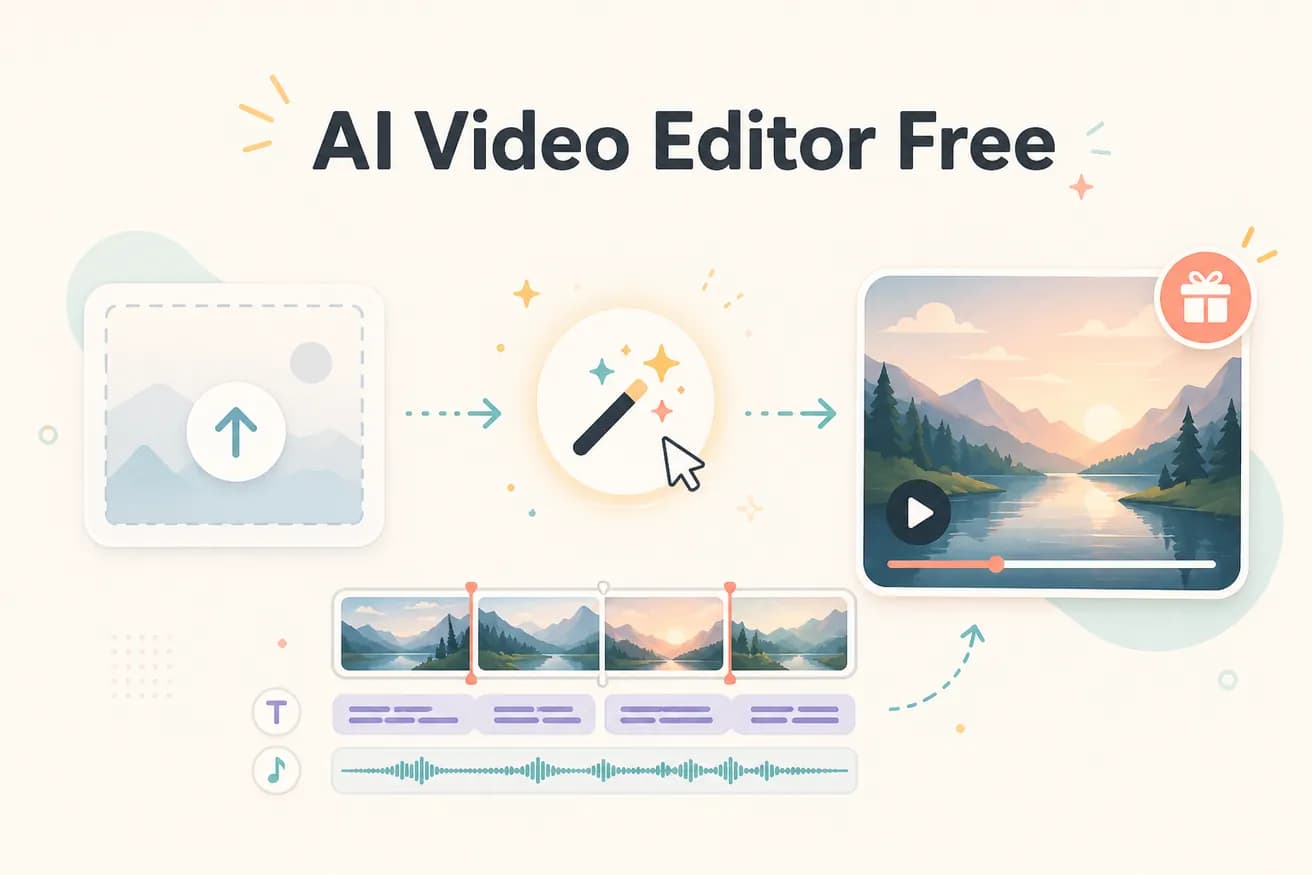
Yes — 3 full AI-edited exports, no watermark, no credit card required. The free tier is a genuine evaluation of the AI editing quality, not a degraded preview.
Comparing free AI video editing options on what matters — quality and limitations.
| Decision | Other Apps | Editly |
|---|---|---|
| Export quality on free tier | Most free AI editors: reduced quality, watermarks, or feature-locked previews on free tier | Editly: full quality, no watermark on all 3 free exports — same as paid |
| Quantity | Free traditional editors (DaVinci, Shotcut): unlimited free exports — but manual editing required | Editly: 3 free AI-edited exports — then $28/month |
| AI features on free tier | AI-assisted tools: limited AI features on free tier — full AI requires subscription | Editly: full AI editing on all 3 free exports — silence removal, captions, segment selection |
| Credit card required | Many AI tools: credit card required even for free trial | Editly: no credit card required to use 3 free exports |
Step 1
No credit card required. You receive 3 free credits immediately upon signup.
Step 2
Add the video you want AI-edited. Long recordings, multiple clips, any standard format works.
Step 3
Be specific for best results: 'Create a 5-minute YouTube video from this 25-minute interview. Remove silences. Add white captions. Start with the strongest answer. Export 16:9 1080p.'
Step 4
Editly returns a finished video — no watermark, full quality. Evaluate and decide whether Pro ($28/month) is worth it.
Test AI video editing on your actual footage. 3 full exports to find out if the technology works for your content. No card, no commitment, no watermark.
Related editing pages